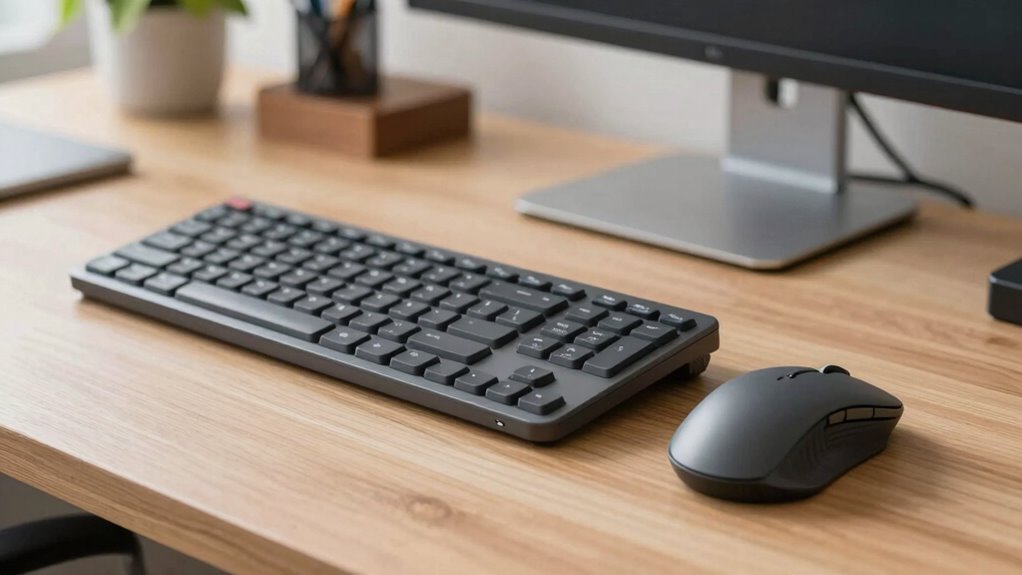
The two-week plan for transitioning to split keyboards and vertical mice offers practical steps to prevent strain, but understanding the full process can make all the difference.
Browsing Category
Home Office & Productivity
16 posts
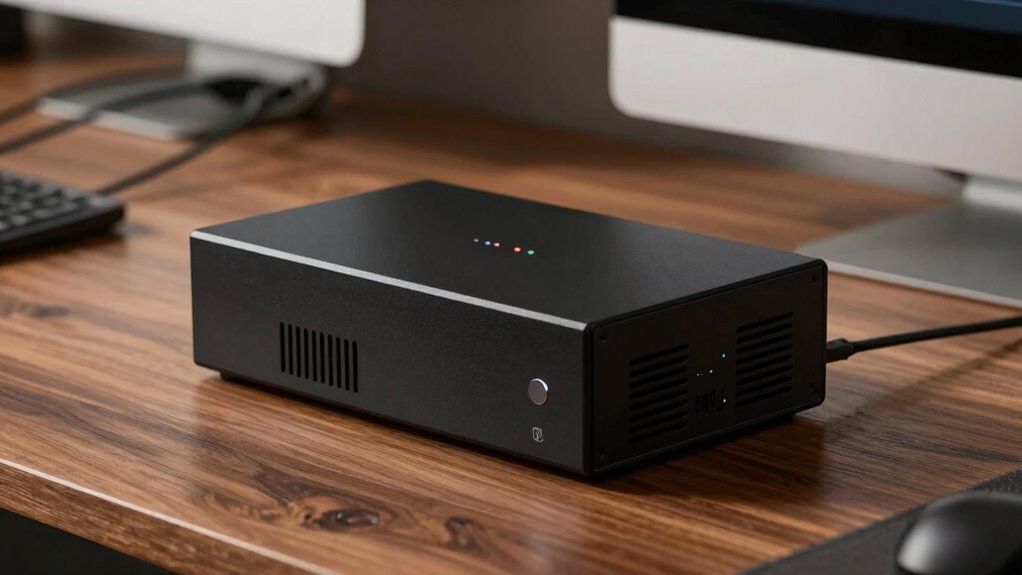
UPS Battery Backups: The Simple Formula to Pick the Right VA Rating
Stay tuned to learn the simple formula for selecting the perfect UPS VA rating and ensure your backup system is reliable and scalable.
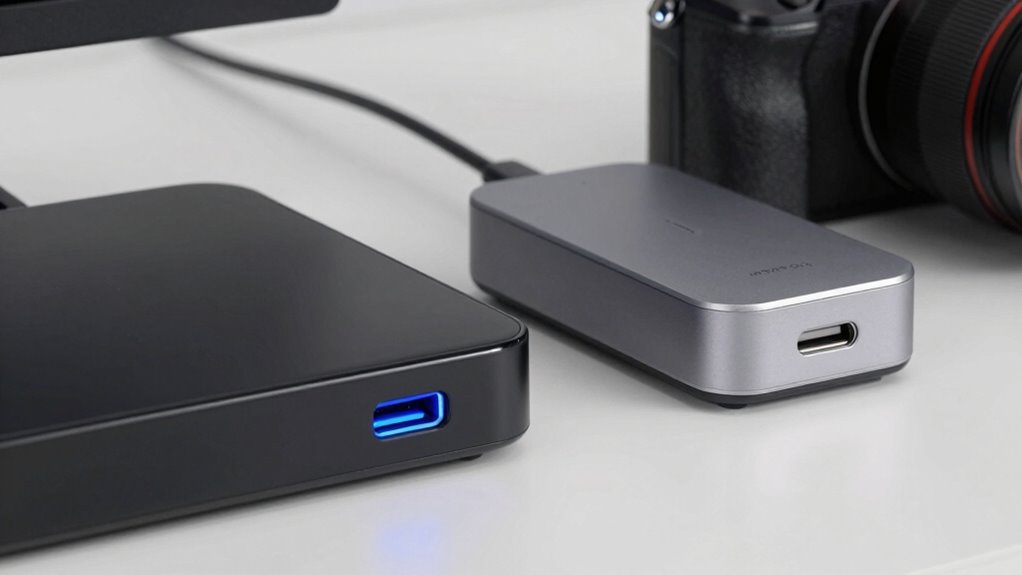
Docking Stations Explained: Thunderbolt vs USB‑C (Avoid the Compatibility Trap)
The truth about docking stations—Thunderbolt versus USB‑C—can prevent costly compatibility issues if you understand their differences and choose wisely.
Noise‑Canceling Headphones: What “ANC” Can’t Fix (And How to Improve Clarity)
Covering what ANC can’t fix and how to enhance sound clarity, this guide reveals essential tips to improve your noise-canceling headphone experience.
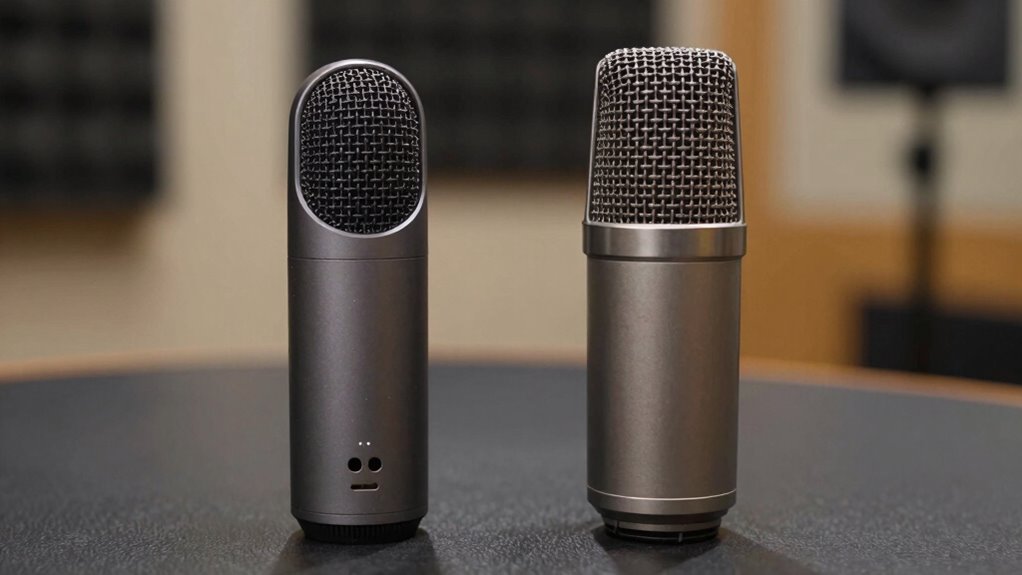
Microphone Quality 101: USB Vs XLR (And When You’Ll Hear the Difference)
Noticing the subtle yet impactful differences between USB and XLR microphones can transform your audio quality—discover when you’ll truly hear the difference.
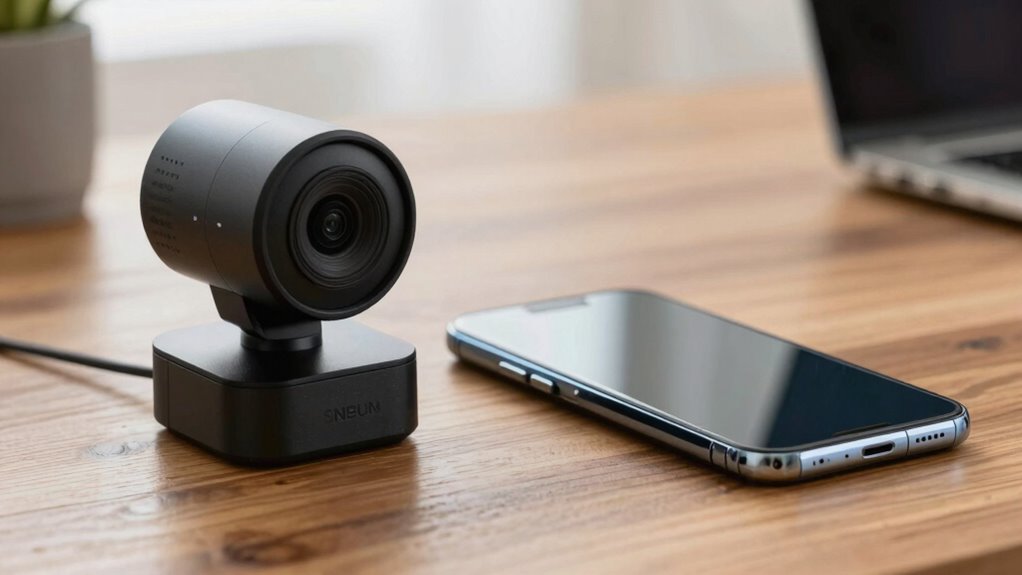
Webcam vs Smartphone Camera for Calls: The Surprising Winner
Just when you think you know which is better, discover the surprising winner in webcam versus smartphone camera calls.
Document Scanners: Duplex, OCR, and What “ppm” Actually Means
Familiarize yourself with duplex scanning, OCR, and PPM to choose the perfect document scanner—discover what really impacts your workflow.
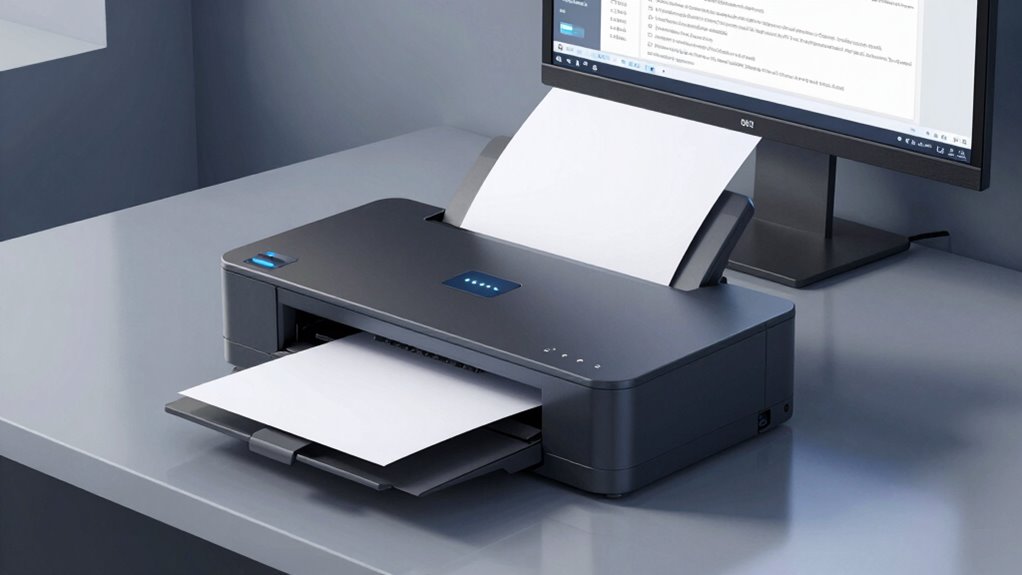
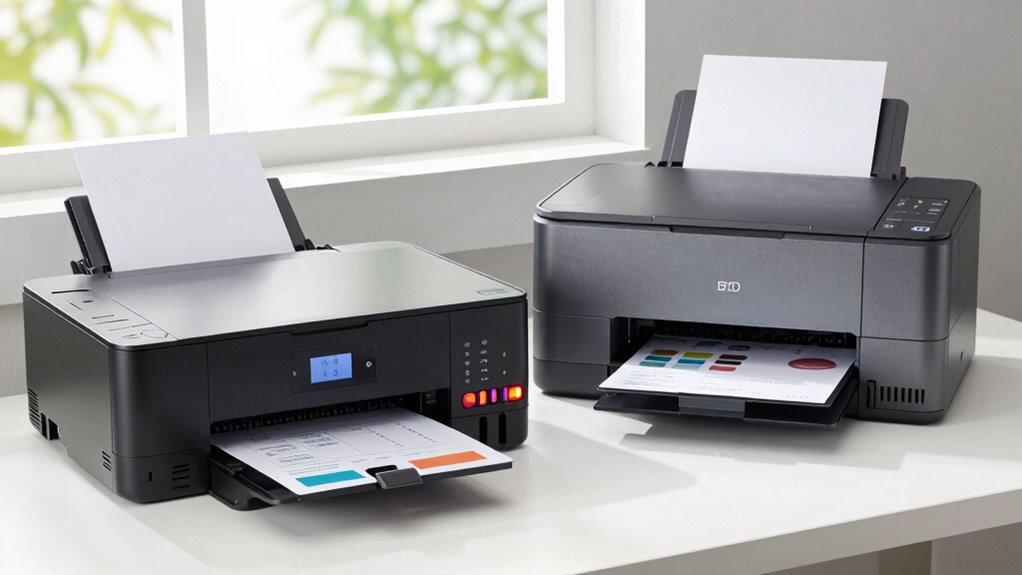
Printer Buying Guide: Laser vs Inkjet for Real Home‑Office Workloads
When choosing between laser and inkjet printers for your home office, consider…
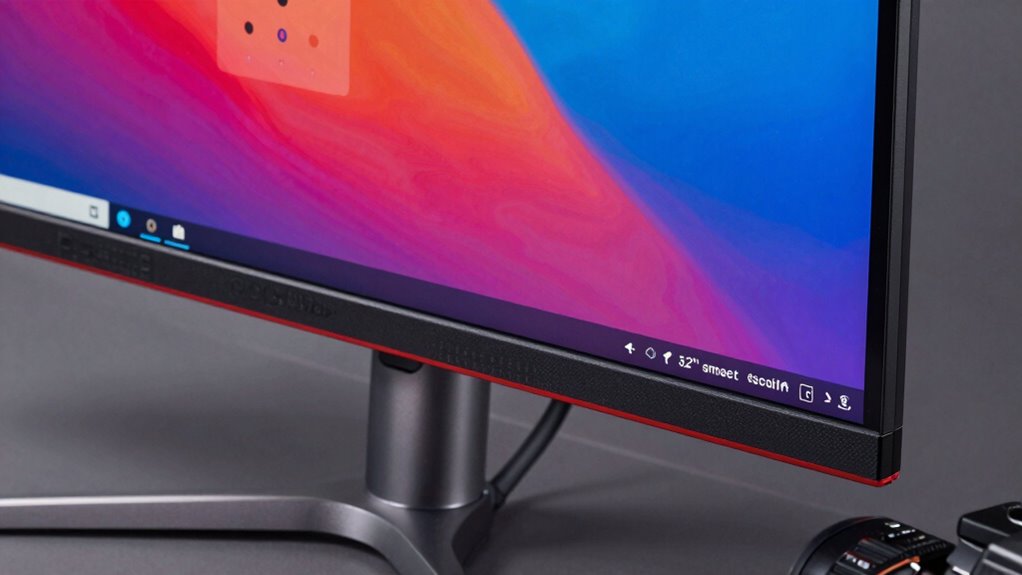
32 4K Monitor Buying Guide: Scaling Settings That Prevent Eye Strain
Considering proper scaling settings is crucial for eye comfort; discover how to optimize your 32 4K monitor to prevent strain and enhance your viewing experience.
Ultrawide Monitor Productivity: The Layout That Replaces Two Screens
Navigating the benefits of an ultrawide monitor for productivity reveals a layout that can replace two screens, but how exactly does it transform your workflow?