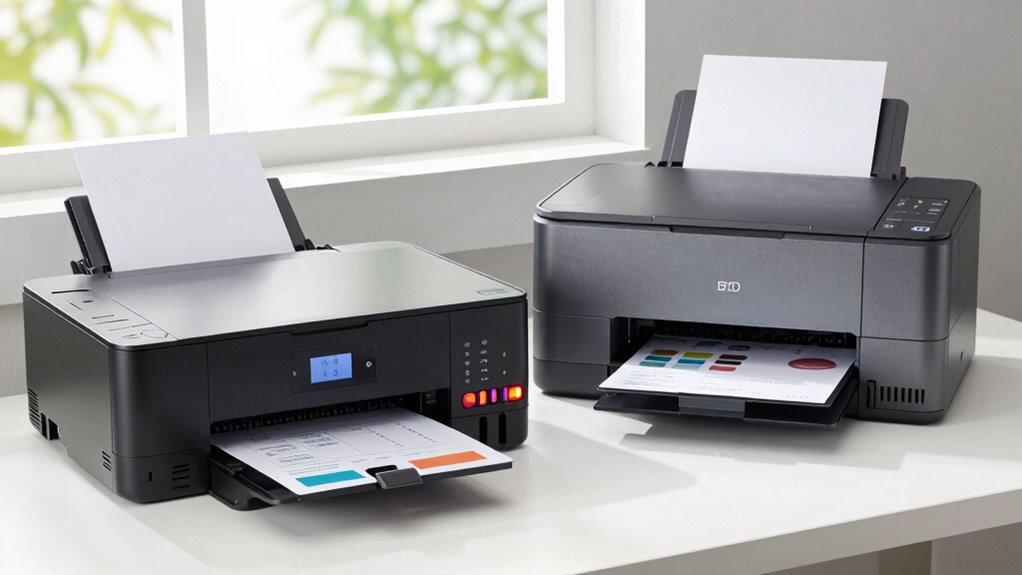

When choosing between laser and inkjet printers for your home office, consider your typical workload and print quality needs. Laser printers handle high volumes quickly, produce sharp black-and-white text, and have lower running costs, making them ideal for frequent tasks. Inkjet models excel at printing high-quality color images and photos but are better suited for occasional use. To find the best fit for your work routine, discover more about each option’s advantages and considerations.
Key Takeaways
- Laser printers excel in high-volume, fast printing with sharp text, ideal for professional documents in home offices.
- Inkjet printers deliver better color quality and photo printing, suitable for creative or occasional printing needs.
- Long-term costs favor laser models due to lower toner expenses and durability, while inkjets may require more frequent maintenance.
- Wireless and multi-function features enhance versatility and ease of use for diverse home-office tasks.
- Choose based on workload, media types, and print quality priorities to ensure optimal performance and cost-effectiveness.
What Are the Main Differences Between Laser and Inkjet Printers?
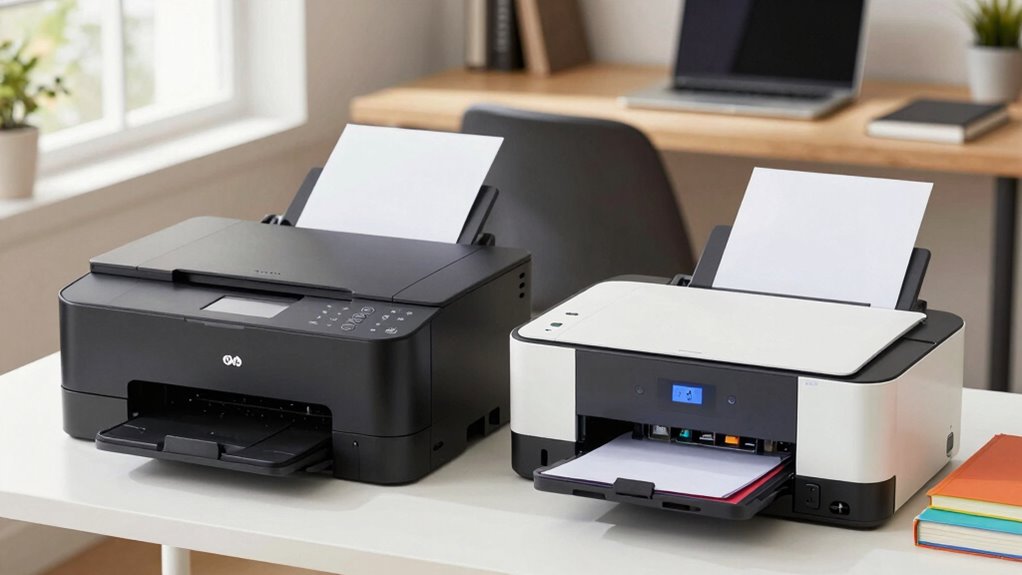
When choosing between laser and inkjet printers, understanding their main differences can help you make an informed decision. Laser printers typically offer higher print resolution, resulting in sharp text and professional-looking documents. They handle paper more efficiently, especially with larger volumes, thanks to their faster printing speeds and robust paper handling systems. Inkjet printers, on the other hand, excel at printing high-quality color images and photos but generally have lower print resolution for text. Their paper handling is usually more versatile for different media types, but they may struggle with larger print jobs due to slower speeds. Knowing these distinctions helps you match the printer’s capabilities to your home-office needs, ensuring you get the right balance of quality, speed, and paper compatibility. Additionally, long-term maintenance considerations can influence your choice, as laser printers tend to have lower ongoing costs compared to inkjet models.
How Do Your Home-Office Printing Needs Shape Your Printer Choice?
Your home-office printing needs directly influence which printer is right for you. Consider how often you print, whether you need color or black-and-white documents, and the importance of quality and speed. Making the right choice guarantees your printer fits your workflow and saves you time and money. For those interested in sustainable energy solutions, understanding electric power generation with bike generators can also be a valuable addition to your knowledge base. Additionally, selecting the appropriate printing technology can impact your overall device efficiency, helping you optimize your setup for long-term use. Recognizing the impact of contrast ratio on image clarity can also guide you toward choosing printers with better visual output, especially for high-quality graphics. Exploring artistic influences like those seen in modern art movements can also inspire innovative thinking in your workspace setup. Being aware of historical fashion trends can even influence the aesthetic choices you make for your workspace environment.
Printing Volume and Frequency
Understanding how often and how much you print is essential when choosing a home-office printer. Your print volume and printing frequency directly influence whether you need a high-capacity laser printer or a more affordable inkjet. If you print frequently and in large volumes, a laser printer offers faster speeds, lower cost per page, and better reliability for high workloads. Conversely, if your printing is occasional or light, an inkjet may suffice, especially for color documents and photos. Consider whether you’re printing daily reports, invoices, or occasional drafts. Your typical print volume and how often you print help determine the appropriate printer type and model. Matching your printing needs to the right technology ensures efficiency, cost savings, and a smoother home-office experience. Additionally, choosing a vetted printer brand can provide greater reliability and support over time.
Color Versus Monochrome Needs
Deciding between color and monochrome printing hinges on your specific home-office needs. If you frequently print photos or materials requiring high color accuracy, a color printer is essential. Color printers handle photo printing better, delivering vibrant images and detailed visuals. However, they often come with higher running costs due to color cartridge replacements. Monochrome printers excel at producing sharp black-and-white documents quickly and cost-effectively, making them ideal if your work mainly involves text-based files. Consider whether your tasks demand vivid color output or predominantly monochrome documents. Understanding print quality can help you determine which printer type aligns best with your expectations. If your home-office workload includes occasional photo printing or color-critical projects, investing in a color printer makes sense. For mostly text and simple reports, a monochrome printer is a practical, budget-friendly choice. Additionally, understanding Suprem fabric properties can inform your choices if you need durable, high-quality materials for printing projects or customized office supplies. Moreover, evaluating the emotional benefits of different printer types can help align your choice with your overall workspace comfort and productivity goals.
Document Quality and Speed
Choosing the right printer depends heavily on the quality and speed of your printed documents. For professional reports or detailed images, high print resolution guarantees sharpness and clarity. If you often print on heavier paper weights, select a model that handles thicker media efficiently. Speed matters when printing large batches; laser printers generally offer faster output, especially for monochrome documents. Inkjet printers excel at high-quality color prints, but may be slower for volume. Consider the table below to match your needs:
| Feature | Home-Office Priority |
|---|---|
| Paper weight | Heavier for professional documents |
| Print resolution | High for detailed images |
| Print speed | Faster for bulk printing |
Additionally, filter maintenance can help keep your printer running smoothly and prevent paper jams that slow down printing.
How Do Costs, Maintenance, and Ink/Toner Expenses Compare?
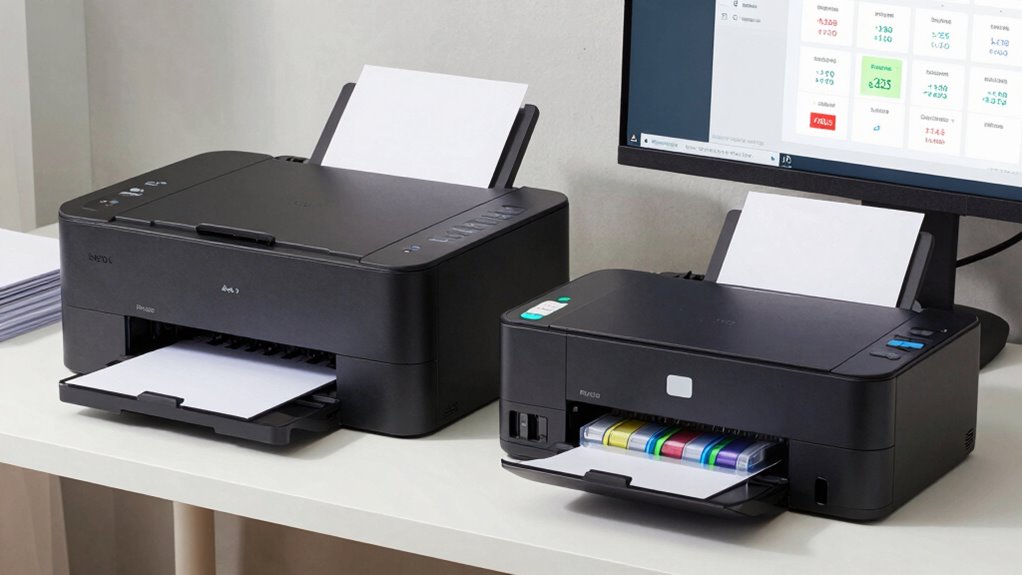
When comparing printers, you’ll notice upfront costs vary widely depending on the model, and ongoing expenses for ink or toner can add up quickly. It’s important to take into account not just the initial price but also how much you’ll spend on consumables over time. Understanding these differences helps you choose a printer that fits your budget and printing habits.
Upfront Cost Differences
Upfront costs for printers vary markedly depending on the type and features you choose. Laser printers typically have a higher initial investment but offer better long-term affordability due to their durability and higher page yields. Inkjet models usually cost less upfront, making them appealing if you need a budget-friendly option. However, their lower initial investment can be offset by more frequent ink replacements, which add up over time. When comparing costs, consider not only the purchase price but also the expected lifespan and maintenance expenses. Laser printers may cost more initially but often save you money in the long run with fewer replacements and lower per-page costs. Your choice depends on your workload and how much you’re willing to invest upfront versus over time.
Ongoing Consumable Expenses
Are ongoing consumable expenses the key to understanding the true cost of your printer? Absolutely. Inkjet printers often have lower upfront costs but can rack up high refill costs over time, especially with limited cartridge lifespan. Laser printers tend to have higher initial prices but offer more economical toner refills, reducing long-term expenses. Consider how frequently you’ll need to replace ink or toner—more frequent replacements mean higher costs and downtime. Additionally, selecting the appropriate filtering and pump protection can help extend the life of your printer components, ensuring consistent performance and avoiding costly repairs. Proper maintenance practices, such as using quality consumables, can further optimize your printer’s efficiency and longevity. Implementing traceability systems for consumables can also help monitor usage patterns, preventing unnecessary expenses and ensuring compliance with warranty requirements. Regularly reviewing cost analysis data can help identify opportunities for savings and improve your overall printing strategy. Incorporating predictive maintenance techniques based on usage data can also reduce unexpected failures and extend device lifespan.
Which Printer Offers Better Speed and Print Quality for Daily Use?
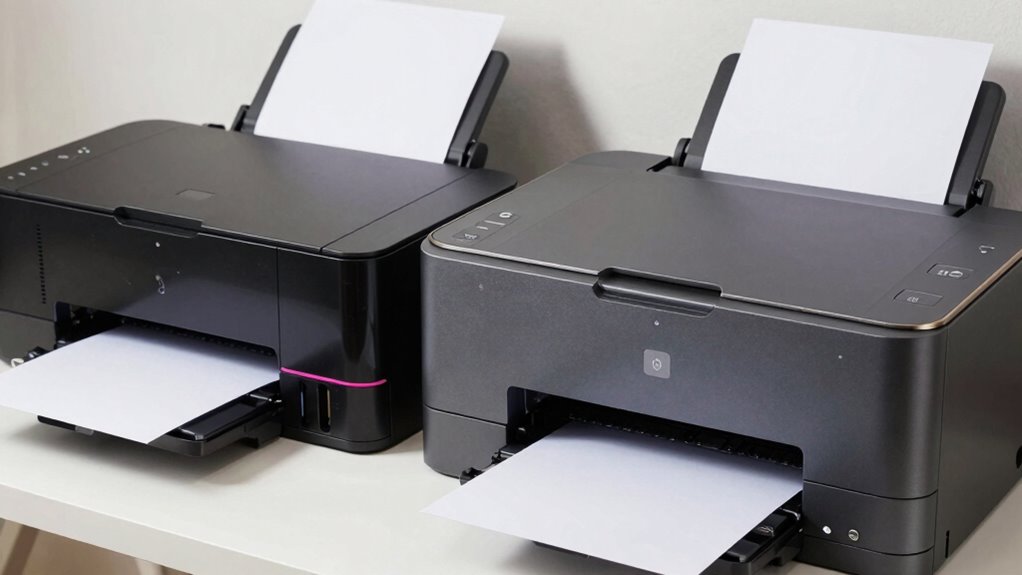
Choosing the right printer for daily use means considering both speed and print quality. Laser printers typically deliver faster output and higher print resolution, making them ideal for busy home offices. Inkjet printers often produce superior color accuracy and detail, especially for photos. Additionally, print technology differences can influence overall performance and maintenance needs. Understanding the long-term durability of each type can help prevent costly replacements or repairs. It is also important to consider cost efficiency over time, as initial purchase price may not reflect ongoing expenses. Furthermore, maintenance requirements can vary significantly between laser and inkjet models, affecting overall usability. However, inkjets can be noisier and slower during high-volume printing. To compare, consider this table:
| Feature | Laser Printer | Inkjet Printer | Best For |
|---|---|---|---|
| Print Resolution | Higher (up to 1200 dpi) | Lower (up to 600 dpi) | Text-heavy documents |
| Printing Noise | Noisier | Quieter | Color photos or graphics |
| Speed | Faster | Slower | Large workloads |
| Cost per Page | Lower | Higher | Cost-efficient printing |
| Suitable Media | Laser-compatible paper | Photo paper | High-quality images |
Choose based on your need for speed, resolution, and noise levels. Additionally, professional-grade options are available for those seeking higher durability and finish quality in their prints.
How Do Connectivity and Versatility Affect Your Printer Selection?
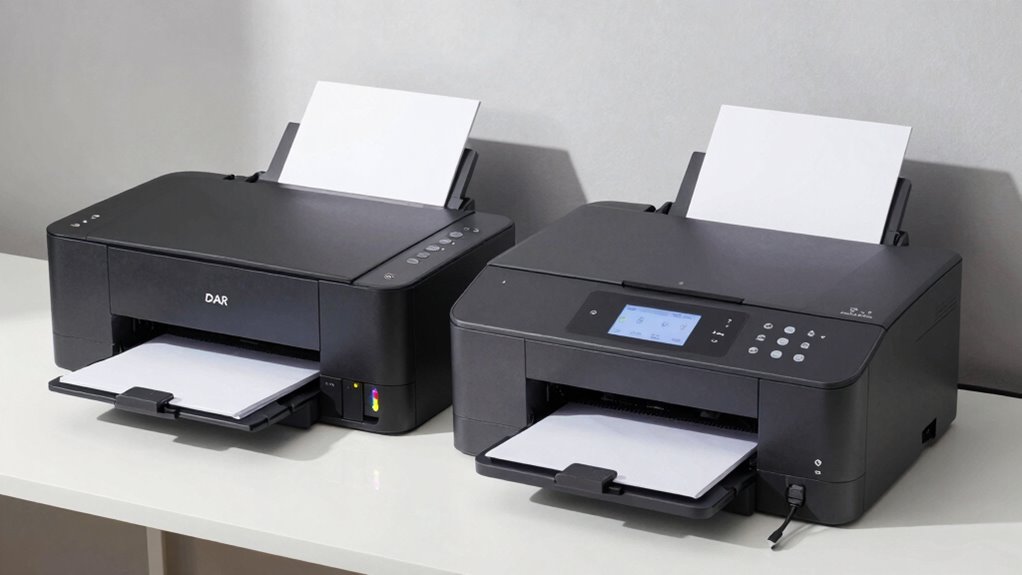
Your choice of printer can be substantially influenced by how well it connects to your devices and its versatility in handling different tasks. Wireless connectivity allows you to print from anywhere in your home, reducing clutter and increasing convenience. Multi function versatility means your printer can scan, copy, and fax, saving you money and space. Incorporating essential DIY tools and safety tips can help you set up and maintain your printer safely and efficiently. Consider these factors:
A versatile, wireless printer enhances your home office with seamless connectivity and all-in-one functionality.
- Seamless wireless connections let you print directly from smartphones and tablets.
- Multi function features enhance productivity without needing multiple devices.
- Easy setup ensures you spend less time troubleshooting and more time working.
- Versatile models adapt to your evolving needs, whether printing photos or documents.
- Understanding connectivity options can help you choose a printer compatible with your existing devices and network infrastructure.
Choosing a printer with strong connectivity and multi function versatility ensures it fits seamlessly into your home-office routine, making daily tasks smoother and more efficient.
Which Printer Is Right for Your Home Office: Laser or Inkjet?
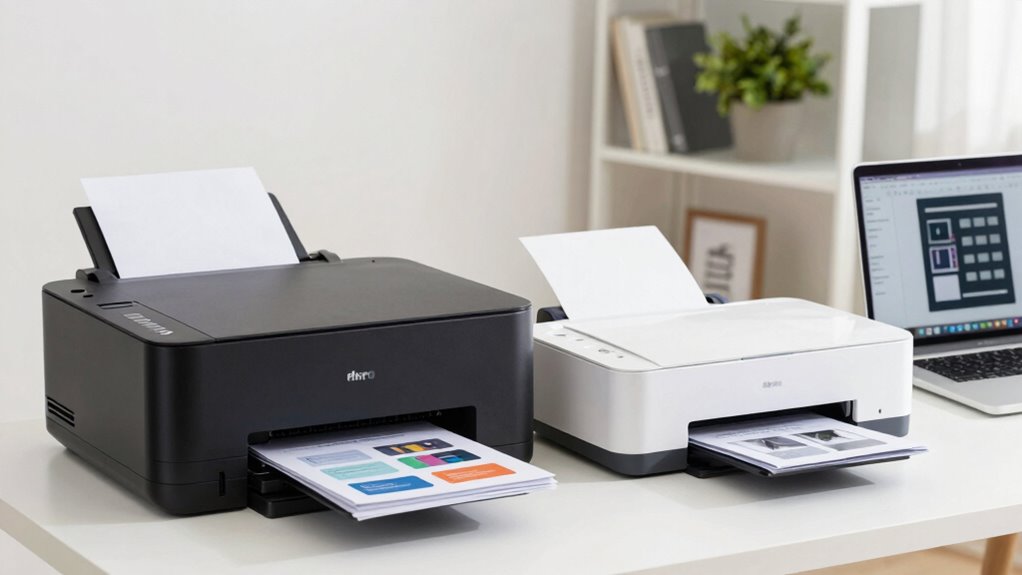
Deciding between a laser and an inkjet printer depends on how you plan to use it and your specific needs. If you frequently print detailed documents, a laser printer offers higher print resolution and faster output, ideal for professional work. Inkjet printers excel at handling various paper types and sizes, perfect for creative projects. Consider the table below to evaluate your priorities:
| Feature | Laser Printer | Inkjet Printer |
|---|---|---|
| Print Resolution | Higher, crisp text | Better for photos |
| Paper Handling | Handles large volumes well | Suitable for diverse media |
| Speed | Faster | Slower |
Additionally, understanding the printing technology can help you make a more informed decision based on your workload, print quality needs, and paper handling requirements. For example, print speed is often faster in laser printers, making them suitable for high-volume printing scenarios.
Frequently Asked Questions
How Long Do Laser and Inkjet Printers Typically Last?
Laser printers typically last about 5 to 10 years, thanks to their durability and lower maintenance needs, making them ideal for frequent use. Inkjet printers usually last around 3 to 5 years, but their longevity depends on proper maintenance. Regular cleaning and using quality ink cartridges can extend their lifespan. Keep in mind, printer longevity varies with usage habits and maintenance, so proper care is key to maximizing your printer’s lifespan.
Are There Environmental Impacts Associated With Each Printer Type?
Yes, both laser and inkjet printers have environmental impacts. Laser printers often consume more energy during operation but are built with sustainable manufacturing practices, which can reduce their overall footprint. Inkjet printers typically use less energy but may generate more waste due to frequent cartridge replacements. Your choice affects energy consumption and environmental sustainability, so consider models designed with eco-friendly materials and energy-efficient features to minimize your impact.
Which Printer Type Offers Better Security Features for Sensitive Documents?
Laser printers generally offer better security features for sensitive documents. They often include options like secure print release, user authentication, and data encryption, ensuring your documents stay private. Inkjet printers may lack these advanced security measures, making laser printers a smarter choice if you need to protect secure documents. With laser, you can confidently print sensitive information, knowing your data encryption and secure document features are in place to guard against unauthorized access.
Can Laser and Inkjet Printers Handle High-Volume Printing Efficiently?
You’ll find laser printers handle high-volume printing more efficiently, with some models printing up to 20 pages per minute. They excel in print speed, making them ideal for busy home offices. Plus, toner lifespan is typically longer than inkjet cartridges, reducing downtime and refills. Inkjet printers, however, are better suited for low to medium workloads. For frequent, high-volume printing, laser printers are the smarter, more reliable choice.
What Are the Warranty and Customer Support Differences Between Laser and Inkjet Printers?
You’ll find that laser printers often come with longer warranty coverage, sometimes up to three years, and generally offer robust customer service quality. Inkjet printers, on the other hand, typically have shorter warranties, usually one year, and customer support may be less responsive. If you prioritize reliable warranty coverage and strong customer service, laser printers tend to be the better choice for consistent home-office use.
Conclusion
Think laser printers are always the better choice? Not necessarily. If you mainly print photos or infrequent documents, inkjets might suit you just fine—and often at a lower upfront cost. The truth is, your home office needs determine the best fit. So, don’t fall for one-size-fits-all solutions. Instead, weigh your printing habits, costs, and quality expectations to pick the printer that truly works for you.