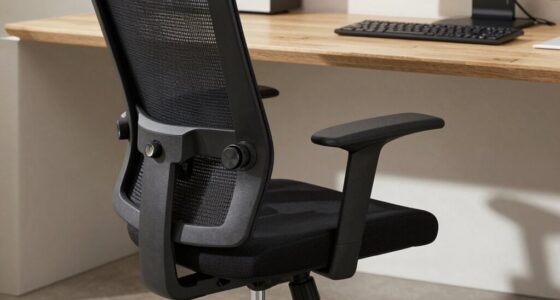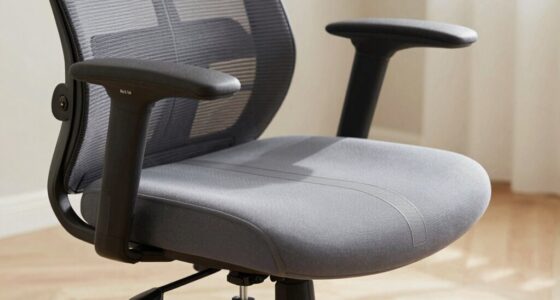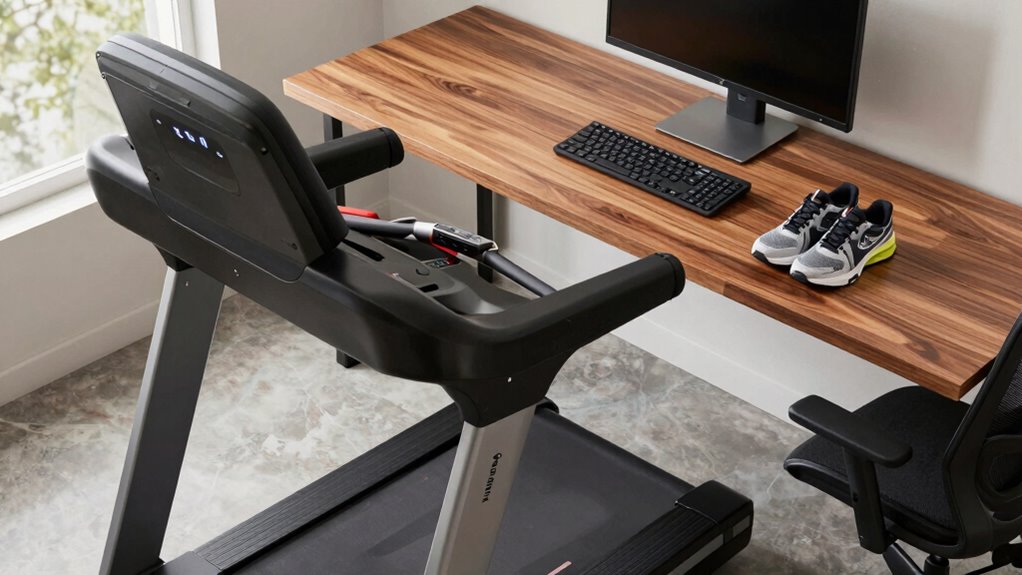

To stay safe with your under-desk treadmill, choose speeds around 1-2 mph initially and increase gradually to prevent falls and overexertion. Wear supportive, non-slip shoes that fit well to avoid slips and instability. Adjust your desk height to ensure your workspace is ergonomic, keeping your monitor at eye level and arms at a 90-degree angle. Maintaining proper posture and a clutter-free environment helps prevent accidents; if you want to master these tips, there’s more to learn below.
Key Takeaways
- Set the treadmill speed between 1-2 mph initially, gradually increasing while monitoring comfort and safety.
- Wear shoes with good grip, proper fit, and supportive soles to prevent slips and ensure stability.
- Adjust desk height so your arms form a 90-degree angle and the monitor is at eye level for ergonomic posture.
- Keep cables organized and pathways clear to prevent tripping hazards and ensure workspace safety.
- Regularly check for loose parts or uneven surfaces to maintain stability and avoid accidents during use.
Stay Safe: How to Use Your Under-Desk Treadmill Correctly
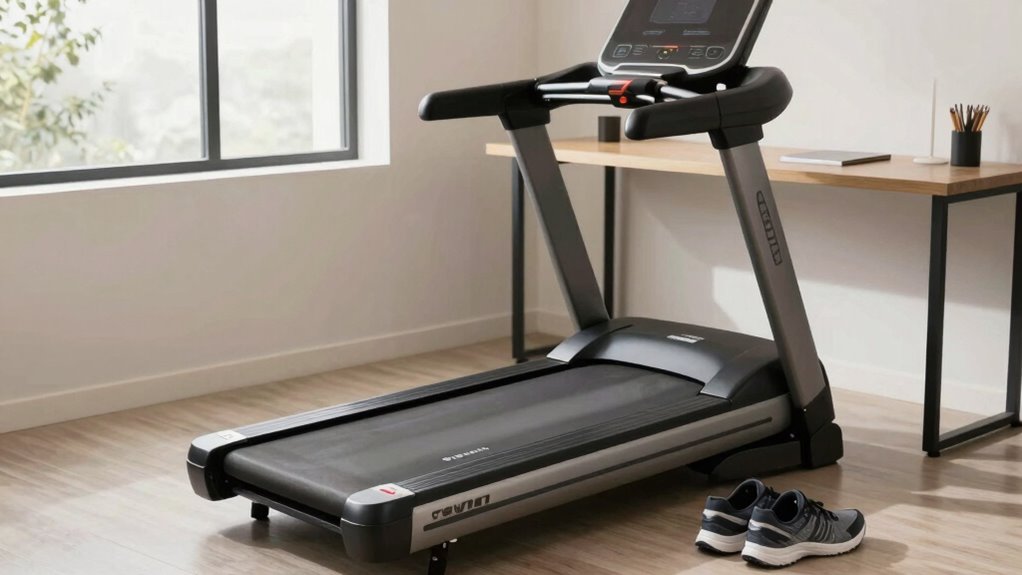
To stay safe while using your under-desk treadmill, it is essential to follow proper operating procedures. Start by adjusting the speed control to a comfortable, manageable pace—avoid sudden accelerations or high speeds that could cause loss of balance. Your footwear choice plays a significant role; opt for well-fitting, non-slip shoes with good support to prevent slips and guarantee stability. Avoid barefoot walking or wearing loose footwear that could slide off or interfere with the treadmill’s movement. Before starting, check that your desk height allows your arms and wrists to remain relaxed. Always stay attentive to your surroundings, and keep your movements steady. Following these guidelines helps you minimize risks and promotes a safe, productive walking experience at your desk.
Set the Right Speed to Avoid Falls and Injuries
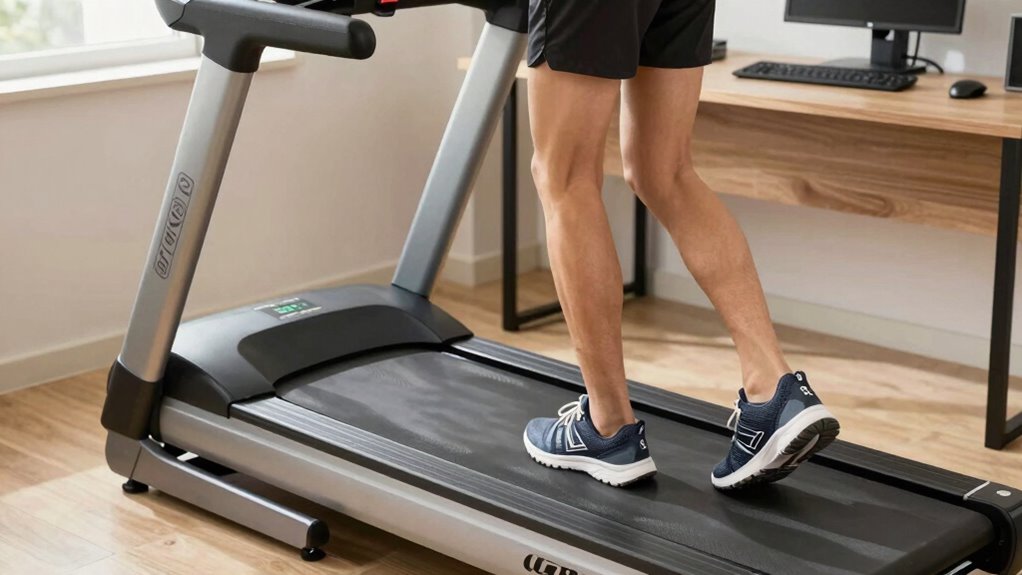
Setting the right speed on your under-desk treadmill is crucial for preventing falls and injuries. Proper speed regulation ensures you’re walking comfortably without losing control or risking accidents. Start slow—most experts recommend 1 to 2 miles per hour—to maintain stability and focus on your work. Increasing speed gradually allows your body to adapt, reducing the chance of slips or missteps. Avoid the temptation to push the treadmill too fast, as higher speeds can compromise safety and cause injuries. By controlling the speed, you create a safer walking environment that encourages consistent movement without risking your balance. Remember, injury prevention depends on choosing a speed that feels natural and secure for you, keeping your workout safe and effective throughout your workday. Additionally, understanding high contrast ratios can help you optimize your workspace lighting to reduce glare and distractions, further supporting safe treadmill use.
Choose Comfortable, Supportive Shoes for Walking
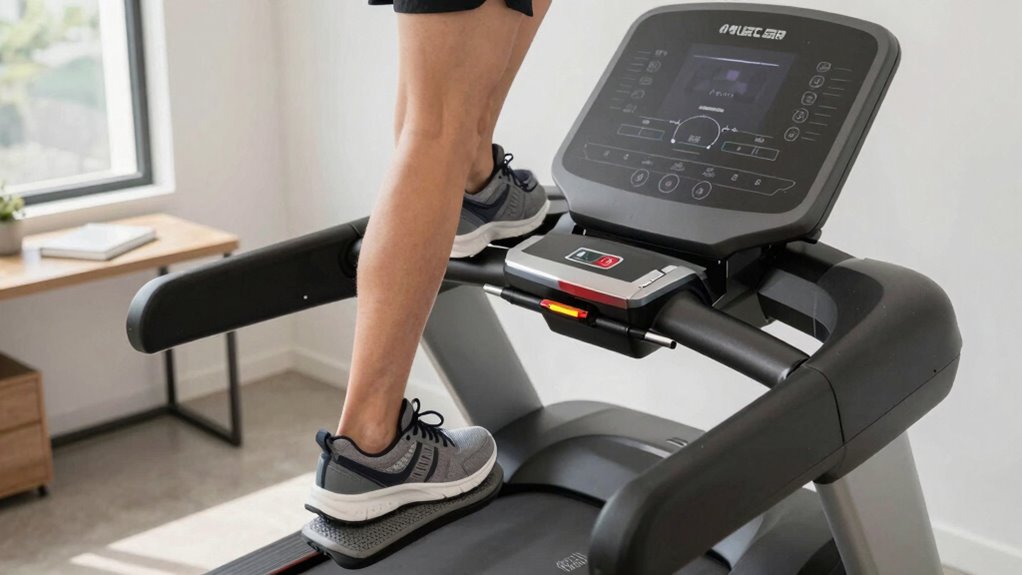
Wearing the right shoes can make a significant difference in your safety and comfort while walking on an under-desk treadmill. Opt for comfortable footwear that fits well and offers good arch support to reduce fatigue and prevent blisters. Supportive shoes help stabilize your feet and ankles, lowering the risk of slips or strains during movement. Avoid shoes with worn-out soles or excessive cushioning that can cause instability. Choose footwear that provides a firm grip and promotes natural foot motion. Proper supportive shoes not only enhance your walking experience but also protect your joints and muscles from unnecessary stress. Investing in quality, comfortable footwear guarantees you can walk safely and comfortably throughout your workday. Additionally, selecting high-quality glassware can elevate your home or office space, adding a touch of luxury to your environment. Being aware of electric bike horsepower can also inspire you to choose footwear suited for active movement and prolonged standing. To further ensure safety, consider the desk height to optimize your posture and reduce strain during treadmill use. Incorporating proper footwear into your routine can also contribute to better overall physical health by reducing the risk of joint and muscle issues. Using ergonomic desk setups can further improve comfort and minimize fatigue during extended periods of walking.
Adjust Your Desk Height for Stability and Comfort
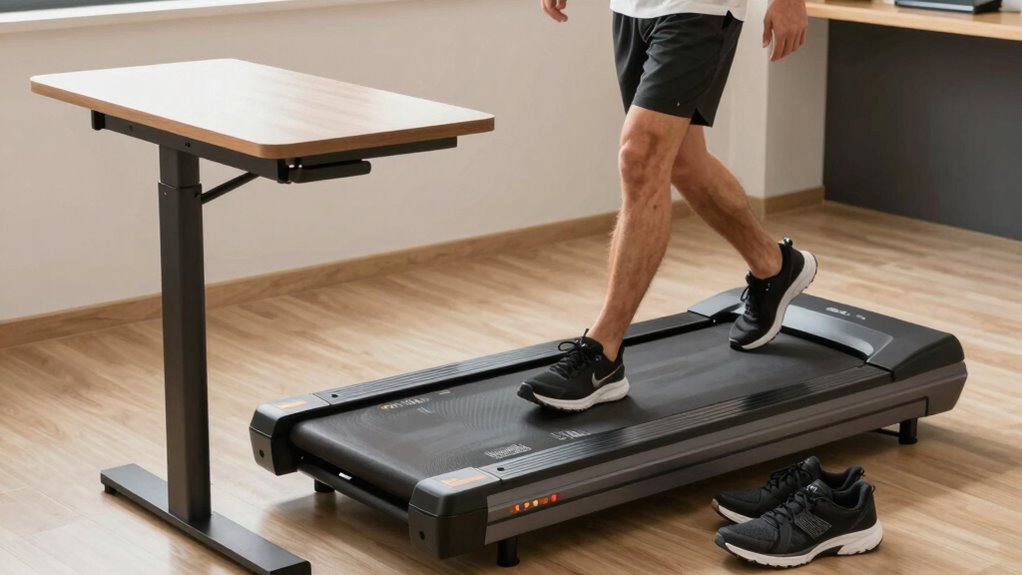
To stay stable and comfortable while walking, you need to set your desk to the ideal height. An ergonomic workspace setup ensures you can move freely without straining your body. Make certain your desk adjusts easily to suit your movements and maintain proper posture. Proper workspace ergonomics also helps reduce fatigue and injury risk during extended periods of movement. Incorporating adjustable furniture can further enhance your setup by allowing quick and easy height adjustments as needed. Additionally, maintaining proper desk ergonomics can promote better circulation and overall comfort during your activity. Paying attention to cycling confidence principles can also inspire ergonomic practices that support safe and comfortable movement.
Optimal Desk Height Position
Adjusting your desk height to the right level is essential for maintaining stability and comfort while using an under-desk treadmill. The ideal desk height ensures your arms are at a comfortable angle, roughly 90 degrees, supporting ergonomic positioning. When your desk is too high, it strains your shoulders; too low, it can cause poor posture and discomfort. To find the right height, sit with your feet flat on the floor and your forearms parallel to the ground when typing. Your monitor should be at eye level. Proper desk height helps you stay stable during walks, reducing fatigue and the risk of injury. Remember, ergonomic positioning isn’t just about comfort—it’s about creating a safe, efficient workspace that promotes movement and minimizes strain. Incorporating ergonomic principles into your workspace setup can further enhance comfort and prevent musculoskeletal issues. Additionally, regularly adjusting your workspace to suit your changing needs can improve long-term comfort and safety. Ensuring your workspace supports healthy posture can also prevent discomfort and promote overall well-being. Using adjustable furniture and space planning can help tailor your setup as your needs evolve, especially when considering performance enhancements like ergonomic adjustments that optimize movement and reduce strain.
Ergonomic Workspace Setup
Setting up your workspace ergonomically starts with properly adjusting your desk height to guarantee stability and comfort during treadmill use. Good desk ergonomics ensure your arms are at a comfortable angle, reducing strain and preventing fatigue. When your desk is too high or too low, maintaining proper posture becomes difficult, which can compromise safety and increase the risk of injury. Adjust your desk so that your elbows are close to a 90-degree angle and your wrists are straight. This promotes better posture and stability while walking. Additionally, keeping your workspace well-organized helps with treadmill maintenance, preventing accidental bumps or distractions. Regularly checking your desk height and setup ensures you stay comfortable and safe during your walking sessions, making it easier to sustain a healthy, active routine. Incorporating ergonomic principles into your setup can further enhance comfort and reduce strain during treadmill use. Ensuring your workspace is properly configured can also prevent discomfort over extended periods of activity. Moreover, aligning your setup with prepping gear standards can help optimize safety and efficiency during your workouts. A well-designed workspace can also minimize distractions, allowing you to focus on your exercise and improve overall safety during treadmill walking. Taking into account the importance of proper footwear can also contribute significantly to your safety and comfort during treadmill walking.
Adjust for Movement Flexibility
Since your workspace needs to accommodate movement, it’s essential to modify your desk height to maintain stability and comfort during treadmill use. Adjusting your desk allows for better movement adaptability, reducing strain and improving flexibility. Incorporate regular flexibility exercises to enhance your range of motion, making it easier to shift positions comfortably. Consider the following table to help you find the ideal desk height based on your posture: | Your Height | Desk Height | Recommended Flexibility Exercise | |————–|————–|———————————-| | Short | Slightly below elbow | Shoulder stretches | | Average | Elbow level | Neck rotations | | Tall | Slightly above elbow | Hip flexor stretches | | Very tall | Higher than elbow | Back extension exercises | Engaging in Free Floating activities can further support your overall mobility and stability while working. Additionally, ensuring proper ergonomic adjustments to your workspace setup can help prevent discomfort during prolonged treadmill use. Incorporating cable safety tips such as managing heat buildup and wiring practices can also contribute to a safer workspace environment. Prioritizing movement variety throughout your workday can enhance your comfort and reduce fatigue. Adjusting your setup optimizes stability and supports movement, making your treadmill experience safer and more comfortable.
How to Tell If You’re Overdoing It and When to Slow Down?
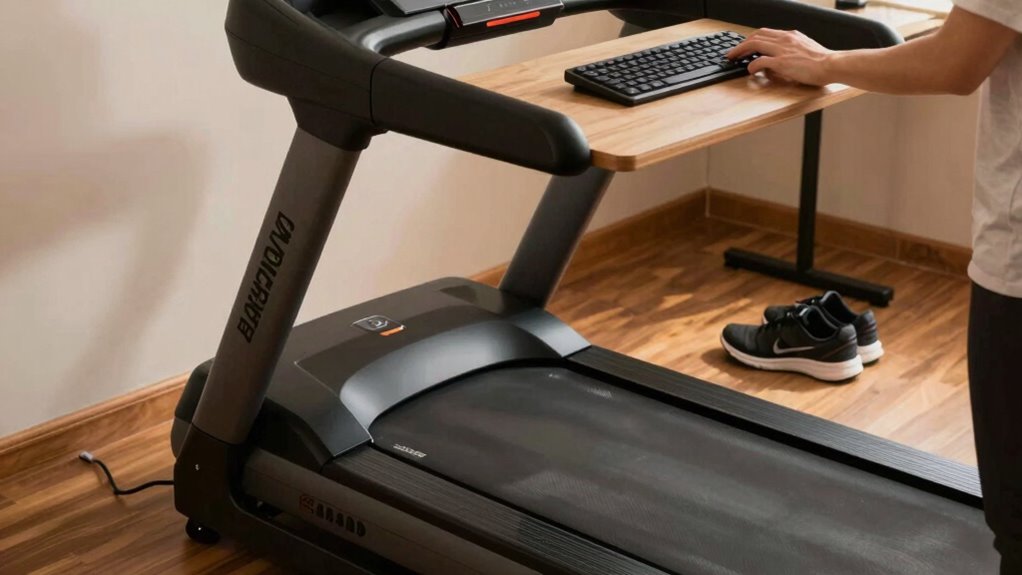
It’s important to pay attention to your body’s signals when using an under-desk treadmill, as pushing too hard can lead to strain or injury. Recognize overexertion signs like dizziness, excessive fatigue, or joint pain. If you notice any of these, it’s a clear indicator to slow down or take a break. Using pacing strategies, such as gradually increasing speed and duration, helps prevent overdoing it. Keep an eye on your breathing—if it becomes labored or irregular, that’s a warning to cut back. Stay mindful of your comfort level, and don’t ignore discomfort or pain. Listening to your body ensures you enjoy the benefits of walking without risking your health or productivity. Remember, moderation is key to safe, sustainable movement.
Maintain Good Posture While Walking at Your Desk
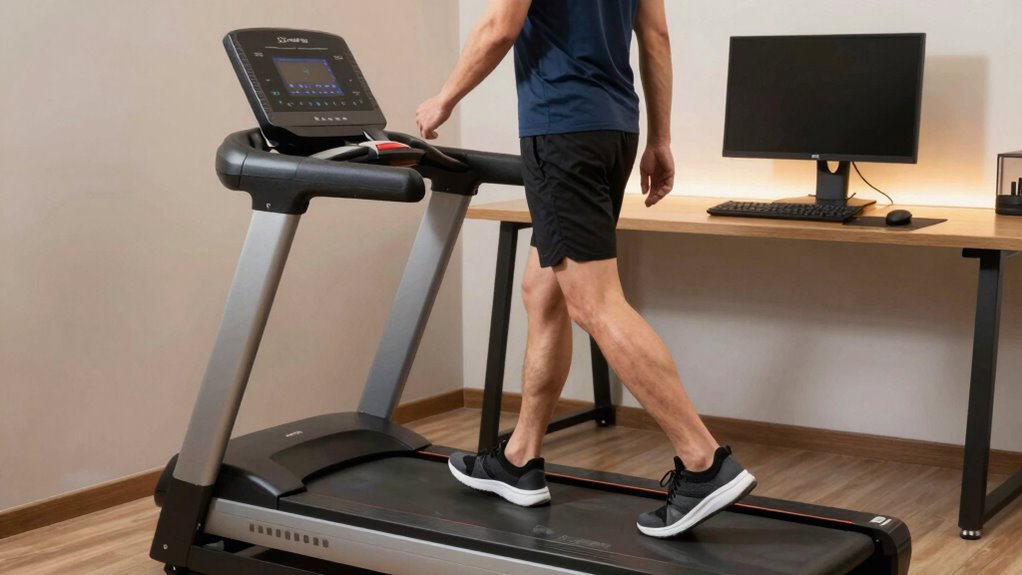
To stay safe and comfortable, make sure your desk and treadmill are properly aligned so you can walk naturally. Keep your core engaged and avoid slouching to maintain good posture. This will help you walk efficiently without straining your muscles or risking injury.
Proper Desk and Treadmill Alignment
Maintaining proper desk and treadmill alignment is essential for staying safe and comfortable while walking at your desk. Start by ensuring your desk height promotes good desk ergonomics, keeping your keyboard and monitor at eye level and within easy reach. Your treadmill should be positioned so that it aligns with your natural stride, reducing the risk of strain or imbalance. Regular treadmill maintenance is vital; check for any loose parts or uneven surfaces that could cause instability. Keep your workspace organized to prevent accidental trips or collisions. Adjust your chair and desk setup to promote an upright posture, supporting your back and neck. Proper alignment minimizes fatigue and helps you stay focused, making walking at your desk an effective and safe activity.
Engage Core and Avoid Slouching
Keeping your core engaged and avoiding slouching are key to maintaining good posture while walking at your desk. When you focus on core engagement, you support your spine and reduce fatigue. Slouch prevention helps prevent strain on your neck and back. To stay aligned:
- Keep your shoulders relaxed and back, not rounded.
- Engage your abdominal muscles gently to support your lower back.
- Maintain a neutral head position, looking straight ahead instead of downward.
Create a Safe Workspace to Prevent Slips and Trips
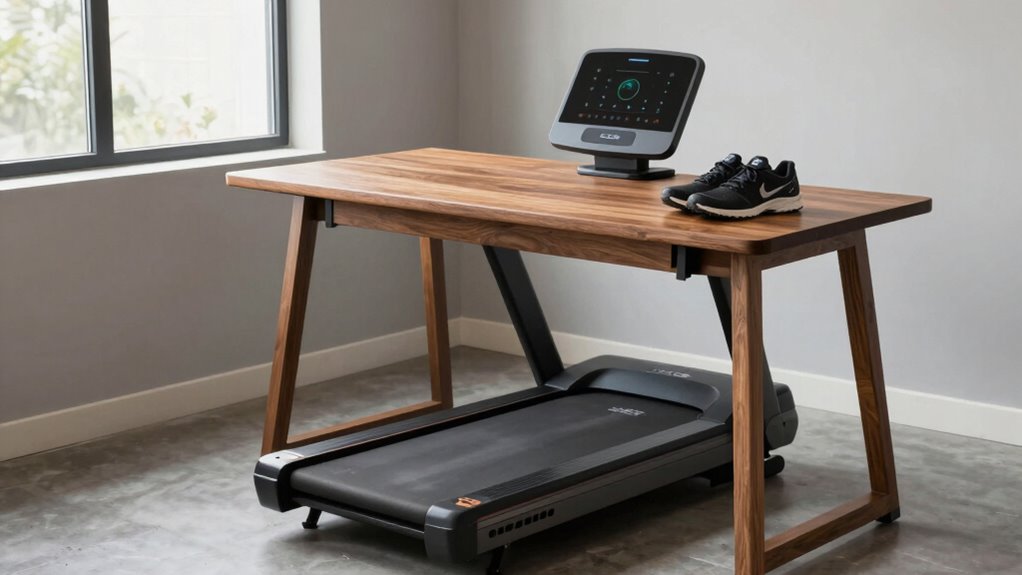
Creating a safe workspace is essential to prevent slips and trips around your under-desk treadmill. Start by managing cables to keep walkways clear and avoid tripping hazards. Use cable clips or sleeves to secure cords along desk edges. Proper footwear selection also matters—wear shoes with good grip to prevent slipping. Visualize your workspace with this table:
| Safe Workspace Elements | Visual Impact |
|---|---|
| Cable management | Reduces tangled cords and falls |
| Clear pathways | Ensures unobstructed walking |
| Proper footwear | Improves grip and stability |
Common Mistakes to Avoid When Walking at Your Desk
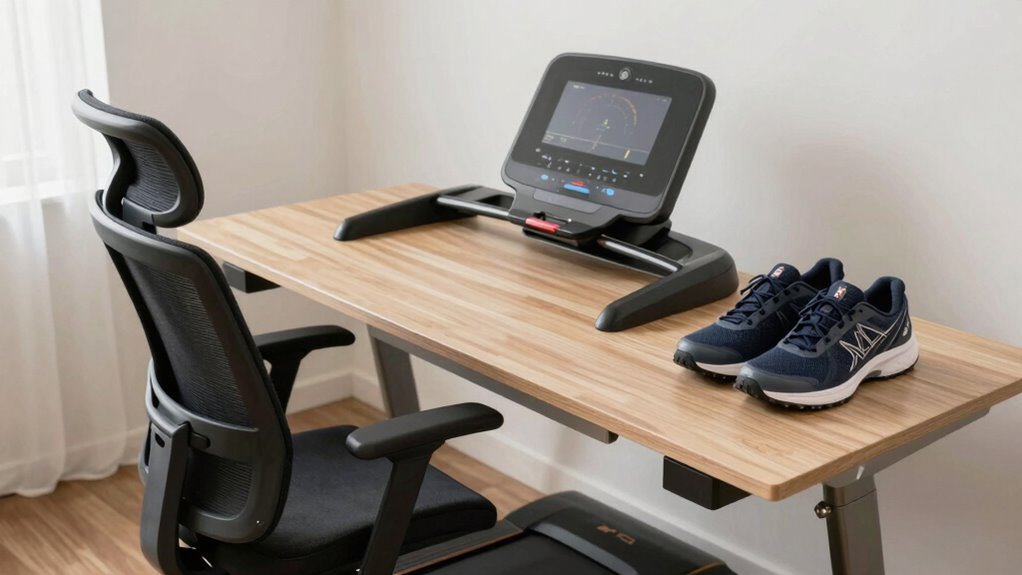
While walking at your desk with an under-desk treadmill can boost your activity levels, it’s easy to make mistakes that compromise safety. One common error is letting distraction risks take over, causing you to lose focus and accidentally trip or bump into objects. Second, poor footwear choices can lead to slips or discomfort; avoid worn-out shoes or those with inadequate grip. Third, walking at speeds that are too fast can increase the risk of losing balance or feeling unstable, especially if you’re multitasking. To stay safe, keep your attention on your movements, choose supportive, non-slip shoes, and stick to a comfortable pace. Being mindful of these mistakes helps you enjoy the benefits without risking injury.
Integrate Walking Into Your Daily Routine Safely
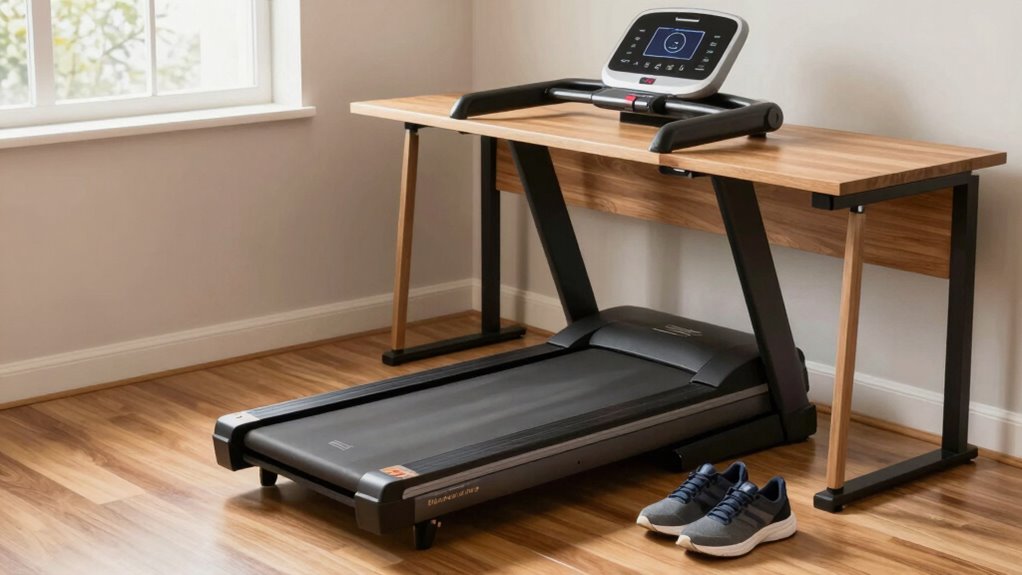
To safely incorporate walking into your daily routine, start by setting realistic goals and scheduling regular intervals for activity. Begin with short sessions to build confidence and prevent fatigue. Wearing ergonomic footwear helps support your feet and reduces discomfort during extended walking periods. As you become more comfortable, focus on pace management to avoid overexertion or injury. Use a steady, controlled pace that allows you to converse comfortably without gasping for breath. Incorporate walking breaks into your workday, ensuring you’re not rushing or pushing beyond your limits. Staying mindful of your body’s signals is key. With consistent effort and attention to footwear and pace, you can seamlessly add walking into your routine while maintaining safety and comfort.
Frequently Asked Questions
Can I Use an Under-Desk Treadmill on Uneven Flooring?
You can use an under-desk treadmill on uneven flooring, but you should guarantee floor stability first. An unstable surface can affect the treadmill surface and cause safety issues. Place a sturdy, level mat or platform under the treadmill to create a flat, even surface. This helps prevent wobbling, reduces noise, and keeps the treadmill functioning properly. Always check the treadmill’s balance before use to avoid accidents or damage.
How Long Should I Walk Each Day to Stay Healthy?
To stay healthy, aim for the recommended daily duration of at least 30 minutes of walking. You should maintain an ideal walking pace of around 3 to 4 miles per hour, which boosts your cardiovascular health without overexerting yourself. Break this into manageable sessions if needed, such as three 10-minute walks. Consistency is key, so find a routine that fits your schedule and keeps you moving daily.
Are There Specific Exercises to Do While Walking at My Desk?
While walking at your desk, you can do simple desk stretches like reaching overhead or shoulder rolls to loosen up. Incorporate posture adjustments by sitting tall and engaging your core. Take short breaks to stand, stretch your legs, and perform gentle neck or arm stretches. These exercises help improve circulation, reduce stiffness, and maintain good posture, making your walk more effective and comfortable throughout your workday.
What Are Signs of Improper Treadmill Use I Should Watch For?
Imagine your treadmill as a dance partner—if you stumble or wobble, something’s off. Signs of improper use include slipping hazards, like your foot sliding or losing balance, and improper posture, such as slouching or leaning too far forward. If you feel strained, unsteady, or notice your movements aren’t fluid, stop and reassess. Staying alert helps prevent accidents and keeps your walk smooth and safe.
How Do I Prevent Static Electricity Buildup While Walking?
To prevent static electricity buildup while walking, you should use grounding techniques like wearing natural fiber shoes or applying an anti-static spray. Keep your environment humid, as dry air increases static. Touch a grounded metal object periodically to discharge static, and consider using an anti-static mat or wrist strap. These steps help reduce static electricity, making your walk safer and more comfortable.
Conclusion
By balancing speed, shoes, and setup, you boost safety and stay steady on your under-desk treadmill. Prioritize posture, prevent pitfalls, and practice patience as you incorporate walking into your workday. Remember, mindful movement minimizes mishaps and maximizes motivation. Make safety your top priority, and you’ll find walking works wonders without worry. Stay smart, stay safe, and stride confidently toward a healthier, happier work routine.