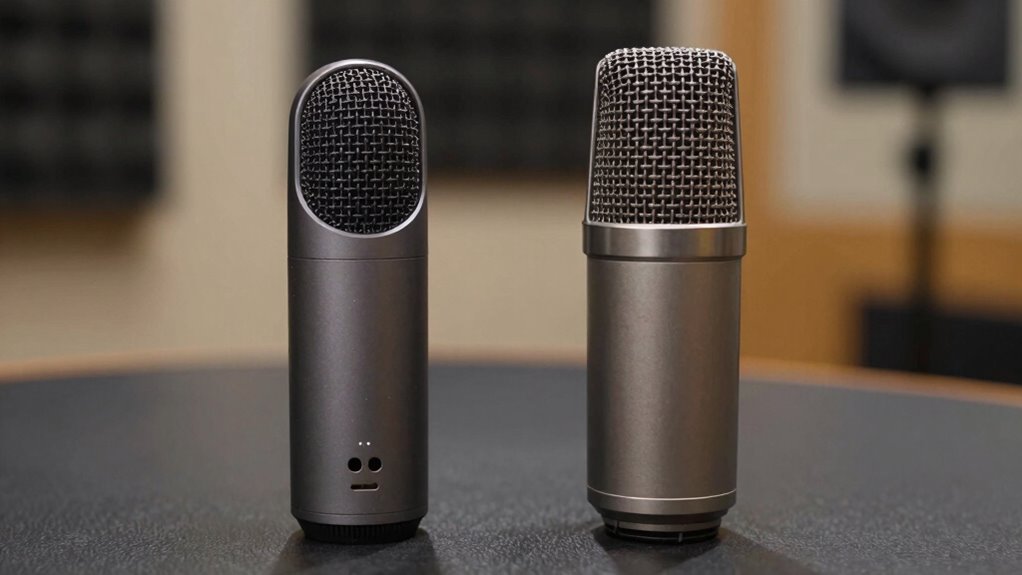

Choosing between USB and XLR microphones depends on your needs and budget. USB mics are easy to set up, perfect for beginners and casual streaming, but they may lack the audio richness of XLR mics. XLR setups, with a quality interface, deliver clearer sound and better noise reduction, ideal for professional use. Noticing the difference often comes with high-quality gear or critical listening—continue exploring to discover when and how the sound improves.
Key Takeaways
- XLR microphones paired with quality interfaces generally deliver superior clarity, warmth, and noise reduction compared to USB microphones.
- USB microphones are more convenient and affordable but may exhibit more background noise and less detailed sound.
- Differences in sound quality become noticeable in critical listening, editing, or professional recordings.
- XLR setups are better suited for studio use and frequent live recording due to their durability and control features.
- For casual streaming or simple setups, USB microphones provide sufficient quality with easier, plug-and-play convenience.
What Are the Key Differences Between USB and XLR Microphones?
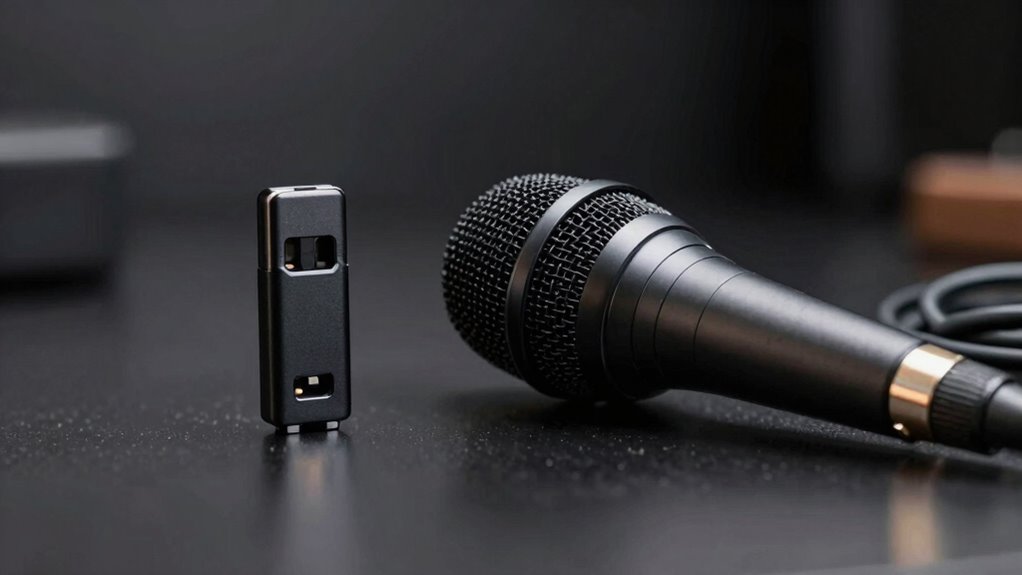
The primary difference between USB and XLR microphones lies in their connectivity and overall setup. USB microphones are designed for plug-and-play use, making them very easy to set up, especially if you want quick results. They typically offer good instrument compatibility, allowing you to connect directly to your computer without extra gear. This ease of use makes them ideal for beginners or casual recording. XLR microphones, on the other hand, require an audio interface or mixer to connect to your computer, which adds complexity but offers more control and flexibility. While they may take longer to set up, they’re better suited for professional environments. Your choice depends on whether you prioritize simplicity and instrument compatibility or advanced features and customization. Additionally, understanding audio signal quality can help you determine which microphone type best meets your recording needs. To optimize your setup, consider how digital audio conversion impacts overall sound clarity and performance.
How Does Sound Quality Differ Between USB and XLR Microphones?
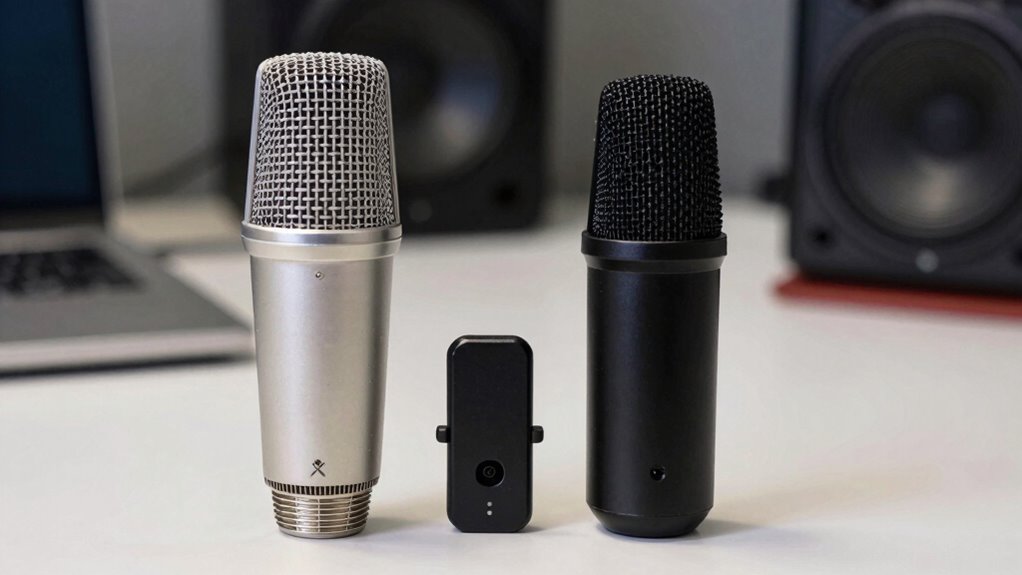
When comparing sound quality between USB and XLR microphones, it’s important to contemplate how each captures and reproduces audio. USB microphones often provide decent audio fidelity out of the box, but may lack advanced noise reduction capabilities. XLR microphones, paired with quality audio interfaces, generally deliver superior audio clarity and richer sound. They excel in minimizing background noise and maintaining consistent sound quality.
- XLR setups typically offer better audio fidelity for professional use
- They allow for more precise noise reduction and filtering
- USB microphones are more convenient but might introduce more noise
- The overall sound quality depends on the quality of the microphone and equipment used
Understanding these differences helps you choose the right microphone for your needs and ensures ideal sound performance.
Which Microphone Is Best for Your Recording or Streaming Needs?
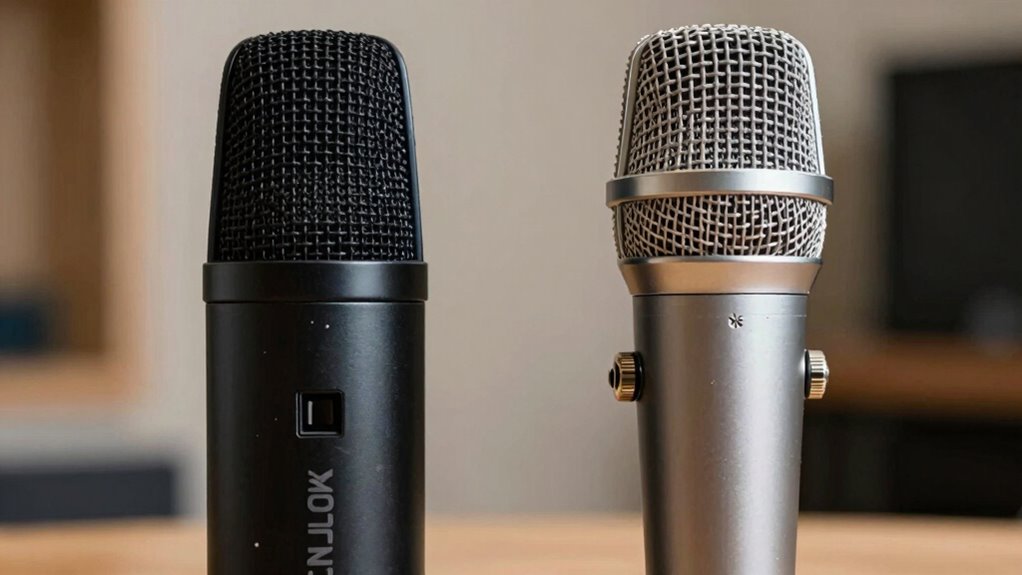
Choosing the right microphone depends on your specific recording or streaming goals. If durability matters, XLR microphones often have a sturdier build, ideal for frequent use or live environments. For portability and ease, USB microphones are lightweight and compatible with most computers without extra gear. Consider your device compatibility; USB mics connect directly, while XLR mics require an audio interface. Think about your environment and future needs: selecting the appropriate microphone can significantly impact your audio quality and overall experience.
When Will You Notice a Difference in Microphone Sound Quality?
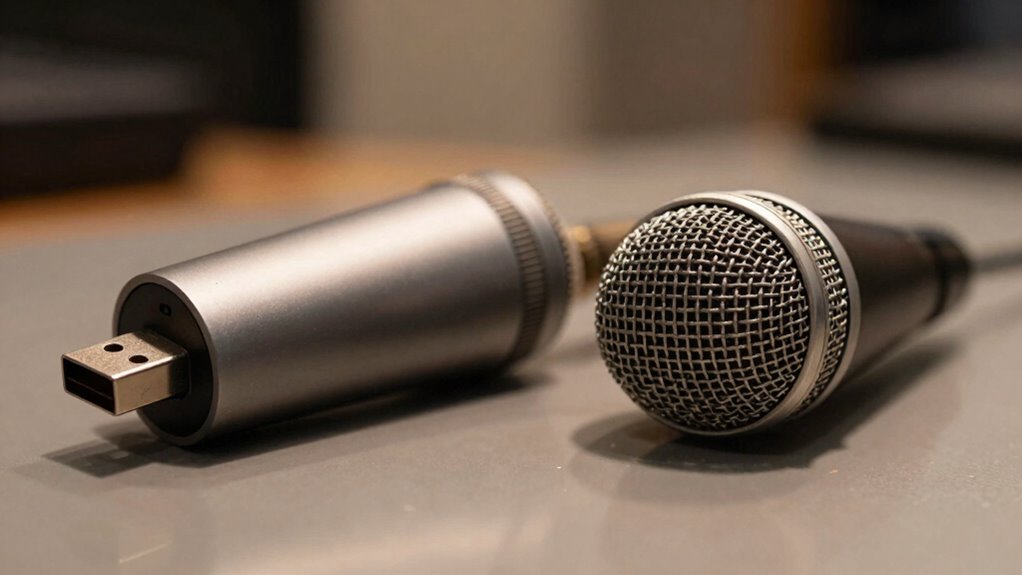
While USB microphones offer convenience and quick setup, they may not deliver the same sound clarity as XLR models, especially once you start recording at higher quality levels. You’ll notice the difference when audio artifacts become more apparent, background noise increases, or your recordings lack warmth and detail. Typically, these issues become obvious during critical listening or professional editing. Additionally, mastering time zones can help coordinate when to evaluate your audio recordings across different environments or collaborator locations. You might notice: – Increased background noise in recordings – Unwanted audio artifacts like hiss or distortion – Reduced clarity in vocals or instruments – Limitations in sound depth and richness. Sound fidelity differences become more noticeable as you upgrade your setup or aim for higher audio fidelity. Higher-quality microphones often utilize condenser capsules, which contribute significantly to capturing nuanced sound details. If your recordings need precision and clarity, you’ll feel the impact of choosing an XLR over a USB microphone.
How to Choose the Right Microphone for Your Setup and Budget
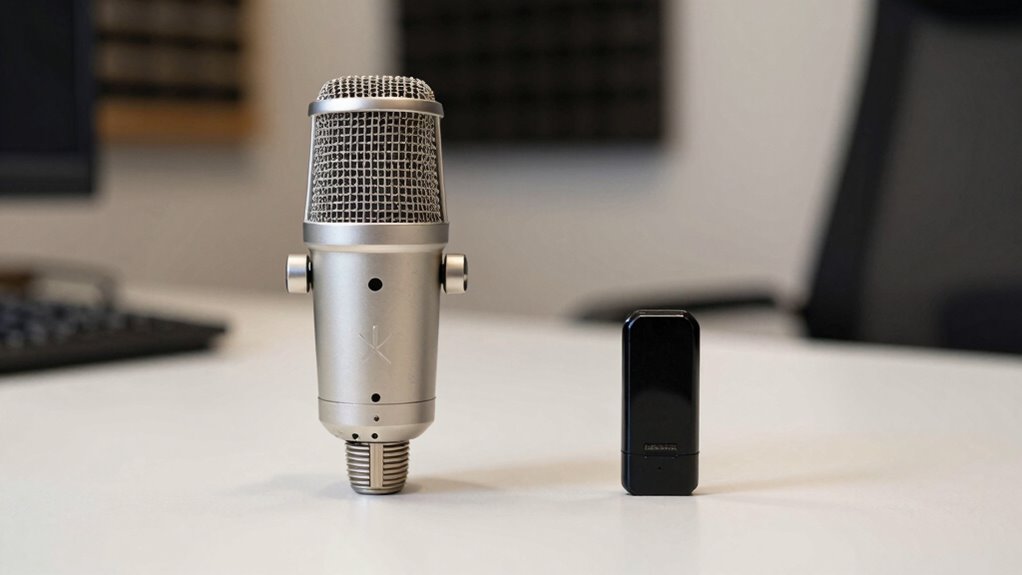
Selecting the right microphone depends on your specific needs, setup, and budget. Start by evaluating your budget considerations—USB microphones are typically more affordable and easier to set up, making them ideal for beginners or casual users. If you need a professional sound quality and have compatible equipment, an XLR microphone might be the better choice, but it requires additional gear like an audio interface. Consider compatibility requirements; ensure your device supports the microphone type you choose. For streaming or podcasting, USB offers plug-and-play convenience, while XLR offers greater flexibility for studio-quality recordings. Balancing your budget with your technical needs will help you select a microphone that fits your setup and guarantees you get the best sound quality within your means. Additionally, understanding the best airless paint sprayers can be beneficial if you’re planning home improvement or recording studio renovations.
Frequently Asked Questions
Can I Upgrade My Microphone Without Changing My Audio Interface?
Yes, you can upgrade your microphone without changing your audio interface if the new mic is compatible with your current setup. Check your audio interface’s input options and confirm the new microphone matches those, whether it’s USB or XLR. If you want better quality or different features, look into audio interface upgrades, but for simple microphone upgrades, compatibility is key. This way, you get improved sound without replacing your entire system.
How Do I Connect a USB Microphone to a Professional Sound System?
To connect a USB microphone to a professional sound system, you’ll need a USB audio interface or a compatible USB-to-XLR adapter. Make certain your microphone has USB compatibility, then connect it to the interface or adapter, which converts the digital signal into an analog one your sound system can handle. This setup allows seamless sound system integration, giving you improved audio quality without needing to replace your entire setup.
Are There Latency Issues With USB Microphones?
You might notice some digital latency with USB microphones, especially if your system has driver compatibility issues. This delay occurs because the audio signal is processed digitally before reaching your speakers or headphones. To minimize latency, make sure your drivers are up to date and optimize your recording settings. Usually, USB mics work fine for casual use, but professional applications may require XLR microphones for lower latency performance.
What Are the Maintenance Requirements for XLR Microphones?
Thinking XLR microphones are maintenance-free? Think again! You’ll want to regularly check their microphone durability by inspecting for dust, dirt, and corrosion. Keep them clean with a soft cloth and store them in a cool, dry place to prevent damage. With proper cleaning and storage, your XLR mic stays in top shape, ready for that perfect take—because neglecting it might just turn your studio into a vintage museum.
Is Phantom Power Necessary for All XLR Microphones?
Phantom power isn’t necessary for all XLR microphones; it depends on your microphone’s compatibility. Condenser mics typically require phantom power to operate, while dynamic mics usually don’t. Always check your microphone’s specifications before connecting it to a mixer or audio interface. Providing phantom power when your mic doesn’t need it can cause damage, so verify compatibility first. That way, your setup stays safe and works perfectly.
Conclusion
Choosing between USB and XLR microphones is like picking the right paintbrush—you want one that fits your style and needs. If you’re just starting out, a USB mic might feel like a cozy sweater—simple and enough. But if you’re aiming for professional sound, an XLR setup can be your trusted tool, like a finely-tuned instrument. Whichever you pick, your voice deserves to be heard clearly and confidently.