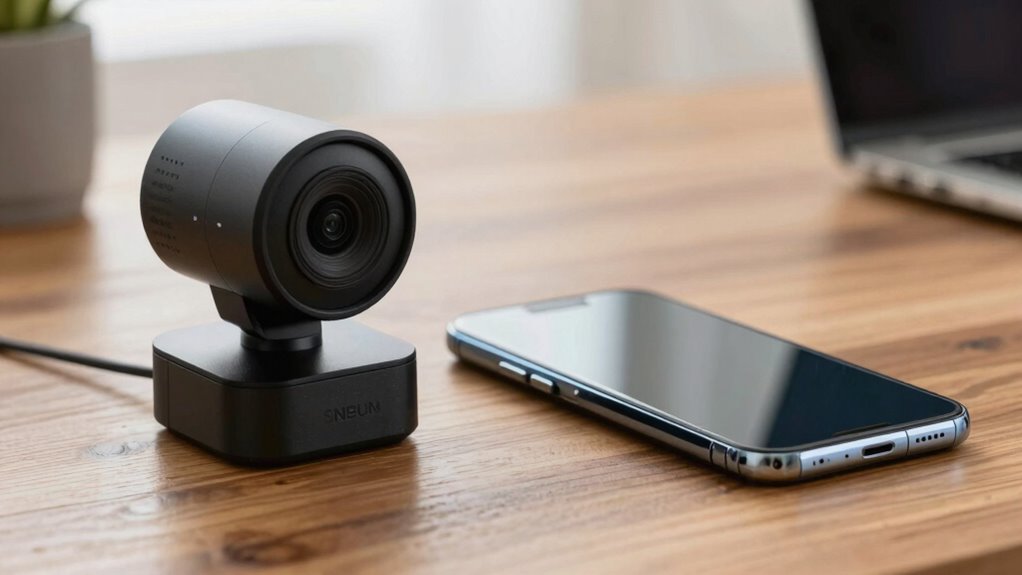

If you prioritize video quality and flexibility, a smartphone camera is often the better choice for calls because it offers higher resolution, better low-light performance, and superior audio features. Webcams are easier to set up and are ideal for stationary environments, but smartphones can be used anywhere with Wi-Fi or cellular data. Want to see how these options compare in different scenarios? Keep exploring to find the best fit for your needs.
Key Takeaways
- Smartphones generally offer higher resolution, better low-light performance, and superior audio quality than webcams.
- Webcams are easier to set up and more suitable for stationary environments, while smartphones offer portability and mobility.
- Smartphone cameras provide advanced features like autofocus and image stabilization, enhancing call quality.
- Cost-wise, smartphones often deliver better value if already owned, whereas webcams may require additional accessories.
- The choice depends on environment, call duration, mobility needs, and setup preferences, with no clear overall winner.
How Easy Is It to Set Up a Webcam or Smartphone for Calls?
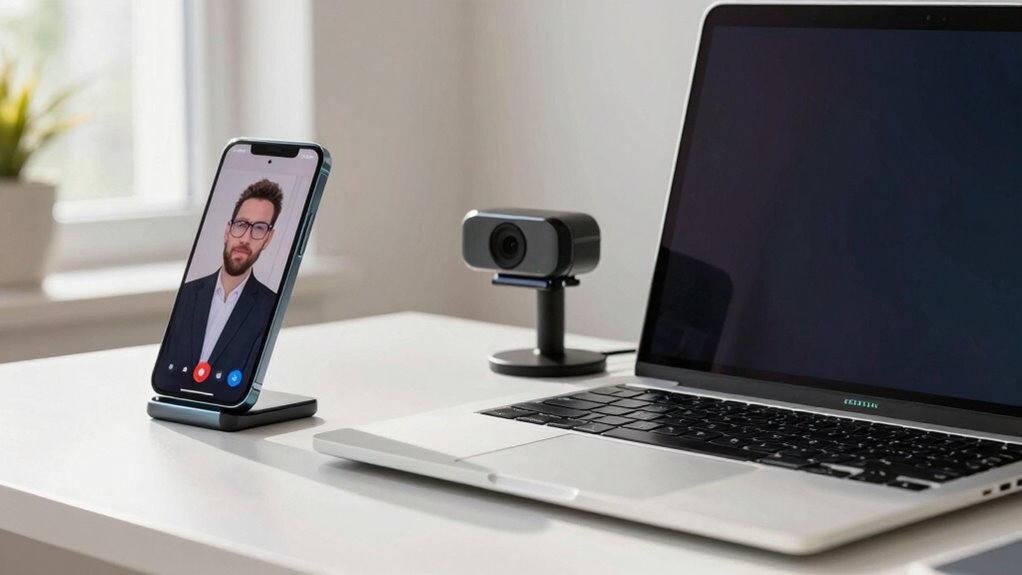
Setting up a webcam or a smartphone for calls is generally straightforward, but the process varies between the two. With a webcam, your setup process often involves plugging it into your computer’s USB port and installing any necessary drivers or software. Once connected, it usually auto-detects compatibility, making it simple to get started. Smartphones, on the other hand, require minimal setup—just open your calling app, grant permissions, and you’re ready. Device compatibility is usually less of an issue with smartphones since they’re designed to work seamlessly with their built-in cameras and apps. Webcams may need specific drivers depending on your computer’s operating system, but overall, both options offer user-friendly setup processes. Additionally, ease of use can vary depending on the device’s interface and the apps you prefer, influencing how quickly you can start your calls. The connectivity process for both devices is generally simple, but your familiarity with technology can also impact setup speed and comfort. Your choice depends on how quickly and easily you want to start your calls.
Which Device Offers Better Call Quality and Video Clarity?
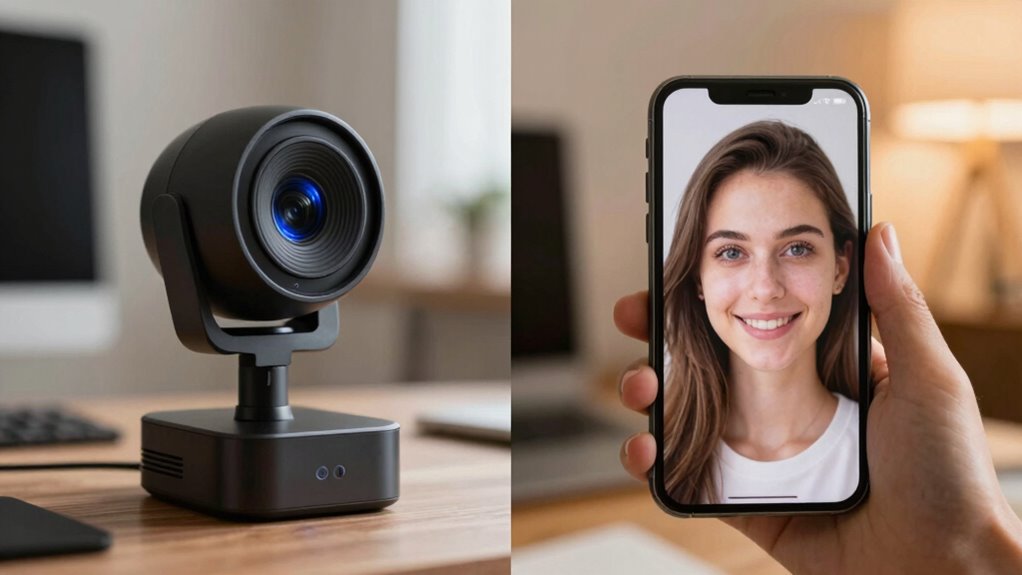
When it comes to call quality and video clarity, your device’s resolution and audio performance make a big difference. You’ll notice that smartphones often offer higher video detail and clearer sound, especially with good microphones and screens. Consider these points to decide which device will give you the best experience during calls. Additionally, emotional skills can enhance your communication by helping you stay calm and focused during video calls, leading to more effective interactions. Moreover, the quality of camera sensors in smartphones generally surpasses that of many webcams, contributing to sharper images and better overall video quality. Understanding time zone differences can also help optimize call timings, ensuring smoother communication across regions. The hardware capabilities of smartphones tend to be more advanced, providing better performance during video calls.
Video Resolution and Detail
Video resolution and detail play a crucial role in determining call quality and overall video clarity. With higher video resolution, your image appears sharper, making details more visible and reducing pixelation. Smartphones typically offer higher resolutions, such as 4K or 1080p, delivering crisper images during calls. In contrast, many webcams operate at 720p or 1080p, which can limit image detail, especially in larger or well-lit environments. The better your device handles video resolution, the clearer your image appears to others. This means that, for improved call quality, a smartphone camera often provides superior image detail, especially in challenging lighting conditions. Ultimately, choosing a device with higher video resolution ensures a more natural and professional-looking video experience.
Audio Clarity and Volume
Audio clarity and volume considerably impact your call experience, often more than video quality alone. If your microphone quality isn’t up to par, your voice may sound muffled or distant, making conversations frustrating. Smartphone microphones typically excel with better noise cancellation and clearer sound, especially in noisy environments. Volume levels are also vital; smartphones usually offer adjustable volume settings that ensure your voice projects clearly. Webcams, on the other hand, often have basic microphones that pick up less detail and struggle with background noise. As a result, calls on smartphones tend to sound crisper and louder, providing a more natural and seamless communication experience. Ultimately, better microphone quality and flexible volume levels give smartphones a significant advantage in call clarity. Additionally, free floating audio technology can help improve overall sound quality by reducing echoes and background noise, further enhancing call clarity. This technology aligns with best practices in audio management to optimize your communication quality. Incorporating advanced audio features can also make a noticeable difference in call performance, especially when paired with noise suppression techniques to create a clearer audio environment. Furthermore, sophisticated microphone technology in smartphones often adapts dynamically to different environments, ensuring consistent sound quality across various settings.
What Features Make a Webcam or Phone Camera Stand Out?
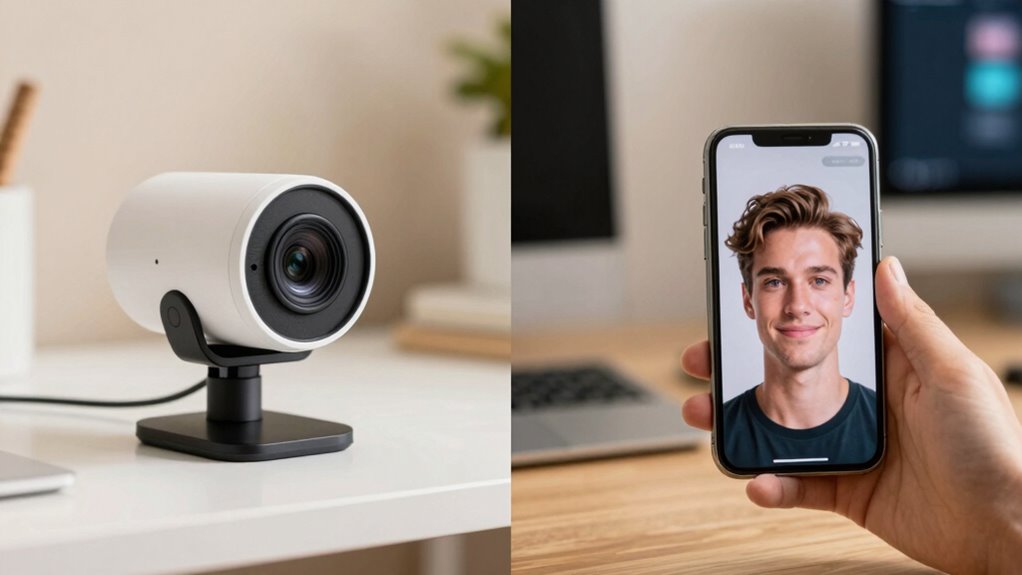
What features truly make a webcam or smartphone camera stand out from the rest? First, image quality is key. A clear, sharp picture guarantees you look professional and confident during calls. Look for cameras with high resolution, which deliver crisp details even in varied lighting conditions. Autofocus capabilities also set top devices apart. Fast, accurate autofocus keeps you in focus without constant adjustments, providing a seamless experience. Additionally, features like low-light performance and color accuracy enhance overall video quality. Whether you’re on a work call or catching up with friends, these features ensure your camera captures you at your best. Ultimately, image quality combined with reliable autofocus makes a device stand out in any video call setting. Incorporating household safety features, such as proper lighting and stable placement, can further improve your overall video experience. Moreover, selecting a camera with ergonomic design can contribute to more comfortable usage during extended calls. Considering user-friendly controls can also make your setup and operation more efficient and stress-free. Paying attention to device durability ensures your equipment remains reliable over time, especially in busy home or office environments.
Is One Device More Budget-Friendly for Video Calls?
When comparing the costs of webcams and smartphone cameras for video calls, affordability often depends on your existing devices and specific needs. A clear budget comparison shows that smartphones are generally more cost-efficient since you already own them. Investing in a dedicated webcam can be more expensive upfront but might save money long-term if you need higher quality or consistent performance. Consider these points:
- If you already have a smartphone, using it saves extra spending.
- Webcams may require additional accessories, increasing overall costs.
- Smartphone upgrades might be more economical than buying a new webcam.
- Additionally, some unique and wicked planters are designed to hold small devices, which can be useful for mounting or positioning your phone during calls.
- For those interested in technology upgrades, exploring higher-end smartphones can sometimes provide better camera quality than traditional webcams at a similar or lower cost. Your choice hinges on balancing initial expenses with ongoing value, making your decision more about cost efficiency than just purchase price. Overall, smartphones tend to be more budget-friendly for casual and frequent video callers.
Can You Use These Devices Anywhere, or Are They Limited?
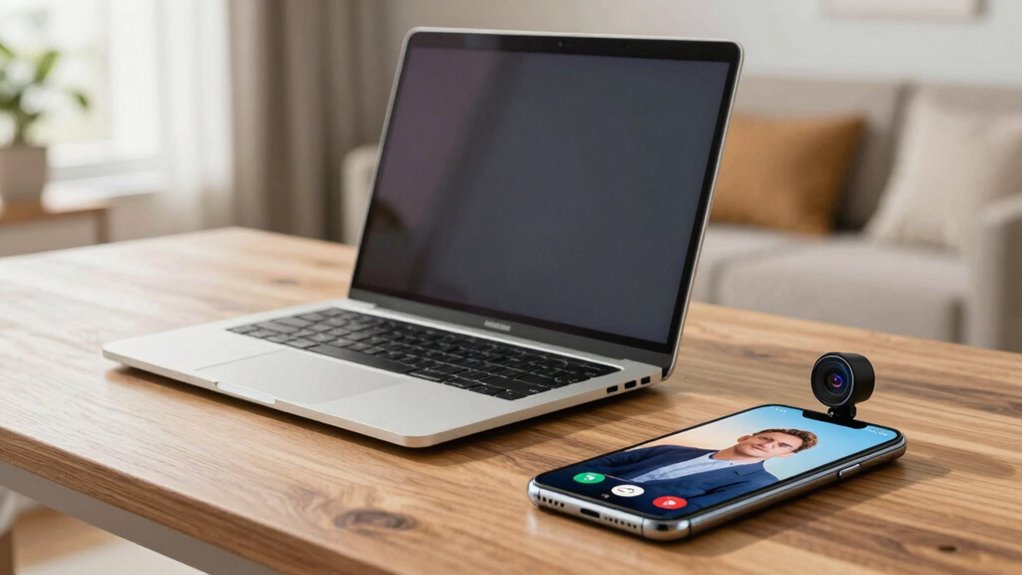
Both webcams and smartphone cameras have their limitations when it comes to mobility, but smartphones generally offer greater versatility. With their compact design, smartphones are highly portable, allowing you to carry them almost anywhere and use them on the go. This device portability makes smartphones ideal for spontaneous calls or video chats outside your usual setup. Webcams, on the other hand, are typically tethered to a computer via USB, restricting their use to fixed locations. Connectivity options also differ: smartphones rely on cellular networks and Wi-Fi, giving you more freedom to connect from various locations. Webcams depend on a stable internet connection through your computer’s network, which limits their mobility. Overall, smartphones provide much more flexibility for use anywhere, while webcams are better suited for stationary setups. Upgrading your device with a high-quality flywheel or engine can significantly enhance your vehicle’s performance, just as choosing the right camera device can improve your calls and video quality.
Will Your Calling Apps Work Smoothly With a Webcam or Smartphone?
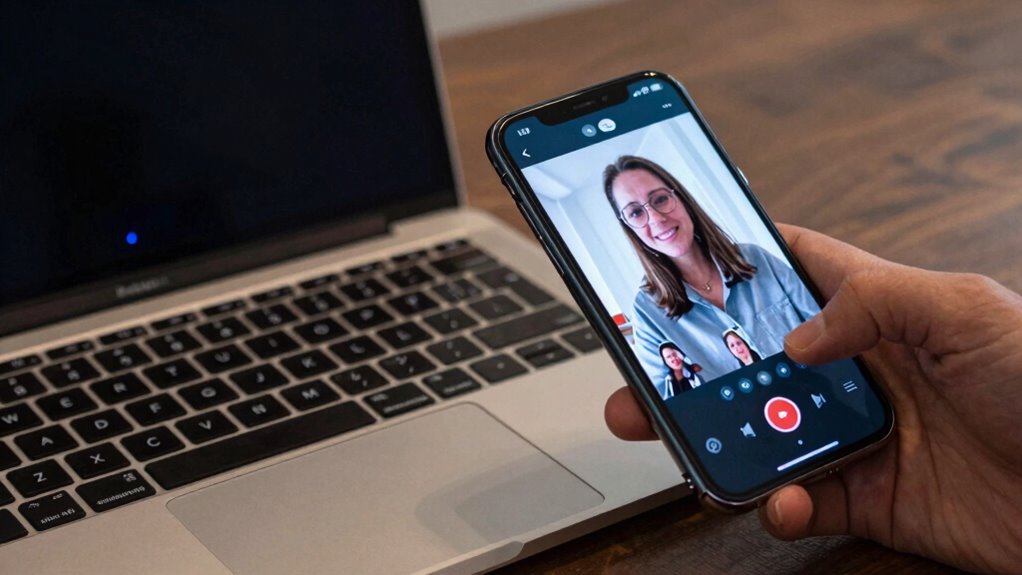
Using your webcam or smartphone for calls depends heavily on whether your preferred apps support these devices smoothly. If the app isn’t compatible or struggles with connection stability, your calls will suffer. To guarantee a seamless experience, check for updated app versions and device compatibility. Keep in mind:
- Some apps optimize better for smartphones than webcams, affecting app compatibility.
- Connection stability varies; Wi-Fi or wired connections improve call quality regardless of device.
- Compatibility issues may require app updates or alternative platforms to work smoothly with your chosen device.
- Device compatibility plays a crucial role in ensuring your calling apps function properly across different hardware. Being aware of these factors helps you avoid frustration during calls. If your app doesn’t support your device well, you might experience lag, dropped calls, or poor audio/video quality. Ensuring compatibility and stable connections is key for smooth, reliable calls. Additionally, software updates can improve overall performance and fix known bugs that affect call quality.
Which Device Is the Best Choice for Your Video Calls?
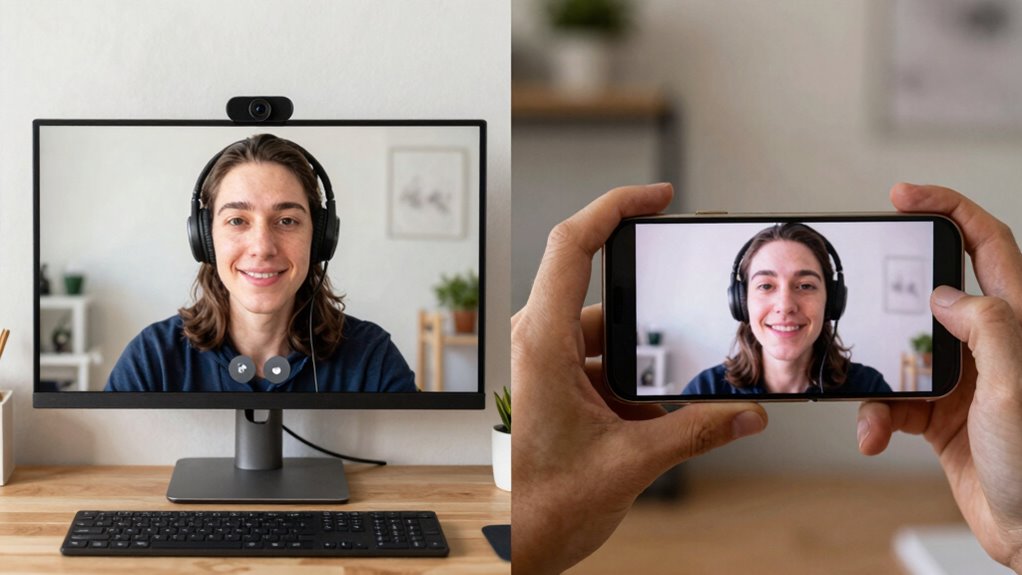
Choosing the right device for your video calls depends on your specific needs and environment. If you often call in well-lit spaces, both webcams and smartphones perform well. However, in low-light conditions, smartphones generally adapt better due to their advanced sensors. Battery life also matters; smartphones may drain quickly during long calls, while webcams connected to power sources can last indefinitely. Consider this comparison:
| Feature | Webcam | Smartphone | Best For |
|---|---|---|---|
| Lighting Conditions | Less adaptable | Superior in low light | Varying environments |
| Battery Life | Not an issue (wired/plugged) | Limited, needs charging | Short calls or wired setups |
| Portability | Less portable | Highly portable | On-the-go calls |
| Setup Complexity | Simple | Slightly complex | Ease of use |
Additionally, video quality can vary between devices, impacting the overall call experience. For those who prioritize ease of setup, webcams often offer a straightforward plug-and-play solution. The cost factor also influences the choice, as webcams are generally more affordable and easier to upgrade. Select based on your environment, call length, and mobility needs.
Frequently Asked Questions
How Do Lighting Conditions Affect Webcam and Smartphone Video Quality?
Lighting conditions considerably impact both webcam and smartphone video quality. Poor ambient illumination diminishes lighting quality, making your video appear grainy or dark. Bright, even lighting enhances clarity and color accuracy, while harsh or uneven light causes shadows and glare. For the best results, make sure your environment has sufficient ambient illumination, and avoid backlighting. Good lighting helps both your webcam and smartphone camera capture sharp, clear images during calls.
Can External Accessories Improve the Performance of Webcams or Smartphone Cameras?
Think of external accessories as your camera’s trusted allies. Adding an external lens sharpens your focus, making your image clearer and more professional. Upgrading your microphone enhances your voice, ensuring your message comes through loud and clear. These accessories act as bridges to better performance, transforming your webcam or smartphone into a more powerful tool. With the right upgrades, you’ll captivate your audience and leave a lasting impression every time you call.
Are There Privacy Concerns When Using Webcams or Smartphones for Calls?
You should be aware that using webcams or smartphones for calls can pose privacy risks, especially if malware or unauthorized access occurs. To protect yourself, make sure your device uses data encryption and keep software updated. Be cautious about granting app permissions and avoid clicking suspicious links. Regularly reviewing privacy settings helps prevent data breaches, giving you peace of mind during your calls.
How Does Battery Life Impact Smartphone Use During Long Video Calls?
During long video calls, your smartphone’s battery life is vital. High battery consumption from continuous video streaming can drain your power quickly, so good power management becomes necessary. To extend usage, disable unnecessary features, lower screen brightness, or use power-saving modes. Keep your charger nearby or use a portable power bank. This way, you guarantee your device stays powered, allowing you to focus on your call without interruptions.
Do Software Updates Enhance the Functionality of Webcams and Smartphone Cameras?
Think of your webcam and smartphone camera like tools in a toolbox—software updates are like sharpening the tools. They enhance functionality through software optimization and firmware improvements, making your devices more capable over time. I once updated my webcam firmware, and suddenly, video quality improved markedly. Regular updates guarantee your devices stay current, fix bugs, and reveal new features, so you get the best performance during calls.
Conclusion
Ultimately, whether you choose a webcam or smartphone, picture yourself effortlessly gliding through your calls, with crystal-clear images and crisp sound shining like a beacon of connection. Imagine the ease of setup, the comfort of familiar devices, and the freedom to call from anywhere, whether cozy at home or on the go. Whichever device you pick, make your video calls feel seamless, vibrant, and as close as possible to sitting face-to-face.