When choosing between NVRs and cloud storage to protect your footage, consider their security features. NVRs store data locally with encryption and require physical access for tampering, but they’re vulnerable if the device is stolen or accessed improperly. Cloud storage encrypts data during uploads and at rest, providing remote access but depends on the provider’s security protocols. Each has strengths and risks—understanding these will help you pick the best option for your safety needs.
Key Takeaways
- NVRs store footage locally with encryption, offering greater control over security and access management.
- Cloud storage encrypts data during upload and at rest, with providers managing security but relying on internet connectivity.
- Physical security and tamper-proof measures are crucial for NVRs; cloud storage depends on provider security protocols.
- Hybrid solutions combining local and cloud storage enhance redundancy and protection against data loss or tampering.
- Proper access controls, regular updates, and strong passwords are essential regardless of storage type to prevent unauthorized access.
How Do NVRs and Cloud Storage Secure Your Footage Differently?
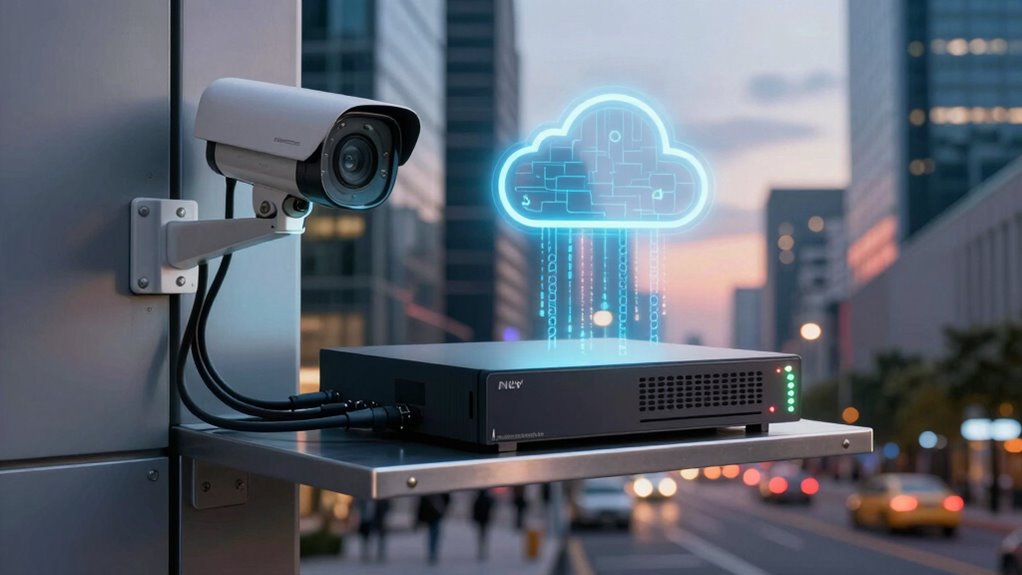
NVRs (Network Video Recorders) and cloud storage protect your footage in fundamentally different ways. With NVRs, your video data is stored locally on a dedicated device, and local encryption helps keep your footage secure from unauthorized access. You have direct control over the encryption keys, which means your footage stays private unless you choose to share it. Remote access allows you to view footage from anywhere, but it requires proper network security measures. This local control can be crucial for those prioritizing privacy protection and minimizing external vulnerabilities. Additionally, strong network security protocols are essential for safe remote access to NVRs. Cloud storage, on the other hand, encrypts your footage during upload and at rest on remote servers managed by the provider. While remote access is built-in, you rely on the provider’s security protocols. This difference means NVRs emphasize local control, whereas cloud storage offers remote convenience with secure encryption. Furthermore, data storage/backup gear like optical drives and enterprise USB backups can serve as supplementary options for safeguarding your footage, providing an extra layer of redundant backup security. Understanding the specific security features offered by providers can help you better evaluate which storage method aligns with your privacy needs.
What Are the Main Security Risks of NVRs and Cloud Storage?
While both NVRs and cloud storage offer secure ways to save your footage, they each come with unique risks that you should be aware of. NVRs can be vulnerable to physical tampering or theft if access control isn’t strict. Weak encryption methods may expose footage to hackers during data transmission or storage. Cloud storage relies on internet security, so breaches or misconfigured accounts can lead to unauthorized access. Additionally, insufficient access control can allow intruders to manipulate or delete footage. Properly configured encryption methods are essential to prevent unauthorized interception of footage during transmission and storage. Implementing security protocols such as multi-factor authentication can further help mitigate these risks. Regular security audits can help identify and address vulnerabilities proactively. Being aware of these risks helps you take proactive steps to protect your footage, especially considering the importance of data protection in safeguarding sensitive information.
How Can You Prevent Tampering and Theft of Your Video Footage?

To prevent tampering and theft of your video footage, you need to implement strong physical and digital security measures. Physical security involves securing your cameras and storage devices in locked, access-controlled locations to deter unauthorized entry. Use sturdy enclosures and tamper-proof mounts to protect cameras from physical interference. Access control is vital; limit who can access your footage and control systems. Implement strong, unique passwords and enable multi-factor authentication to prevent unauthorized digital access. Regularly update firmware and security patches to fix vulnerabilities. Monitor access logs for suspicious activity. Combining physical security with strict access control ensures that only authorized individuals can view or modify your footage, greatly reducing the risk of tampering or theft. Additionally, understanding the energetic alignment of your security setup can help reinforce your protective measures. Ensuring your storage devices are kept in a secure environment with proper environmental controls can also prevent damage or tampering.
Furthermore, employing a redundant storage system, such as backing up footage to multiple locations, adds an extra layer of protection against data loss or sabotage.
Which Storage Option Offers Better Backup and Recovery for Your Footage?

Choosing the right storage option considerably impacts how effectively you can back up and recover your footage. With local backup, you can quickly restore data if your primary storage fails, ensuring minimal downtime. Cloud storage offers data redundancy across multiple servers, safeguarding footage even if one server goes down. To maximize backup and recovery, consider:
Choosing the right storage ensures quick recovery and data safety during failures.
- Regularly updating local backups for the latest footage
- Using cloud storage for automatic data redundancy
- Ensuring backups are stored securely and encrypted
- Testing recovery procedures periodically
- Combining NVR local storage with cloud backup for added protection
This hybrid approach offers the best of both worlds: fast local recovery and resilient cloud redundancy. Your footage stays protected, accessible, and recoverable, no matter the situation. Additionally, understanding data redundancy ensures you’re better prepared for unexpected hardware failures or cyber threats, further enhancing your footage security. Regularly reviewing your storage setup can also help identify potential vulnerabilities before they become critical security risks. Incorporating backup validation practices, such as verifying the integrity of stored data, can further prevent data loss during recovery. Implementing disaster recovery plans that include both local and cloud backups ensures comprehensive protection against various failure scenarios.
What Factors Should You Consider When Choosing Between NVRs and Cloud Storage?
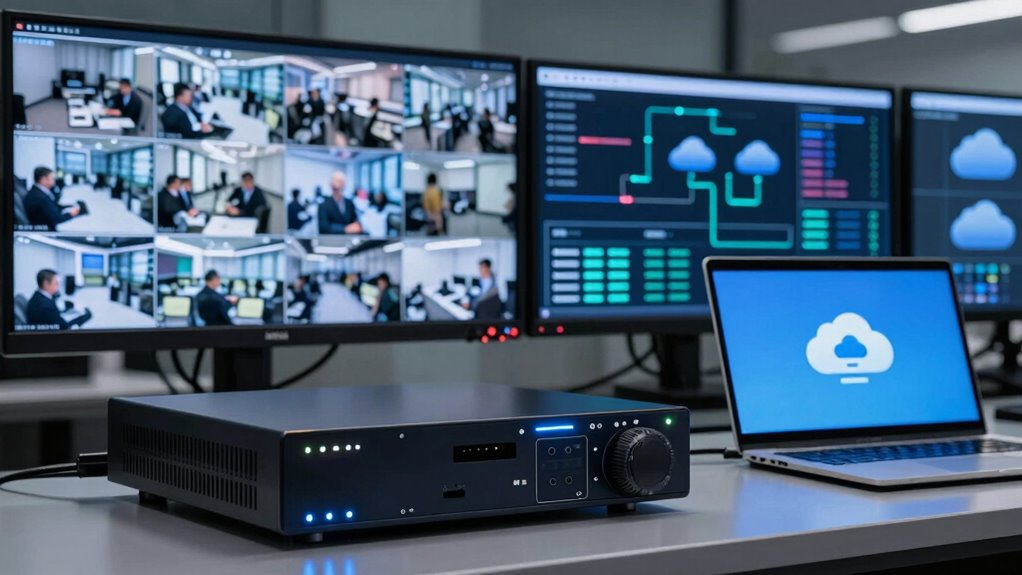
When deciding between NVRs and cloud storage, you need to weigh several key factors to guarantee your security footage is protected and accessible. Consider the type of video storage you prefer—local NVRs offer control, while cloud options provide remote access. Data encryption is crucial; ensure your chosen method encrypts footage both during transmission and at rest to prevent unauthorized access. Cost, scalability, and internet dependence also matter: NVRs require upfront investment but are more predictable, whereas cloud storage can expand easily but depends on a reliable internet connection. Additionally, understanding the security protocols involved in each option helps ensure your footage remains protected from potential breaches. It’s also important to evaluate the privacy policies of your cloud provider to understand how your data is managed and protected. Moreover, consider the maintenance requirements of each system, as NVRs may need regular hardware updates and physical security measures, while cloud solutions typically handle maintenance remotely. Evaluating the storage capacity needed for your footage can help determine which option best fits your long-term storage needs. Furthermore, assessing the data transfer speeds can impact how quickly you can access or back up footage, influencing your overall security strategy.
Frequently Asked Questions
Can NVRS or Cloud Storage Be Hacked More Easily?
You might think NVRs are more secure, but both can be hacked if cybersecurity vulnerabilities exist. Cloud storage can be targeted for unauthorized access through weak passwords or insecure connections, making it potentially easier for hackers to breach. NVRs are vulnerable if they lack proper security updates. To protect your footage, guarantee both systems are regularly updated, use strong passwords, and enable multi-factor authentication.
What Is the Overall Cost Comparison Between NVR and Cloud Options?
Think of choosing NVR or cloud storage like picking a vehicle—your costs vary. NVRs often have higher upfront installation costs but lower ongoing maintenance expenses. Cloud options typically have lower initial costs but monthly subscription fees can add up over time. If you prefer predictable expenses, an NVR might suit you better. For flexibility and less upfront investment, cloud storage could be more cost-effective in the long run.
How Does Latency Impact Footage Retrieval in Both Storage Types?
Latency affects how quickly you can retrieve footage, and both storage types face challenges. Network congestion and bandwidth limitations can cause delays in accessing cloud footage, making retrieval slower during peak times. NVR systems, on the other hand, usually offer lower latency because footage is stored locally, so you get faster access. However, if your network is congested, even NVRs can experience delays, impacting prompt footage access.
Are There Legal or Privacy Issues With Cloud Storage?
You may face privacy concerns and data sovereignty issues with cloud storage. Laws vary by region, and some countries restrict storing surveillance footage outside their borders. Cloud providers often hold your data, raising questions about who can access it. Additionally, breaches could expose sensitive footage. Be aware of local regulations and choose reputable providers to guarantee your privacy stays protected while complying with legal requirements.
Which Option Is Better for Long-Term Storage Needs?
Ironically, choosing the best long-term storage means considering storage scalability and data redundancy. Cloud storage often offers seamless scalability, so you can easily expand without hardware concerns. Plus, it provides data redundancy, safeguarding your footage even if a server fails. NVRs might seem reliable initially, but they can be limited in capacity and vulnerable to physical damage. For long-term needs, cloud storage generally proves to be the smarter, more resilient choice.
Conclusion
Ultimately, both NVRs and cloud storage have their strengths and risks. While NVRs keep footage onsite, they can be vulnerable to theft or tampering if not secured properly. Cloud storage offers better backup options but depends on your internet connection and provider’s security. Don’t assume one is foolproof; instead, consider combining both for all-encompassing protection. This way, you get the security of local control and reliable remote access—covering your footage from every angle.