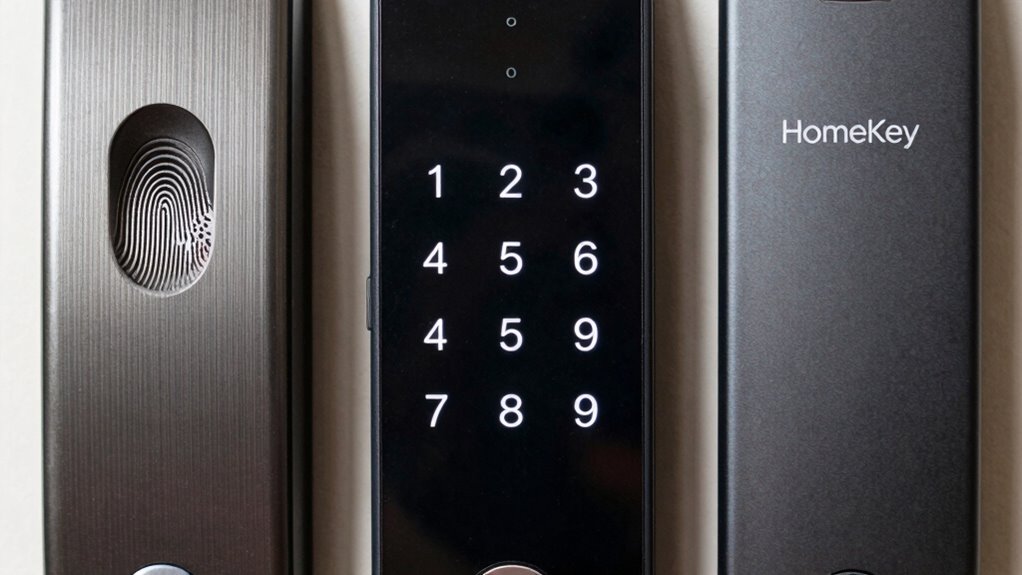

Choosing between fingerprint, keypad, and HomeKey smart locks depends on your lifestyle and security needs. Fingerprint locks offer quick, biometric access for busy households but can be affected by dirt or moisture. Keypad locks are flexible with multiple codes but less secure if codes are shared. HomeKey systems let you control your lock remotely and integrate with smart home devices. To find out which one best fits your home, explore the details ahead.
Key Takeaways
- Fingerprint locks offer biometric quick access, ideal for convenience, but can be affected by dirt or moisture.
- Keypad locks provide customizable codes for multiple users, but may be less secure if codes are shared or discovered.
- HomeKey systems enable remote control via smartphones and smart home integration, offering seamless keyless access.
- Security features vary: encryption, tamper alerts, and backup options are crucial across all types.
- Consider factors like installation, maintenance, and privacy when choosing based on ease of use and security needs.
Which Smart Lock Is Right for You? Comparing Fingerprint, Keypad, and HomeKey Options
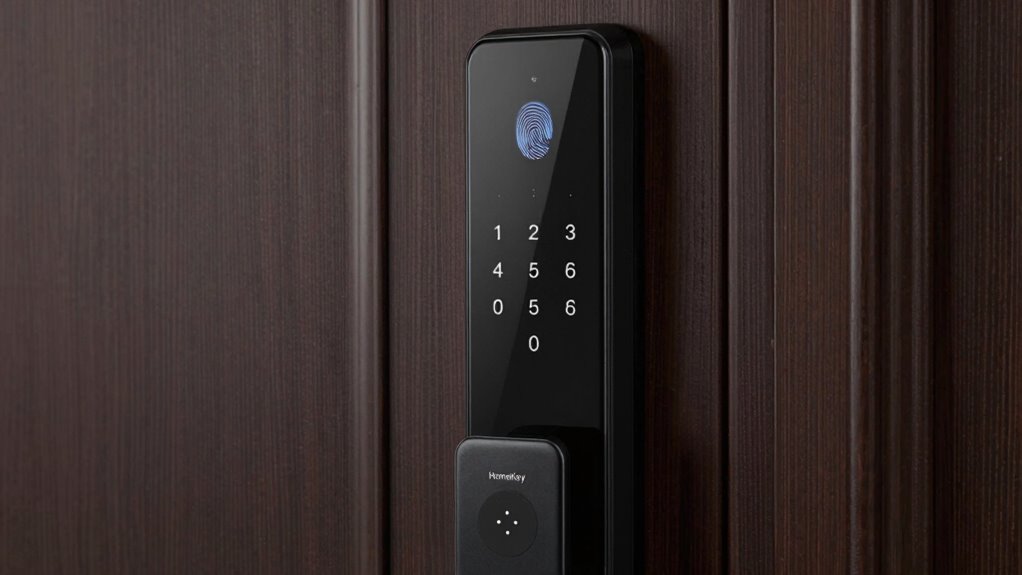
Choosing the right smart lock depends on your specific needs and preferences. If you prioritize access control and user convenience, consider how each option suits your lifestyle. Fingerprint locks offer quick, secure access by recognizing your unique fingerprint, ideal for busy households. Keypad locks provide customizable codes, allowing multiple users and easy changeovers without physical keys. HomeKey systems enable seamless access through smartphone integration, perfect if you want remote control and smart home compatibility. Think about who needs access and how often. Do you need fast, biometric entry? Or prefer the flexibility of shared codes or app control? Your choice should enhance security while making everyday access simple and convenient for everyone in your home.
How Do Fingerprint, Keypad, and HomeKey Locks Work? The Mechanics Explained
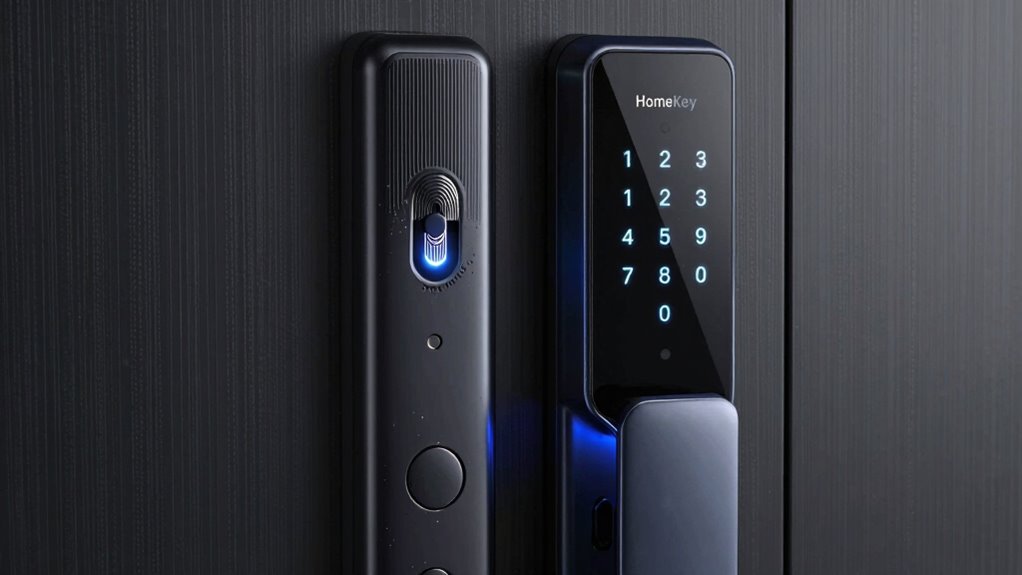
Understanding how each smart lock type functions can help you make an informed choice. Fingerprint locks use biometric authentication, scanning your fingerprint with sensors to verify identity through unique patterns. Keypad locks rely on mechanical design; you enter a code that triggers an electronic mechanism to open. HomeKey locks combine mechanical and electronic parts, using a key card or fob with embedded info to open via RFID technology. Additionally, smart lock security features can vary, affecting overall safety and reliability. Modern locks often incorporate encryption protocols to protect against hacking attempts, further enhancing security. Some models also include remote access capabilities, allowing you to control your lock from anywhere using a mobile app. Incorporating additional safety measures such as alarms or tamper alerts can also provide extra protection.
Pros and Cons of Fingerprint, Keypad, and HomeKey Locks for Your Home
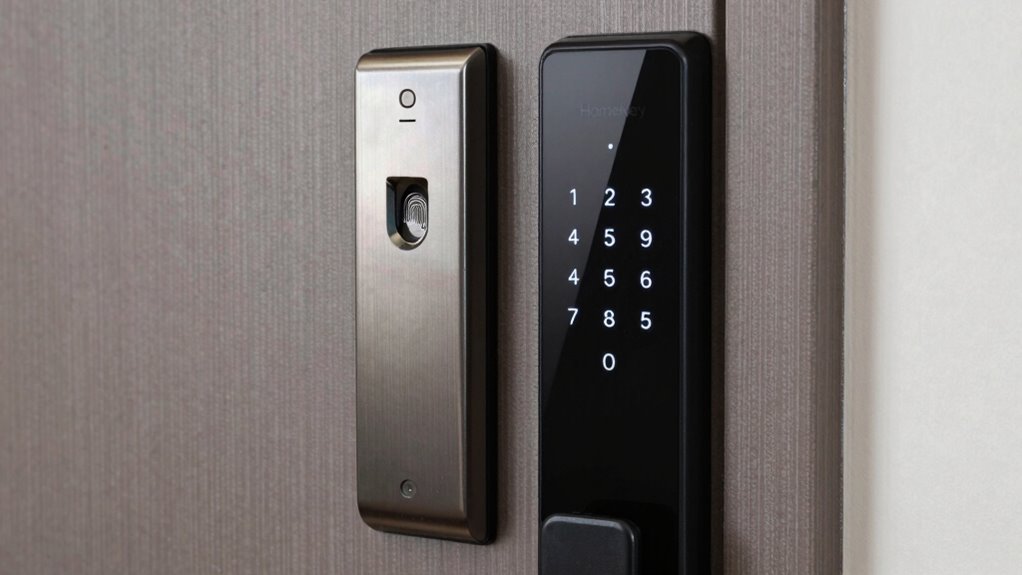
Each type of smart lock offers distinct advantages and disadvantages that can impact your home’s security and convenience. Fingerprint locks excel in biometric accuracy, providing quick, reliable access while reducing the risk of lost keys. However, they can be affected by dirt, moisture, or worn fingerprints, which may hinder performance. Proper fingerprint maintenance can help ensure consistent functionality. Keypad locks offer user convenience by allowing multiple codes for family members or visitors, but they can be less secure if codes are shared or discovered. HomeKey systems provide seamless access through smartphones, eliminating physical keys entirely, but they depend on a stable internet connection and battery life. Ultimately, your choice depends on balancing biometric reliability, ease of use, and potential vulnerabilities to find the best fit for your home.
Choosing the Best Smart Lock for Your Security Needs
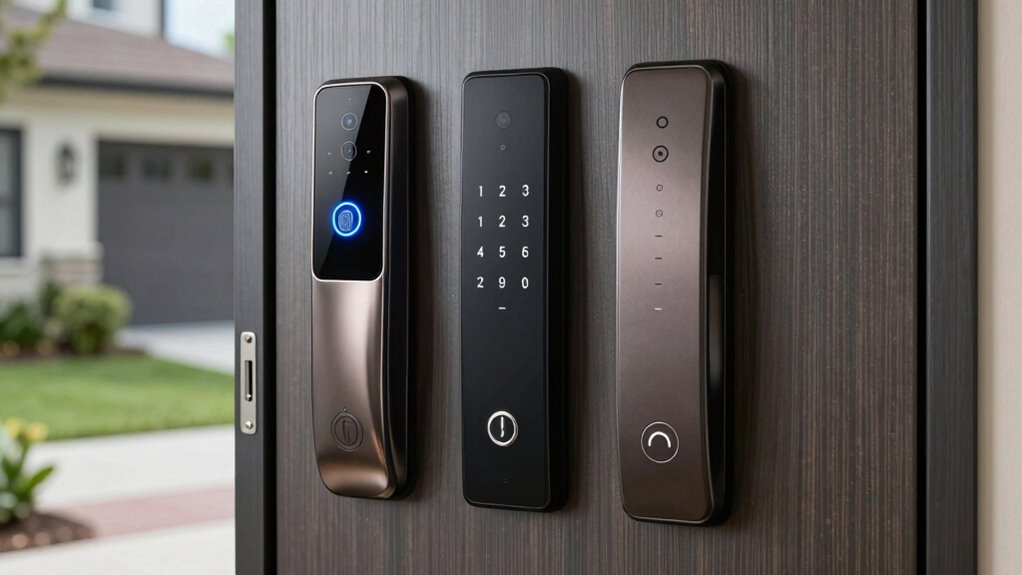
Selecting the right smart lock for your home depends on your specific security priorities and daily routines. Consider how often you’ll need to perform lock maintenance—some models require regular updates or battery changes, so choose one that fits your comfort level. User privacy is also essential; opt for locks that encrypt access data and avoid sharing user information unnecessarily. Think about who needs access—family members, guests, or service providers—and select a lock that offers appropriate access controls. If you value convenience and security, a biometric lock might suit you, but if you prefer simplicity, keypad or HomeKey options could be better. Ultimately, balancing ease of use, security features, and privacy protections will help you make the best choice for your home. Additionally, understanding fostering growth mindsets and mental health in children can contribute to creating a secure and supportive environment at home. Moreover, researching security standards and privacy protocols ensures that your smart lock maintains your data security and aligns with your privacy expectations. Being aware of user authentication methods can further help you select a lock that best fits your security needs. For example, considering battery capacity and backup options can prevent lockouts during power issues and maintain consistent security. Incorporating clear user access logs can also enhance your ability to monitor who enters and exits your home.
Installing and Managing Your Smart Lock Made Simple

Installing and managing your smart lock can be straightforward if you follow a few simple steps. First, review the security protocols and installation procedures provided by the manufacturer. Make sure your door meets compatibility requirements and gather all necessary tools. During installation, carefully follow the step-by-step instructions to ensure proper setup. Many smart locks offer easy-to-use apps for management, allowing you to customize access codes or fingerprint data easily. Keep your firmware updated to maintain security and performance. Regularly check and manage access permissions, especially if you add or remove users. By staying organized and following recommended procedures, you’ll keep your smart lock functioning smoothly, providing reliable security and peace of mind. Additionally, consider essential e-bike gear for safe commuting, especially protective gear like motorcycle-style jackets and safety accessories, which can enhance your overall security. To further improve your home security, make sure your household products are properly maintained and updated, as they play a vital role in your safety. Staying informed about security features and best practices can help you prevent unauthorized access and ensure your home remains protected. Also, exploring home automation tips can optimize your system’s performance and security features for maximum benefit. For added peace of mind, it’s wise to familiarize yourself with the impact of cookies on privacy and how they can be managed effectively.
Frequently Asked Questions
Can Smart Locks Be Hacked or Hacked Remotely?
Smart locks can be hacked or compromised remotely, but cybersecurity vulnerabilities are usually preventable with proper hacking prevention measures. You should keep your lock’s firmware updated, use strong passwords, and enable two-factor authentication if available. Avoid connecting your lock to insecure networks, and regularly monitor access logs. By taking these steps, you greatly reduce the risk of remote hacking and keep your smart lock secure.
What Are the Maintenance Requirements for Each Lock Type?
You need to regularly clean your biometric security fingerprint scanner to guarantee reliable unlocking, and update keypad codes periodically for security. Mechanical durability varies; keypad locks often withstand weather better, while fingerprint sensors may need occasional calibration or cleaning. For HomeKey, minimal maintenance is required, but check batteries regularly. Overall, each lock type benefits from routine upkeep to maintain security and performance, keeping your smart lock functioning smoothly.
How Do Smart Locks Affect Home Insurance Policies?
Did you know homes with smart locks can qualify for insurance discounts of up to 15%? These devices boost your home security by making unauthorized access harder, which insurance companies recognize. Installing a smart lock can potentially lower your premiums and provide peace of mind. Check with your insurer to see if your smart lock qualifies for discounts, and enjoy improved security while saving money.
Are Smart Locks Compatible With Smart Home Ecosystems?
Yes, smart locks are compatible with many smart home ecosystems. You can seamlessly integrate smart lock compatibility with systems like Alexa, Google Home, or Apple HomeKit, allowing you to control your lock alongside other devices. This ecosystem integration simplifies managing access, automates locking schedules, and enhances security. Just make certain your smart lock supports your preferred platform to enjoy smooth, connected control over your home security.
What Should I Do if My Smart Lock’s Battery Dies Unexpectedly?
Imagine you’re locked out because your smart lock’s battery died. First, replace the batteries promptly to restore power. Many models have a backup key or emergency access option—use it if needed. For example, a homeowner kept a spare key nearby for such emergencies. Regular battery replacement prevents surprises, and knowing how to access your lock during power failure guarantees security and convenience when you need it most.
Conclusion
Choosing the right smart lock comes down to understanding your needs, weighing convenience against security, and considering ease of use. Whether you prefer fingerprint, keypad, or HomeKey options, each offers unique benefits and challenges. By weighing your lifestyle, security concerns, and tech preferences, you can make an informed decision. Ultimately, it’s about selecting a lock that fits seamlessly into your life, provides peace of mind, and keeps your home safe and secure.