Even if you think you’re careful, using simple, predictable passwords, reusing the same ones across sites, or including personal info like birthdays makes you vulnerable. Hackers exploit common patterns and personal details to crack passwords easily. Weak passwords combined with no multi-factor authentication create major openings for attacks. If you want to stay safer, understanding these pitfalls and how to avoid them will help you build stronger defenses—keep going to learn more about protecting yourself.
Key Takeaways
- Reusing simple or predictable passwords across multiple accounts increases vulnerability, even if you’re cautious.
- Relying on personal details like birthdays or pet names in passwords makes them easier for hackers to guess.
- Using common patterns such as “123456” or “qwerty” allows automated tools to crack your passwords quickly.
- Not employing multi-factor authentication leaves accounts more susceptible if passwords are compromised.
- Failing to update passwords regularly or avoid pattern-based passwords weakens overall security, even with careful habits.
What Are the Most Common Password Mistakes?
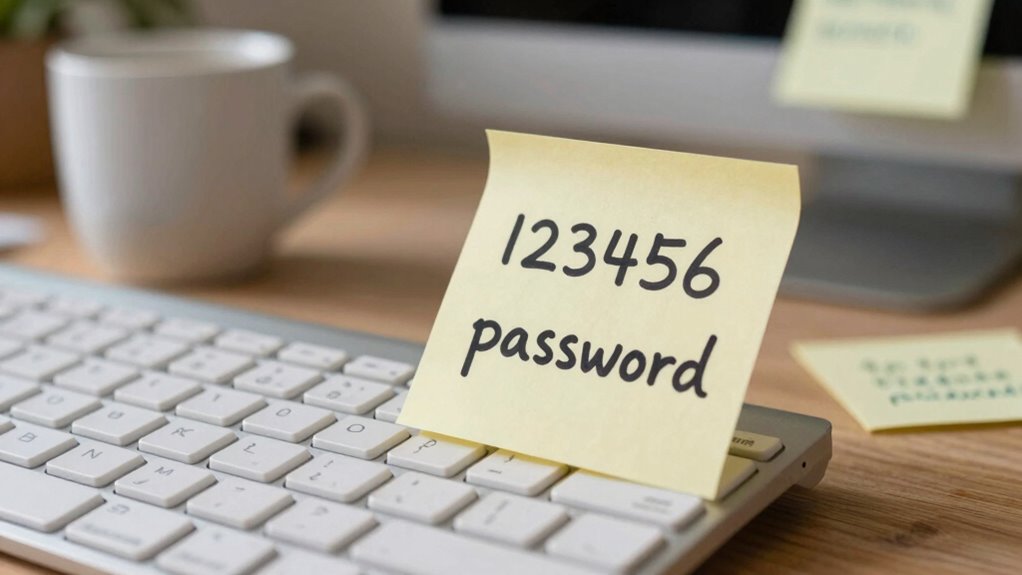
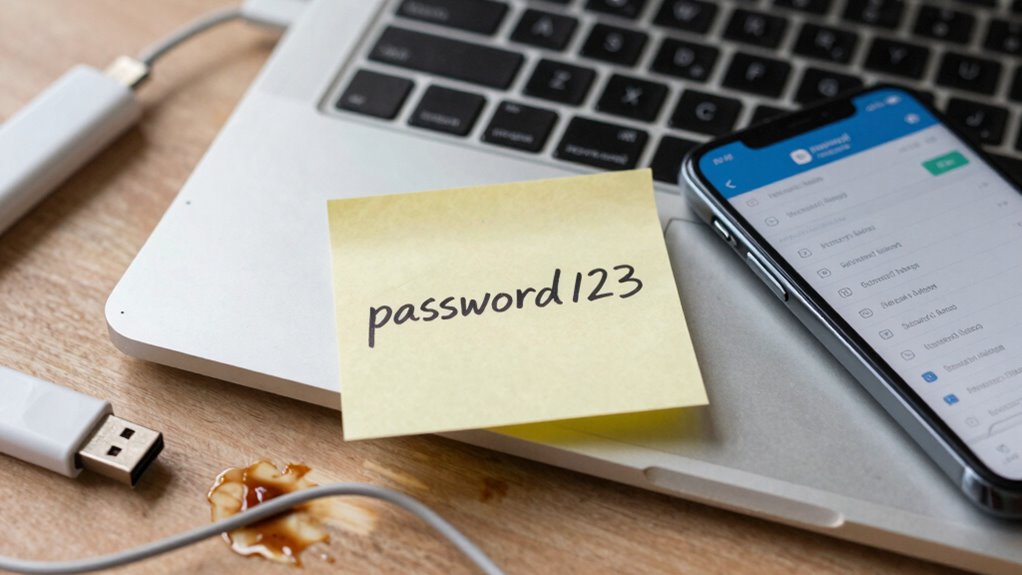
Have you ever used a simple or predictable password? Many underestimate how weak their password hygiene really is. Common mistakes include relying on easily guessable info like birthdays or pet names, which hackers can easily crack. Reusing passwords across multiple accounts also increases vulnerability—if one account is compromised, others become at risk. Not updating passwords regularly weakens your digital security habits, leaving gaps for attacks. Using the same password for different sites makes it easier for hackers to access multiple accounts once they crack one. Avoid these pitfalls by creating unique, complex passwords and practicing good password hygiene. One effective way to enhance your security is understanding password strength and how it impacts your protection. Strengthening your digital security habits protects your personal info and prevents cyber threats from exploiting simple mistakes. Being aware of common password errors can help you recognize and avoid risky behaviors before it’s too late. Additionally, understanding cybersecurity best practices can further bolster your defenses against increasingly sophisticated hacking techniques. Regularly reviewing your password management strategies ensures you stay ahead of potential threats and maintain strong online security. Incorporating multi-factor authentication adds an extra layer of protection, making it even harder for hackers to gain access.
Why Reusing Passwords Is a Major Security Risk
Reusing passwords across multiple accounts markedly increases your vulnerability to cyberattacks. If one account gets compromised, hackers can access your other accounts by using the same password. This is especially risky if you engage in password sharing, where multiple accounts share the same credentials, making it easier for attackers to gain entry. Additionally, neglecting password expiration policies leaves your accounts exposed longer than necessary. Regularly updating passwords limits the damage if a breach occurs. When you reuse passwords, you create a domino effect—one breach can cascade into multiple compromised accounts. Incorporating Indigenous wellness principles, such as mindfulness and community connection, into your security routines can help foster a more resilient digital presence. Moreover, understanding password management best practices can help you implement more secure habits. Utilizing contrast ratio principles when designing your digital security measures—like visual cues—can enhance alertness to suspicious activity. To further strengthen your defenses, consider adopting multi-factor authentication, which adds an extra layer of security beyond just passwords. Instead, use unique passwords for each account and change them periodically. This approach greatly reduces your risk and keeps your sensitive information safer from malicious actors. Incorporating security awareness training into your routine can also help identify potential threats before they cause harm.
How Predictable Patterns Can Hack Your Passwords
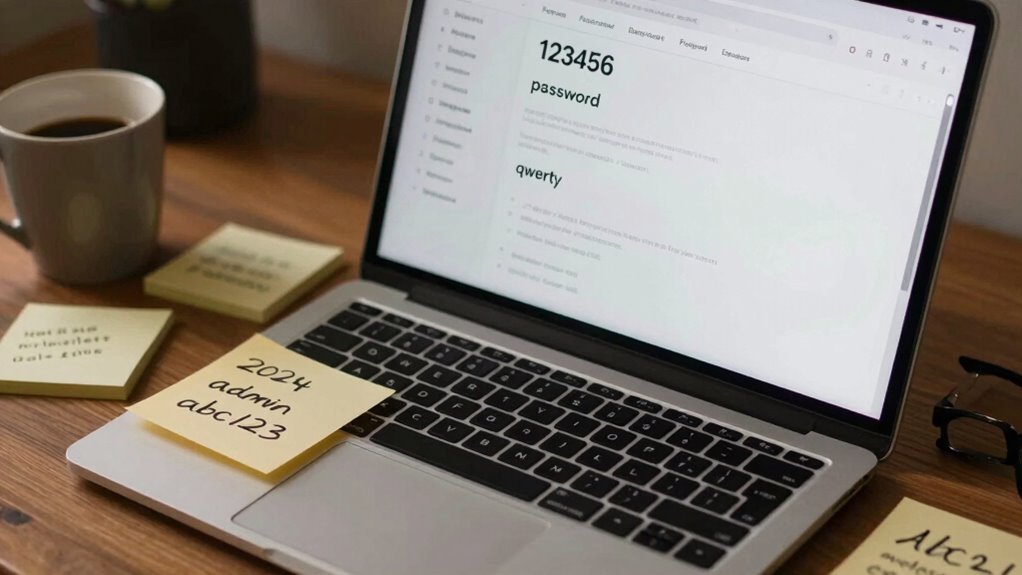
Hackers often guess passwords by recognizing common patterns, like “1234” or “password,” making your account vulnerable. They also exploit personal details such as birthdays or pet names if you use them in your passwords. Staying away from predictable sequences and personal info keeps your passwords secure. Additionally, using stronger, more complex passwords significantly reduces the risk of unauthorized access. Incorporating password diversity by avoiding repeated or similar passwords across accounts further enhances your security. Being aware of common attack methods helps you better understand how attackers attempt to breach accounts and how to defend against them. Recognizing Twin Flame signs and patterns can also help you stay vigilant against social engineering tactics that exploit personal connections. Understanding password structures and common pitfalls can help you craft more resilient defenses for your online accounts.
Common Sequential Patterns
Predictable patterns in your passwords can make them easy targets for attackers. Common sequential patterns, like “123456,” “abcdef,” or “qwerty,” are among the first guesses hackers try. These patterns markedly reduce password complexity, making it easier for automated tools to crack your account. Even if you change your passwords frequently, relying on simple sequences lowers your overall security. A strong password should break away from predictable sequences and include a mix of letters, numbers, and symbols. Remember, the shorter the password lifespan, the more often you should avoid common patterns. Using complex, unique passwords for each account minimizes the risk of a pattern being exploited over time. Stay vigilant by avoiding sequences that are easy to guess or memorize, and your accounts will be safer. Detecting passive voice can help you improve clarity and strengthen your writing. Additionally, understanding password security principles can further enhance your online safety. Incorporating best practices in password creation can significantly reduce your vulnerability to attacks. To further safeguard your accounts, consider employing multifactor authentication which adds an extra layer of security beyond just passwords.
Personal Information Risks
Since many people use personal information in their passwords, it’s easier for cybercriminals to crack them through pattern guessing. Common details like birthdays, pet names, or favorite sports teams often appear in passwords, making them predictable. When a data breach occurs, hackers can access stolen data and use personal information to attempt password guesses. Even if your passwords are encrypted during storage, they can still be vulnerable if they’re based on familiar patterns. Relying on personal info weakens your security, especially since attackers can easily compile such details from social media or public records. Additionally, the horsepower of electric dirt bikes indicates how powerful some devices are, which can be exploited if used improperly. To stay protected, avoid using personal information in your passwords, and opt for strong, unique combinations that resist pattern recognition and data breaches. Understanding large number conversions can help you better grasp the scale of data breaches and the importance of secure passwords. Being aware of common password vulnerabilities can further reinforce your defenses against hacking attempts. Moreover, employing password managers can help generate and store complex passwords, reducing the temptation to use easily guessable details. Developing awareness about cybersecurity best practices is essential for maintaining your online safety.
Why Using Personal Info in Passwords Is Dangerous
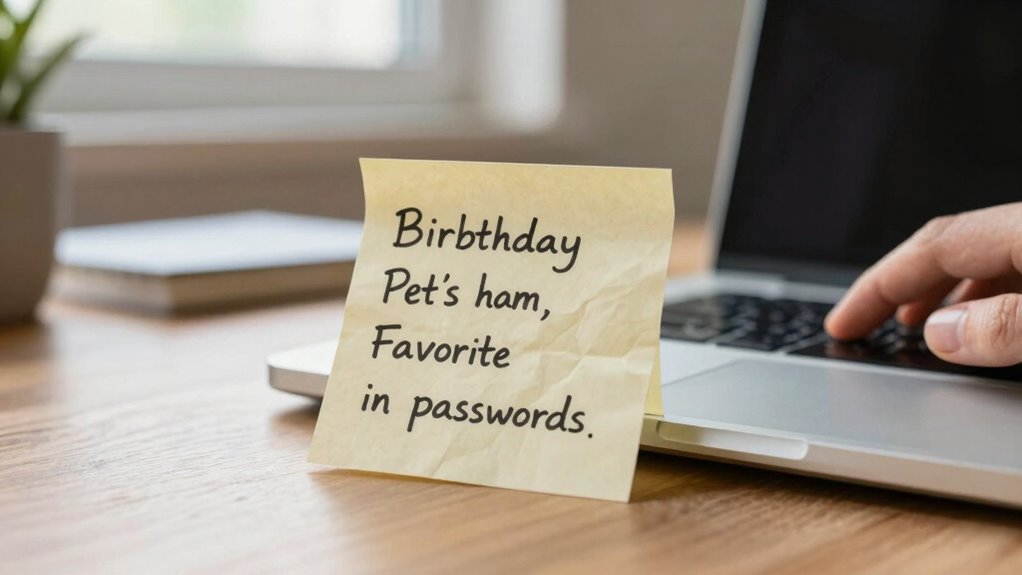
Using personal information like your birthday, pet’s name, or favorite sports team in passwords might seem harmless, but it actually makes them much easier for hackers to guess. Personal details are often found online, reducing password complexity and making your accounts vulnerable. Hackers use this info to quickly crack simple passwords, especially if you reuse them across sites. Additionally, personal information exposure can significantly increase the risk of identity theft. Instead of relying on familiar data, use a password manager to generate and store complex, unique passwords for each account. Password managers eliminate the temptation to include personal info and help you create stronger passwords without the hassle of remembering them all. By avoiding personal details and increasing password complexity, you considerably boost your security and make it much harder for hackers to gain access. Understanding online security is essential to protecting your digital identity.
How Multi-Factor Authentication Protects Your Accounts
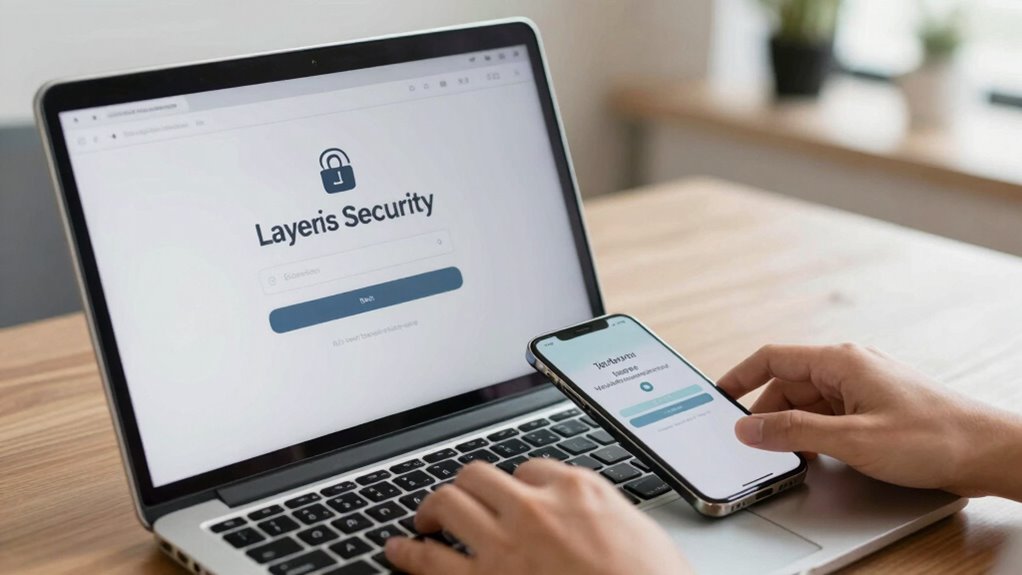
Multi-factor authentication adds extra layers of security to your accounts, making it harder for hackers to gain access. By requiring multiple verification steps, it markedly reduces the chances of unauthorized entry. This simple step can protect your information even if your password gets compromised.
Multiple Verification Layers
Adding multiple verification layers considerably boosts your account security because it requires more than just a password to verify your identity. Even if you choose a strong password with good password complexity, relying solely on it leaves you vulnerable. Multi-factor authentication (MFA) adds extra barriers, such as a fingerprint, a code sent to your phone, or a biometric scan, making it much harder for hackers to access your accounts. It also emphasizes the importance of effective password management, encouraging you to create unique, complex passwords for each service. By combining these layers, you reduce the risk of unauthorized access, since attackers need more than just your password to break in. This layered approach makes your accounts substantially more resilient against hacking attempts.
Reduces Unauthorized Access
Since passwords alone can often be compromised, implementing multi-factor authentication substantially reduces your chances of unauthorized access. It adds an extra layer to your account security, making it much harder for hackers to breach your accounts even if your password is weak or stolen. While strong password complexity helps, MFA ensures that even with a simple password, a second verification step is needed—such as a code from your phone or biometric scan. This greatly minimizes risks associated with password theft or guessing. By combining multiple verification methods, you create a formidable barrier against unauthorized access, protecting your sensitive data and online presence. Overall, MFA is a vital step in strengthening your account security and preventing unauthorized breaches.
Tips to Create Strong, Unique Passwords
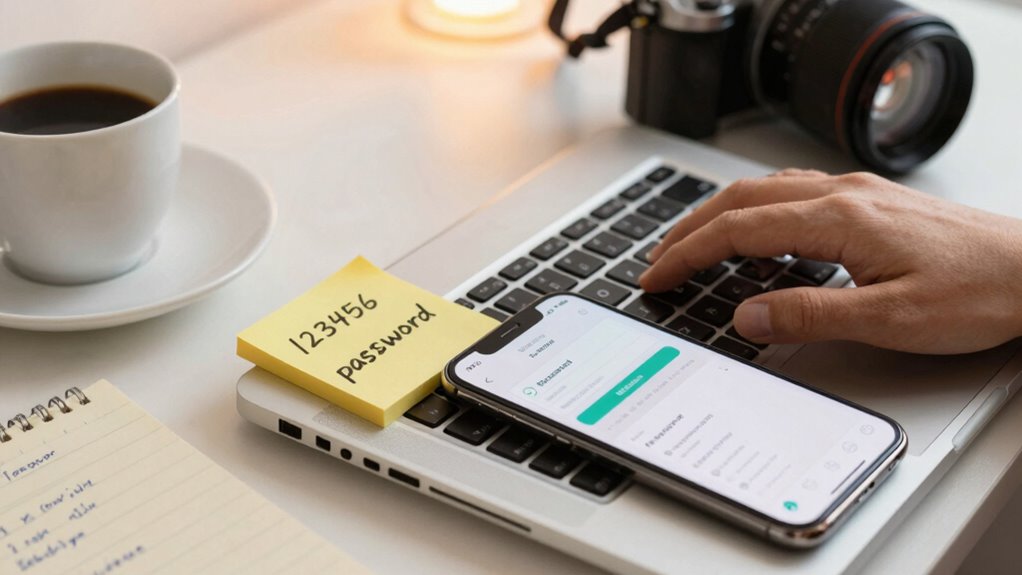
Creating strong, unique passwords is essential to protect your accounts from hackers. To do this, focus on password complexity by combining uppercase and lowercase letters, numbers, and symbols. Avoid common words or easy-to-guess information like birthdays. Instead, use a passphrase or a random combination of characters. Managing multiple passwords can be overwhelming, so use a trusted password manager to securely store and generate unique passwords for each account. This reduces the temptation to reuse passwords and helps you maintain excellent password hygiene. Remember, a strong password isn’t just about length but also unpredictability. Regularly updating your passwords and avoiding predictable patterns further enhances your security. With proper password management, creating and maintaining strong, unique passwords becomes easier and more effective.
Frequently Asked Questions
How Often Should I Change My Passwords for Optimal Security?
You should change your passwords regularly, ideally every 3 to 6 months, to maintain peak security. Practice good password rotation by updating your passwords frequently, especially for sensitive accounts. Avoid overly long password longevity, which can increase vulnerability over time. Consistently changing your passwords minimizes the risk of breaches and keeps your accounts safer, even if you think you’re careful. Stay vigilant and update your passwords to stay protected.
Are Password Managers Safe to Use?
Imagine a vault locking away your secrets—password managers use robust password encryption, making your data nearly impenetrable. They’re safe to use, even if a data breach occurs elsewhere, because your master password encrypts all stored info. Just choose reputable options with strong security measures. By doing so, you turn a potentially risky tool into your strongest shield against hackers, keeping your online life protected and worry-free.
Can Biometric Security Replace Strong Passwords Effectively?
Biometric security can complement your strong passwords but shouldn’t replace them entirely. Biometric limitations, like false positives or device vulnerabilities, mean a password vs biometrics debate. While biometrics are convenient and hard to forget, they can be spoofed or compromised. For maximum protection, use biometrics alongside complex passwords and multi-factor authentication, ensuring your accounts stay secure even if one method is compromised.
What Are the Signs My Account Has Been Compromised?
You might notice suspicious activity, like unexpected login alerts or password changes, which often signals an account breach. Coincidentally, unfamiliar emails or messages asking for personal info are also red flags. Keep an eye out for unusual transactions or notifications you didn’t initiate. These signs suggest your account has been compromised, so act quickly—change your passwords, enable two-factor authentication, and review recent activity to protect your information.
How Do I Recover Access if I Forget My Strong Password?
If you forget your strong password, start by using the password reset procedures offered by your account provider. Click on the “Forgot Password” link and follow the prompts, which often involve verifying your identity through email or phone. Explore your account recovery options, like security questions or backup email addresses. These steps help you regain access quickly and securely, ensuring your account stays protected.
Conclusion
Remember, over 80% of hacking incidents involve weak or reused passwords. By avoiding common mistakes like reusing passwords, using predictable patterns, or adding personal info, you drastically reduce your risk. Implement multi-factor authentication whenever possible and create strong, unique passwords for each account. Staying vigilant about your password habits keeps you safer online. Don’t let simple errors make you an easy target—protect yourself today with smarter, stronger passwords.