
Relying on your memory for complex, unique passwords isn’t secure. Password managers help store, generate, and protect your digital credentials with a master password, often supported by biometric authentication like fingerprints. They create strong, random passwords for each account, reducing the risk of hacking. By shifting password management to a secure system, you eliminate weak or reused passwords. Keep exploring to discover how these tools can make your online life safer and easier.

Get health and wellness essentials delivered free — and shop member deals
- Fast, free delivery on millions of items
- Access to Prime Big Deal Days deals on October 6–7
- Prime Video, Amazon Music and more included
Key Takeaways
- Password managers securely store and generate complex passwords, reducing the mental burden of memorization.
- Relying on your brain alone risks weak, reused, or forgotten passwords, increasing vulnerability.
- They protect your digital vault with master passwords and biometric authentication, enhancing security.
- Using a password manager minimizes the chances of hacking methods like credential stuffing and brute-force attacks.
- Delegating password management to a secure tool creates a safer, more efficient way to handle multiple accounts.
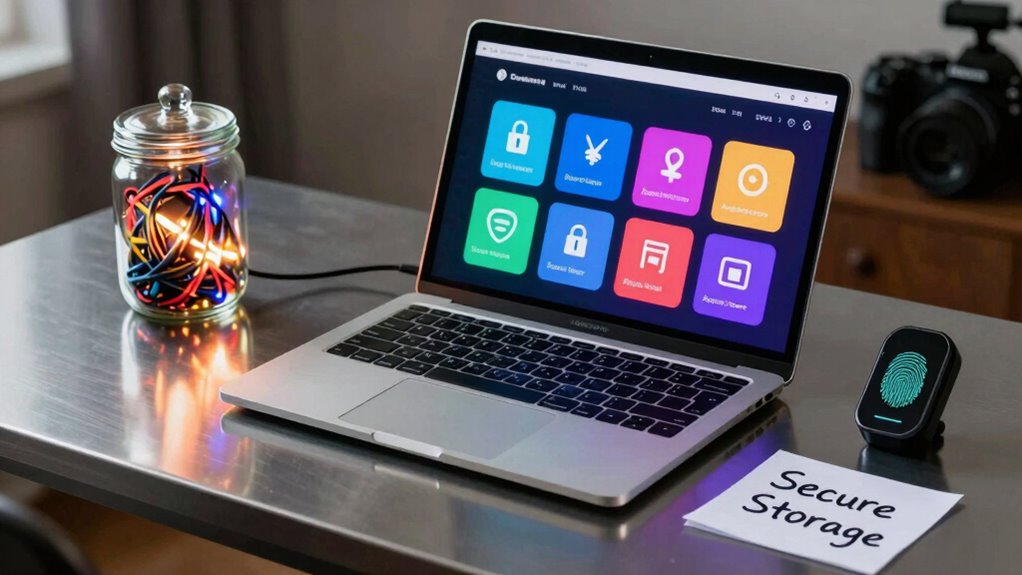
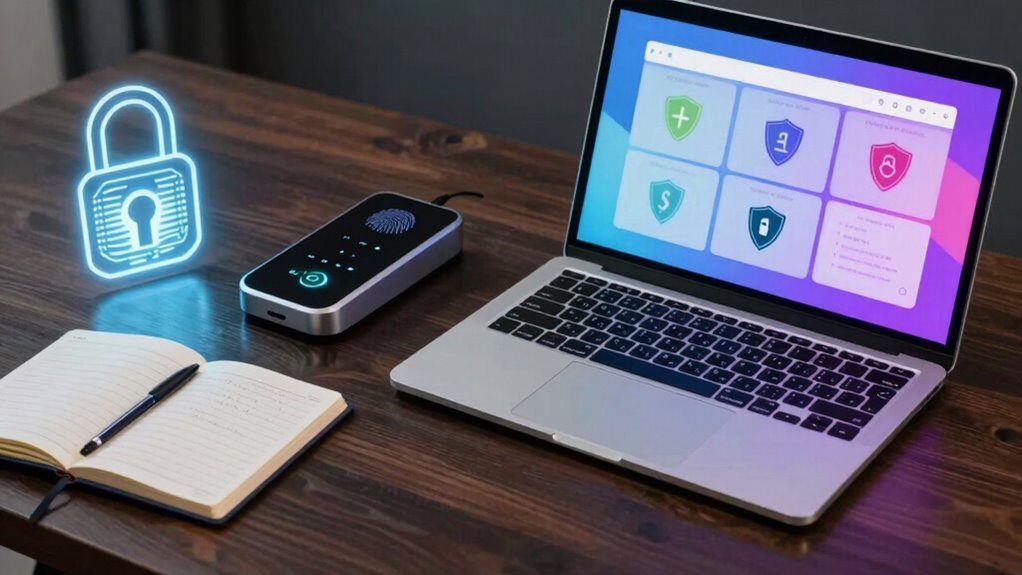
In today’s digital world, managing numerous online accounts can be overwhelming, especially when remembering strong, unique passwords for each one. That’s where a password manager becomes your best ally. Instead of trying to keep track of dozens of complex passwords, you rely on a secure application to store and generate them for you. These tools use a master password to protect your vault, so you only need to remember one. This setup makes it easier to maintain high security without the mental burden of memorization. Plus, many password managers now incorporate biometric authentication—like fingerprint or facial recognition—adding an extra layer of security while keeping access quick and seamless. With biometric authentication, you don’t have to type in a master password every time; your fingerprint or face unlocks the vault instantly, making the process both secure and convenient. Additionally, security best practices recommend regularly updating your master password to further enhance protection. A key feature of most password managers is their built-in password generator. Instead of settling for simple or reused passwords, you can rely on the generator to create complex, random passwords that are difficult for hackers to crack. These passwords typically include a mix of uppercase and lowercase letters, numbers, and special characters, ensuring robust protection. When you create a new account or update an existing password, the generator produces a unique, high-strength password automatically. This not only boosts your security but also saves you time, as you don’t have to come up with strong passwords manually. The password generator’s randomness means you’re less likely to fall into predictable patterns, which is crucial in defending against brute-force attacks or credential stuffing. Using a password manager with biometric authentication and a reliable password generator transforms the way you secure your online presence. It shifts the burden from your memory to a highly secure system designed specifically for this purpose. Instead of risking weak passwords or reusing the same one across multiple sites, you can trust your password manager to handle the heavy lifting. The biometric login ensures quick access without sacrificing security, and the generator significantly ensures all your passwords are strong and unique. This combination creates a fortress around your digital life, making hacking attempts significantly less likely to succeed. Ultimately, a password manager isn’t just a convenience; it’s a smart, proactive approach to protecting your personal and professional data in an increasingly connected world.
best password manager with biometric authentication
As an affiliate, we earn on qualifying purchases.
As an affiliate, we earn on qualifying purchases.
Frequently Asked Questions
Are Password Managers Completely Foolproof Against Hacking?
No, password managers aren’t completely foolproof against hacking. While they use strong encryption and features like biometric authentication, vulnerabilities can still exist. Hackers may target cloud synchronization or exploit software flaws. To stay safe, always keep your password manager updated, enable multi-factor authentication, and use unique, complex passwords. Remember, no system is invulnerable, so combining security measures helps protect your sensitive information better.
Can Password Managers Store Sensitive Information Other Than Passwords?
Yes, password managers can store sensitive information beyond passwords, like credit card details or secure notes. They use strong encryption methods to protect your data, ensuring only you can access it with your master password. You should always choose a reputable manager with robust security features, but remember, no system is completely foolproof. Regular updates and strong, unique master passwords keep your sensitive information safer.
What Should I Do if I Forget My Master Password?
Imagine you’re locked out of your vault—what now? If you forget your master password, don’t panic. Many password managers offer master password recovery options or account access issues solutions, like recovery keys or trusted contacts. Check your manager’s help resources or support. Act quickly, as these options are designed to help you regain access without risking your sensitive data. Stay calm—you’re not alone in this.
Are Free Password Managers as Secure as Paid Ones?
Free password managers can be secure, but you should consider the cost vs security trade-off. Many free options offer strong encryption and good security features, but paid ones often provide enhanced security and extra features. Also, pay attention to the user interface; a simple, intuitive design helps you manage passwords effortlessly. Ultimately, choose a reputable free manager if it meets your security needs and offers a user-friendly experience.
How Often Should I Update My Password Manager Software?
You should update your password manager software regularly, ideally as soon as new updates become available. These software updates often include critical security patches that protect your stored data from vulnerabilities. By staying current with updates, you guarantee your password manager remains secure against emerging threats. Don’t ignore prompts for updates; they’re essential for maintaining the highest level of security and keeping your passwords safe.
password generator software for Windows/Mac
As an affiliate, we earn on qualifying purchases.
As an affiliate, we earn on qualifying purchases.
Conclusion
In the end, relying solely on your memory is like trying to hold water in your hands. Password managers act as a digital vault, keeping your secrets safe and organized without the risk of forgetfulness. Don’t let your brain become the weakest link; trust a reliable password manager to guard your digital life. It’s the sturdy lock your mental keys need, so you can surf the web with confidence and peace of mind.
secure digital vault password manager
As an affiliate, we earn on qualifying purchases.
As an affiliate, we earn on qualifying purchases.
top-rated password management apps
As an affiliate, we earn on qualifying purchases.
As an affiliate, we earn on qualifying purchases.
Cold & flu season Picks
humidifiers
As an affiliate, we earn on qualifying purchases.