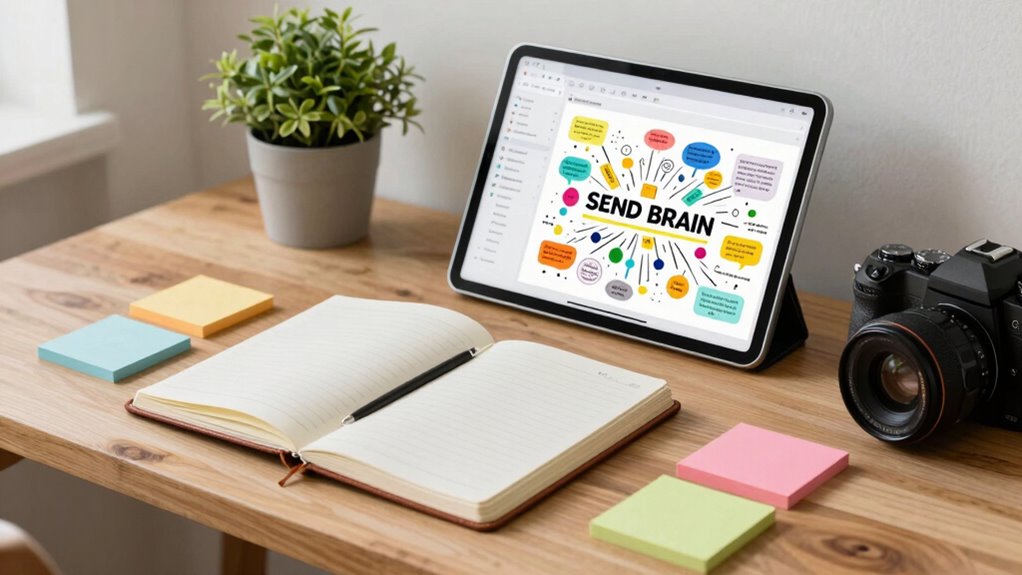

To build a second brain without turning into a spreadsheet person, focus on creating a simple, consistent system using accessible tools like note-taking apps and cloud storage. Use clear names, logical folders, and tags to organize ideas, projects, and references. Keep things flexible and avoid over-complicating. This way, your external memory stays manageable and easy to navigate. Stick with these principles, and you’ll discover more ways to keep your thoughts organized effortlessly.

Get health and wellness essentials delivered free with Prime
- Fast, free delivery on millions of items
- Prime Video, Amazon Music and more included
- Member-only deals all year
Key Takeaways
- Use simple note-taking apps with intuitive tagging and linking features to organize ideas without complex spreadsheets.
- Develop clear naming conventions and folder structures to keep information accessible and easy to find.
- Focus on visual or mind-map tools for a more natural, non-spreadsheet way to connect ideas and projects.
- Implement a consistent system with core categories like projects, ideas, and references to streamline retrieval.
- Regularly review and adapt your system to maintain flexibility and prevent it from becoming overly complicated.

Creating a “second brain” can dramatically boost your productivity and organization, but you don’t have to become a spreadsheet fanatic to do it. Instead, it’s about developing a system that captures, organizes, and retrieves information effortlessly, reducing mental clutter. Digital organization plays a vital role here—it’s the foundation that keeps your ideas, notes, and resources accessible without overwhelming your mind. When your digital tools are well-structured, you free up cognitive load, allowing you to focus on what truly matters instead of wasting energy searching for misplaced files or trying to remember details.
Implementing consistent content formats and clear structures can make your external memory more reliable and easier to navigate. You don’t need complicated software or endless spreadsheets to build this secondary memory. Simple, intuitive tools like note-taking apps, task managers, or even a well-organized cloud storage service can serve as your external brain. The key is to develop a consistent method for tagging, categorizing, and linking information so that everything is easy to find later. For example, instead of scattering ideas across random documents, create a few core categories—such as projects, ideas, references—and stick to them. This way, when you need to recall something, you can quickly locate it without sifting through dozens of disorganized files.
Keep your digital organization system flexible enough to adapt as your needs evolve. Use clear naming conventions and logical folder structures to streamline access. Incorporate tags or labels that cut across categories, making cross-referencing a breeze. When you reduce the cognitive load associated with remembering where things are stored or what they mean, you allow your brain to focus on processing new information or solving problems. Your second brain becomes a reliable extension of your memory, not a source of frustration.
note-taking app for organizing ideas
As an affiliate, we earn on qualifying purchases.
As an affiliate, we earn on qualifying purchases.
Frequently Asked Questions
What Are the Best Tools for Creating a Second Brain?
You should explore tools like Notion, Obsidian, and Evernote for creating a second brain. They excel at digital note-taking and knowledge management, helping you organize ideas, projects, and research efficiently. These apps offer flexibility and customization, so you can tailor your system to your workflow. By using them, you avoid turning into a spreadsheet person and keep your knowledge easily accessible, connected, and searchable.
How Can I Organize Ideas Without Spreadsheets?
You can organize ideas effectively through mind mapping and visual organization tools. Use apps like MindMeister or Miro to create interconnected diagrams that capture your thoughts visually. These methods help you see relationships and hierarchies clearly without relying on spreadsheets. By actively mapping your ideas, you stay engaged and can easily add or rearrange information, making your second brain intuitive and flexible without the rigidity of traditional spreadsheets.
Is a Second Brain Suitable for Creative Projects?
A second brain is perfect for creative projects because it supports your creative process and idea incubation. Like they say, “a place for everything and everything in its place,” you can organize fleeting ideas, sketches, and inspirations, making it easier to develop them later. It keeps your mind clear, sparks new ideas, and helps track your progress, turning chaos into clarity without becoming a spreadsheet person.
How Much Time Does Setting up a Second Brain Take?
Setting up a second brain usually takes a few hours to a few days, depending on how deep you want to go. You’ll spend time on mind mapping ideas and integrating analog methods like notebooks or index cards. Start simple; as you get comfortable, you can refine your system. Consistency helps, so allocate regular time for organization. With patience, you’ll create a flexible, personalized system that boosts your creativity and productivity.
Can a Second Brain Improve Productivity and Focus?
Think of your second brain as a well-organized toolbox. It definitely boosts your productivity and focus by making ideas easy to find. Using mind mapping helps you visualize connections, while note tagging keeps everything categorized. When you can quickly access relevant info, you spend less time searching and more time creating. This streamlined system sharpens your focus, making you more efficient and confident in tackling tasks.
As an affiliate, we earn on qualifying purchases.
Conclusion
By embracing systems that feel natural and tailored to your style, you can build a second brain without drowning in spreadsheets. Think of it as planting a garden—you nurture what grows best for you, rather than forcing everything into a rigid grid. When you find the right tools and habits, your knowledge flows smoothly like a gentle stream, turning chaos into clarity. Ultimately, your second brain becomes a trusted companion, not a tedious task.
cloud storage for document organization
As an affiliate, we earn on qualifying purchases.
As an affiliate, we earn on qualifying purchases.
task management app for second brain
As an affiliate, we earn on qualifying purchases.
As an affiliate, we earn on qualifying purchases.
Halloween Picks
halloween
As an affiliate, we earn on qualifying purchases.