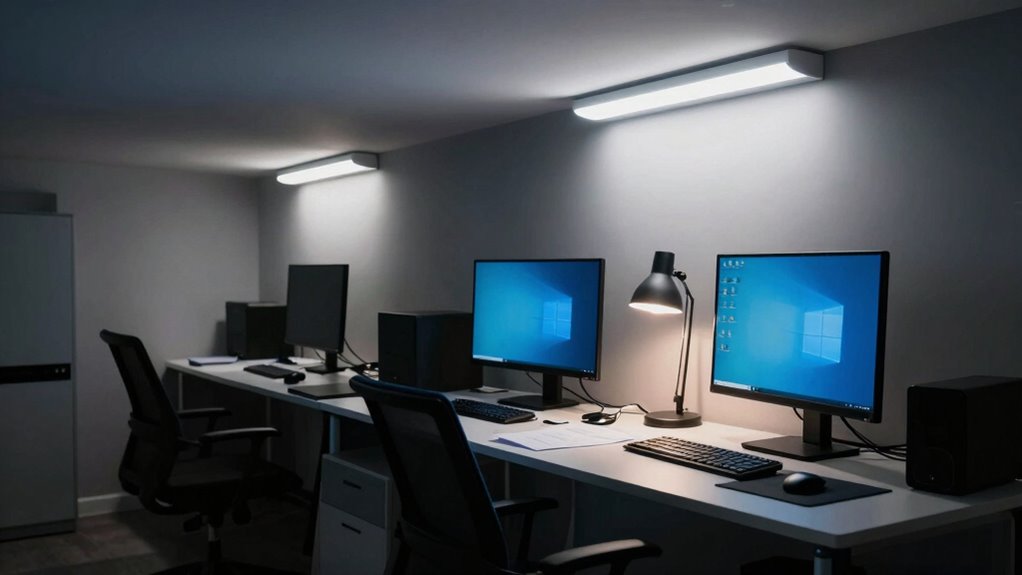

Poor workspace lighting mistakes like improper placement, harsh brightness, and relying too much on overhead lights can create glare, shadows, and uneven lighting that strain your eyes and cause fatigue. Ignoring ergonomic setup and mismatched color temperatures also decrease comfort and alertness. These issues make it harder to focus and drain your energy quickly. Fixing these common errors improves your comfort and productivity. Keep exploring to discover smarter lighting tips that keep you energized all day.

Get health and wellness essentials delivered free — and shop member deals
- Fast, free delivery on millions of items
- Access to Prime Big Deal Days deals on October 6–7
- Prime Video, Amazon Music and more included
Key Takeaways
- Improper placement of lights causes glare and shadows, forcing your eyes to strain.
- Insufficient or uneven brightness leads to eye fatigue and decreased focus.
- Relying solely on overhead lighting creates uneven illumination and shadows.
- Using inappropriate color temperatures can decrease alertness or cause sleepiness.
- Ignoring ergonomic lighting practices results in glare, shadows, and increased visual discomfort.
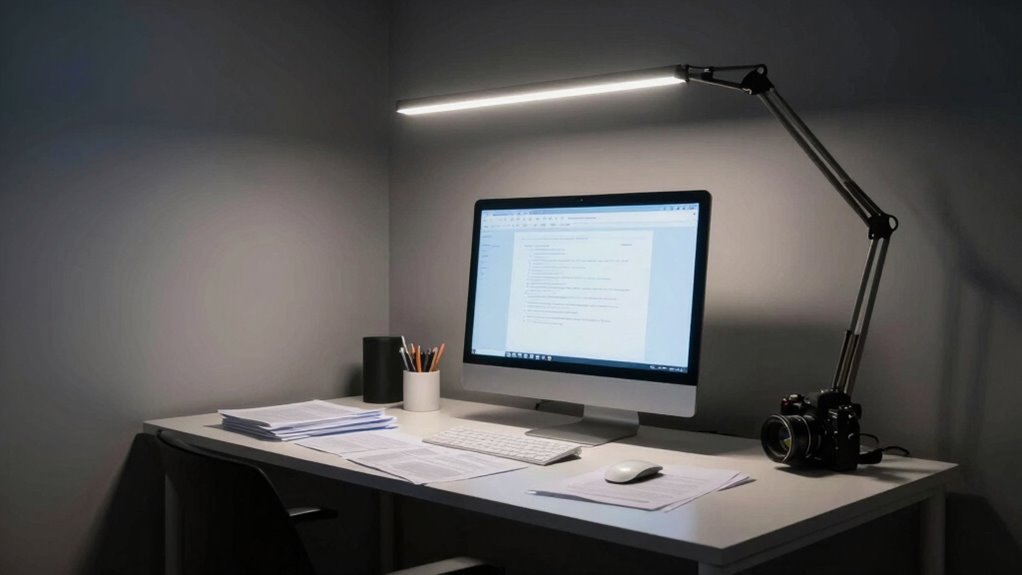
Poor workspace lighting can substantially impact your productivity and comfort, yet many people overlook common mistakes that undermine their setup. One of the most overlooked issues is neglecting proper ergonomic adjustments when setting up your lighting. When your light source isn’t positioned correctly, it can cause glare, shadows, or uneven brightness that strain your eyes and lead to fatigue. For example, if your monitor is facing a bright window or a harsh overhead light, your eyes have to constantly adjust, increasing tiredness. Adjusting the placement of your light sources, such as using adjustable desk lamps or wall-mounted fixtures, helps eliminate glare and shadows. You should aim for a lighting setup that reduces eye strain while providing sufficient brightness for your tasks. Ergonomic adjustments, like positioning lights to avoid direct glare into your eyes or onto your screen, are essential for creating a conducive work environment. Additionally, paying attention to lighting ergonomics can help you identify the best placement and types of lighting for your space. Another critical factor is the color temperature of your lighting. Many people underestimate how much the hue of light affects their alertness and comfort. Cooler color temperatures, around 5000K to 6500K, mimic natural daylight and can boost your focus and energy during work hours. Conversely, warmer temperatures, such as 2700K to 3000K, create a cozy atmosphere but may make you feel more relaxed or sleepy, which isn’t ideal when you need to stay alert. Choosing the right color temperature isn’t just about aesthetics; it’s about aligning your lighting with your tasks to prevent fatigue. Using adjustable lighting options allows you to switch between different color temperatures depending on the time of day or your activity. For tasks requiring high concentration, cooler, daylight-like lighting works best, while warmer tones can be reserved for relaxation or end-of-day winding down. Many people also make the mistake of relying solely on overhead lighting, which often results in uneven illumination and eye strain. Incorporating layered lighting, such as task lights and accent lighting, helps distribute light evenly across your workspace. This layered approach minimizes harsh shadows and provides consistent brightness, reducing the need for your eyes to constantly adapt. Remember, the goal is to create a balanced environment where your eyes are comfortable, and your focus isn’t disrupted by unpredictable lighting conditions. In essence, paying attention to ergonomic adjustments and selecting appropriate color temperature are key to preventing tiredness caused by poor workspace lighting. When you set up your lighting thoughtfully, you not only enhance your comfort but also boost your productivity, keeping fatigue at bay throughout your workday.
As an affiliate, we earn on qualifying purchases.
Frequently Asked Questions
How Does Improper Lighting Affect My Productivity?
Improper lighting can considerably reduce your productivity by causing eye strain and fatigue, making it harder to focus. You might adopt an ergonomic posture to compensate, but it won’t solve the root issue. Instead, make sure you integrate natural light and use well-placed artificial lighting to create a balanced environment. This helps keep your eyes comfortable, boosts alertness, and allows you to work efficiently without unnecessary tiredness.
What Are the Best Lighting Options for Small Workspaces?
For small workspaces, you should use desk lamps with adjustable brightness to focus light where you need it most. Incorporate natural light by positioning your desk near windows, but avoid glare by using sheer curtains. Combining soft, warm-toned lighting with natural light creates a balanced environment that reduces fatigue. This setup helps you stay alert and comfortable, boosting your productivity throughout the day.
Can Lighting Placement Reduce Eye Strain?
Yes, proper lighting placement can reduce eye strain. You should maximize natural daylight by positioning your workspace near windows, but avoid glare by diffusing the light. Incorporate task lighting that directs focused light onto your work area, reducing the need for your eyes to strain. Adjusting the placement of lights and ensuring even distribution can make a significant difference, keeping your eyes comfortable and preventing fatigue throughout the day.
How Often Should I Update My Workspace Lighting?
You should update your workspace lighting at least once every year to maintain ergonomic design and ideal brightness. Regular updates ensure your lighting integrates natural light effectively, reducing eye strain and fatigue. As seasons change, adjust your lighting to match natural light levels, enhancing comfort and productivity. Keep an eye on any flickering or uneven lighting, and consider upgrading fixtures or adding task lighting as needed for a healthier, more comfortable workspace.
Are There Specific Lighting Colors That Boost Focus?
You should choose lighting with a cool color temperature, around 5000K to 6500K, to boost focus. LED lights often provide this bright, bluish-white light that enhances alertness better than fluorescent bulbs, which can be harsher and flicker more. Opt for LED lighting with the right color temperature to keep you energized and attentive throughout your workday, reducing fatigue and improving concentration.
As an affiliate, we earn on qualifying purchases.
Conclusion
Think of your workspace like a garden; proper lighting is the nourishing sunlight that helps you thrive. When you make lighting mistakes, it’s like shading your plants with clouds—your energy wilts, and focus fades. By choosing the right light, you’re watering your productivity and illuminating your path to success. Clear, balanced lighting transforms your workspace from a shadowy nook into a vibrant oasis where you can flourish each day.
As an affiliate, we earn on qualifying purchases.
color temperature adjustable desk lamp
As an affiliate, we earn on qualifying purchases.
As an affiliate, we earn on qualifying purchases.
Fall Picks
fall essentials
As an affiliate, we earn on qualifying purchases.





![ADHD, Autism Or Complex Trauma? [Pdf]](https://lifestylesinfocus.com/wp-content/uploads/2026/10/adhd-autism-or-complex-trauma-pdf-featured-260x140.jpg)