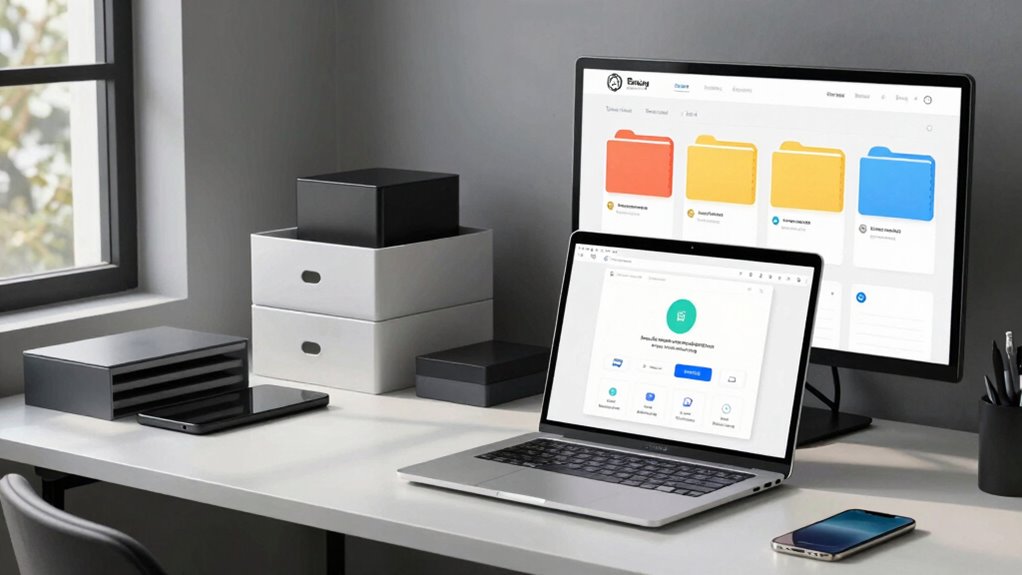

When your device’s storage fills up, avoid long clean-up sessions by focusing on quick wins. Start by checking large files, videos, and old downloads—move important ones to cloud services like Google Drive or Dropbox. Organize your cloud folders for easy access, delete unused apps, and clear out duplicate or blurry photos. Regularly reviewing email attachments and unnecessary files will also help maintain space. Keep these tips in mind, and you’ll discover simple steps to declutter efficiently.

Get health and wellness essentials delivered free — and shop member deals
- Fast, free delivery on millions of items
- Access to Prime Big Deal Days deals on October 6–7
- Prime Video, Amazon Music and more included
Key Takeaways
- Use device storage tools to identify and delete large, unnecessary files, photos, and old downloads quickly.
- Move files to cloud storage with organized folders to free local space without time-consuming searches.
- Uninstall unused apps and delete duplicate or blurry photos to reclaim essential storage efficiently.
- Regularly clean out email attachments and delete unneeded emails to prevent storage overload.
- Focus on targeted decluttering with specific categories to quickly streamline your digital environment without lengthy sessions.
If your device storage is running out of space, it’s a clear sign that you need a digital declutter. Over time, files pile up, photos multiply, and apps clutter your device, making it harder to find what you need quickly. The good news is, you don’t have to dedicate an entire weekend to cleaning up. Instead, a focused approach using cloud storage and better file organization can free up space efficiently and keep your digital life streamlined.
Start by tackling the biggest space hogs—large files, videos, and old downloads. Use your device’s storage management tools to identify these heavy items. Once identified, consider moving them to cloud storage. Cloud services like Google Drive, Dropbox, or OneDrive allow you to offload files without losing access. This not only frees up local storage but also ensures your files are safely backed up and accessible from any device. As you upload, organize your cloud storage with clear folders and labels. Create categories like “Photos,” “Work Files,” or “Old Projects” so you can quickly locate what you need later. File organization is essential because it prevents clutter from creeping back in. Avoid dumping everything into one folder; instead, adopt a logical structure that mirrors how you think about your files.
Organize cloud storage with clear folders to keep files accessible and prevent clutter buildup.
Next, go through your device’s apps and delete those you no longer use. Many apps take up unnecessary space, especially games or media-heavy tools. Clearing out unused apps not only frees space but also reduces background activity, which can improve device performance. While doing this, review your photo and video galleries. These files tend to accumulate fast, especially if you take lots of pictures. Select only the best shots, then back up the rest to your cloud storage. Delete duplicates or blurry images to conserve more space.
Another quick tip is to clear out old emails and attachments if your email client is synced to your device. Attachments can take up a surprising amount of storage, especially if you’ve been collecting files for years. Use search functions to find large attachments and delete what you no longer need.
cloud storage organizer for Google Drive
As an affiliate, we earn on qualifying purchases.
As an affiliate, we earn on qualifying purchases.
Frequently Asked Questions
How Often Should I Declutter My Digital Storage?
You should declutter your digital storage at least once a month to keep things organized. During this time, focus on photo management by deleting blurry or duplicate images and organizing your albums. Also, perform an email cleanup by unsubscribing from unnecessary newsletters and deleting old messages. Regular maintenance helps prevent storage from filling up quickly and keeps your digital workspace efficient and stress-free.
Can Digital Decluttering Improve Device Performance?
Yes, digital decluttering can improve your device performance. When you organize files and delete unnecessary ones, your device runs smoother and faster. Using cloud storage for backups and archiving reduces local clutter, freeing up space. Regularly file organization helps prevent slowdowns caused by fragmented data. By decluttering, you minimize lag, boost efficiency, and extend your device’s lifespan, making your digital experience more seamless and enjoyable.
What Tools Are Best for Quick Digital Organization?
You need tools that turn chaos into order, right? Try cloud storage apps like Google Drive or Dropbox—they make quick backups seamless. For file naming, use automatic renaming tools or simple templates to keep everything tidy. These tools help you quickly find what you need, saving time and frustration. Embrace technology that works for you, not against you, and watch your digital clutter vanish faster than your patience during a tech meltdown.
How Do I Backup Files Before Decluttering?
To backup files before decluttering, start by using a cloud backup service like Google Drive or Dropbox for quick, accessible storage. For additional security, copy essential files onto external drives. make certain you organize your backups clearly so you can easily find files later. Once backed up, you can confidently delete or reorganize your files, knowing your data is safe and secure in multiple locations.
Is Digital Decluttering Suitable for Large Data Sets?
Yes, digital decluttering works for large data sets. You can use cloud storage to handle big files easily, freeing up space on your device. Data compression is also helpful, reducing file sizes without losing quality. Don’t worry about the size; breaking down your decluttering into manageable sections makes the process smoother and more efficient, ensuring you stay organized and avoid overwhelm.
duplicate photo cleaner for iPhone
As an affiliate, we earn on qualifying purchases.
As an affiliate, we earn on qualifying purchases.
Conclusion
As you embrace the digital declutter method, you’ll notice how effortlessly your storage clears up—almost as if it was waiting for you all along. Coincidentally, once you free up space, your device runs smoother, and your mind feels lighter. Sometimes, the tiniest actions create the biggest relief. So, why not start today? You might just find that decluttering isn’t as time-consuming as you feared—it’s simply the universe nudging you toward clarity.
email attachment cleaner software
As an affiliate, we earn on qualifying purchases.
As an affiliate, we earn on qualifying purchases.
As an affiliate, we earn on qualifying purchases.
Fall Picks
fall essentials
As an affiliate, we earn on qualifying purchases.