
Your Wi-Fi dies in one room mostly because your router isn’t placed correctly. To get a strong signal everywhere, keep it in a central, open spot high off the ground, away from thick walls and metal objects. Adjusting antenna angles and avoiding interference from electronics like microwaves and cordless phones can improve coverage. Small moves can make a big difference. Keep exploring to discover tips that help you boost your Wi-Fi performance across your home.

Get health and wellness essentials delivered free with Prime
- Fast, free delivery on millions of items
- Prime Video, Amazon Music and more included
- Member-only deals all year
Key Takeaways
- Incorrect router placement can cause dead zones where Wi-Fi signal weakens or drops entirely.
- Placing the router near thick walls, metal objects, or electronics increases interference, reducing coverage.
- External antennas should be oriented properly, usually perpendicular, to optimize signal distribution.
- Positioning the router too low or in enclosed spaces limits signal reach and stability.
- Small adjustments in router location or antenna angles can significantly improve Wi-Fi performance in a problematic room.
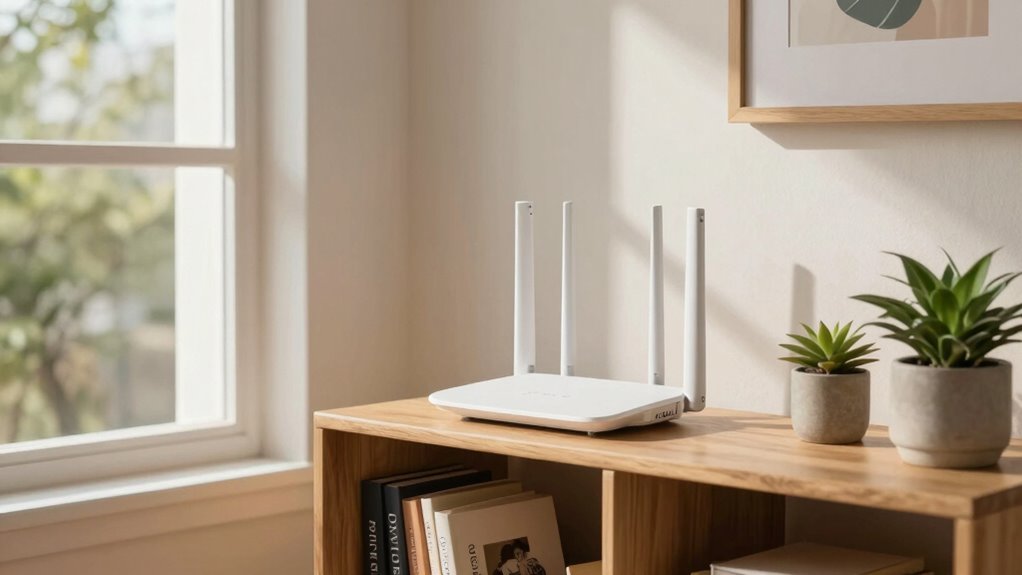
To guarantee your Wi-Fi signal reaches every corner of your home, proper router placement is essential. One of the most critical factors in achieving strong coverage is understanding antenna orientation. Most routers have external antennas that can be adjusted, and how you position them can substantially impact your signal strength. For peak performance, position the antennas perpendicular to each other—one vertical and one horizontal. This setup helps distribute the Wi-Fi signal more evenly throughout your space, reducing dead zones. If your router has multiple antennas, experiment with different orientations to find what works best for your home’s layout. Remember, antenna placement isn’t just about pointing them straight up or down; it’s about maximizing the signal direction to reach the areas where you need it most. Proper antenna orientation can make a significant difference in your Wi-Fi coverage.
Interference sources can dramatically weaken your Wi-Fi signal, especially if your router is placed near electronics or thick walls. Common interference sources include cordless phones, microwave ovens, Bluetooth devices, and baby monitors—all of which operate on similar frequencies as Wi-Fi. Keep your router away from these devices to minimize signal disruption. Also, avoid placing your router near large metal objects or mirrors, as they can reflect or absorb Wi-Fi signals, further reducing coverage. If you notice persistent signal issues in certain rooms, check for potential interference sources and try relocating your router to a more open, central location. Elevating your router on a shelf or high furniture can also help reduce interference from furniture and appliances at ground level.
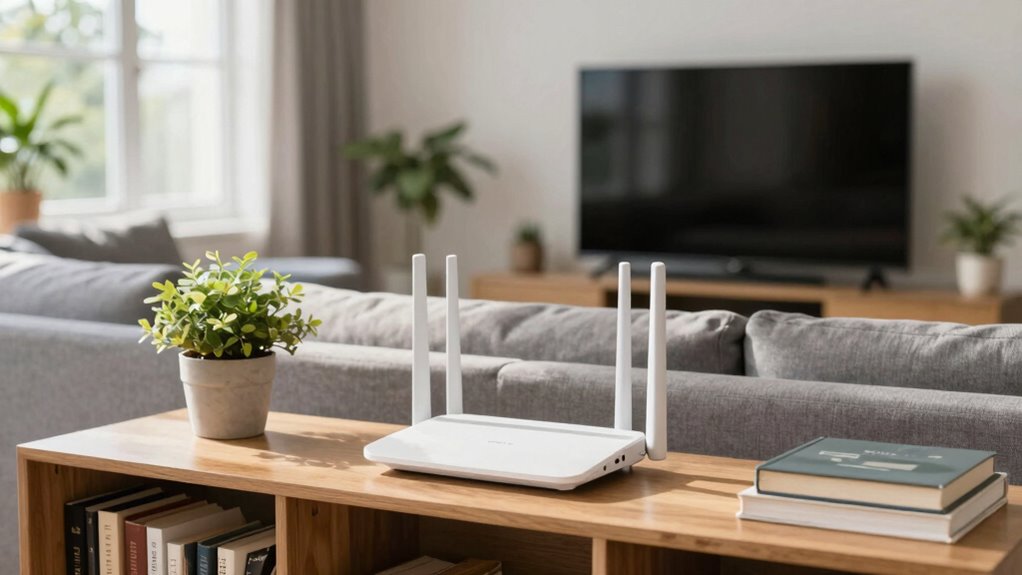
The placement of your router directly affects the antenna orientation and the level of interference it encounters. Position it centrally in your home, ideally on a high shelf away from thick walls or dense materials that block signals. Keep in mind that walls with metal studs or multiple layers of drywall can hinder Wi-Fi distribution. If you’re experiencing inconsistent coverage, consider adjusting the antenna orientation first, then observe how your signal improves. Also, look for interference sources nearby; moving your router just a few feet can sometimes make a noticeable difference. By paying attention to antenna positioning and sources of interference, you can greatly enhance your Wi-Fi’s reach and stability, ensuring a faster, more reliable connection in every room.
As an affiliate, we earn on qualifying purchases.
Frequently Asked Questions
How Does Router Placement Affect Wi-Fi Security?
Your router placement directly affects Wi-Fi security because placing it in visible, central locations helps you monitor and protect it. Proper placement minimizes unauthorized access, ensuring strong wireless encryption by reducing vulnerabilities. Keep your router out of sight from public areas to prevent tampering. By making your router less visible, you enhance security and reduce the risk of hacking, keeping your network and data safer.
Can Router Placement Improve Internet Speed for Gaming?
Yes, proper router placement can boost your gaming internet speed. Position your router centrally to minimize Wi-Fi interference and signal attenuation, which can weaken the signal and cause lag. Keep it away from thick walls, metal objects, and electronic devices that create interference. Elevate your router off the floor and avoid enclosed spaces, ensuring a clear line of sight. This setup helps maintain a strong, stable connection for smooth gaming experiences.
What Materials Block Wi-Fi Signals the Most?
Certain materials, like thick concrete, brick, metal, and mirrors, block Wi-Fi signals the most, causing Wi-Fi interference and signal attenuation. Metal objects reflect or absorb signals, weakening your connection, while dense materials create barriers that prevent Wi-Fi waves from passing through effectively. To prevent this, keep your router away from these materials, especially in the room where you need the strongest signal, ensuring better coverage and fewer dead zones.
How Often Should I Reposition My Router?
You should reposition your router whenever you notice consistent signal interference or slow speeds in certain areas. Aim to place it at an ideal height—preferably mid-height on a shelf or wall mount—to maximize coverage. Reposition your router every few months or if you add new large metal objects or electronic devices nearby. Regular adjustments help maintain strong, reliable Wi-Fi throughout your home.
Does Router Placement Impact Connecting Multiple Devices?
Yes, router placement impacts your ability to connect multiple devices smoothly. When you position your router ideally, it guarantees better signal strength and reduces interference, making device compatibility more reliable. Proper placement also allows your router settings to work more effectively, providing consistent performance across all connected devices. Keep your router in a central, open spot for maximum coverage, so everyone stays connected without interruptions.
As an affiliate, we earn on qualifying purchases.
Conclusion
Proper router placement can transform your Wi-Fi experience from frustrating to flawless. When you position your router wisely, you’re releasing the full potential of your internet connection, ensuring every corner of your home gets a strong signal. Think of it as giving your Wi-Fi a superpower—it’s the secret to avoiding dead zones and buffering nightmares. Don’t settle for a weak connection; with the right placement, your Wi-Fi can be unstoppable, like a lightning bolt across the sky.
As an affiliate, we earn on qualifying purchases.
As an affiliate, we earn on qualifying purchases.
Cold & flu season Picks
humidifiers
As an affiliate, we earn on qualifying purchases.