
To choose the right VA rating for your UPS, start by listing all your devices’ wattages and multiply each by their power factors to find VA. Sum these values and select a UPS with a capacity slightly higher than your total, providing a safety margin for future upgrades. Avoid underestimating power needs to prevent overloads. If you want to guarantee your backup system’s reliability and scalability, stay with us for detailed guidance.

Get health and wellness essentials delivered free with Prime
- Fast, free delivery on millions of items
- Prime Video, Amazon Music and more included
- Member-only deals all year
Key Takeaways
- List all connected devices’ wattage and power factor; multiply wattage by power factor to find VA per device.
- Sum total wattages and divide by the combined power factor to determine the required VA capacity.
- Choose a UPS with a VA rating slightly higher than your total calculation for future upgrades and safety margin.
- Account for startup surges and potential overloads by selecting a capacity that can handle peak loads comfortably.
- Regularly review and adjust the VA rating as your equipment expands or upgrades to maintain reliable backup power.
As an affiliate, we earn on qualifying purchases.
Why Your UPS VA Rating Matters for Power Backup
Understanding the VA (volt-ampere) rating of your UPS is essential because it determines how much power the backup can supply during an outage. A higher VA rating means your UPS can handle more devices simultaneously, ensuring critical equipment stays powered longer. This directly impacts battery longevity, as a properly matched VA rating prevents overloading, which can drain the battery faster and reduce its lifespan. Additionally, choosing a UPS with the right VA rating improves energy efficiency by minimizing wasted power and reducing strain on the battery. When your UPS matches your power needs accurately, it operates more smoothly and conserves energy, ultimately extending the battery’s life and ensuring reliable backup power when you need it most. Proper VA matching also helps prevent unnecessary strain on your entire power system, contributing to overall safety and efficiency. Ensuring your UPS has an appropriate power capacity is crucial for optimal performance and longevity. Properly assessing your power requirements can help you select the most suitable VA rating for your needs. Moreover, understanding power consumption patterns allows for more precise sizing, which can lead to better system efficiency and longer battery life.
high capacity UPS for home office
As an affiliate, we earn on qualifying purchases.
As an affiliate, we earn on qualifying purchases.
How to Calculate the VA You Need for Your Equipment
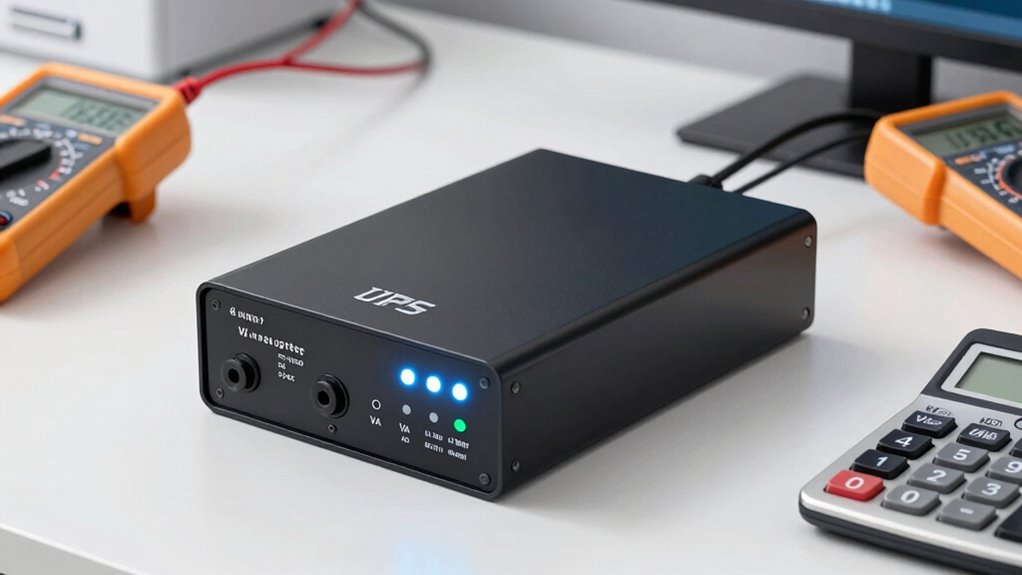
To determine the VA rating you need for your equipment, start by listing all the devices you plan to connect to your UPS. Next, perform a load calculation by noting each device’s wattage and its power factor. The power factor indicates how efficiently a device uses electricity and is typically between 0.7 and 1.0. To find the VA requirement, multiply each device’s wattage by its power factor, then sum these values for total wattage. Divide this total wattage by the power factor to get the total VA needed. This calculation guarantees your UPS can handle the combined load, accounting for power factor variations. Understanding the importance of support vs. boundaries in managing multiple devices can help optimize your setup. Additionally, considering power quality can ensure your equipment receives stable and clean power, minimizing risks of damage. Performing accurate load calculation is essential for selecting a UPS with the proper VA rating, and incorporating proper sizing techniques can further enhance system reliability and efficiency. Proper understanding of system requirements ensures your backup system is both reliable and efficient.
As an affiliate, we earn on qualifying purchases.
Picking the Right UPS Capacity for Your Devices
Choosing the right UPS capacity guarantees your devices stay protected without risking overloads. To do this, consider your equipment’s power needs and confirm the UPS’s VA rating matches or slightly exceeds that demand. Proper selection also supports easier battery maintenance, as a UPS with sufficient capacity reduces strain on the batteries, prolonging their lifespan. Inverter compatibility is essential; verify that the UPS’s inverter can handle your device’s startup surges and continuous loads. Avoid underestimating your power requirements, as this can lead to system failures during outages. Additionally, understanding growth mindset principles can help you adapt your backup system as your needs evolve. By selecting a UPS with the appropriate capacity, you ensure seamless operation, reliable backup, and optimized battery health, ultimately safeguarding your devices while maintaining efficient battery management.
As an affiliate, we earn on qualifying purchases.
Avoid These Common Mistakes When Choosing a UPS VA
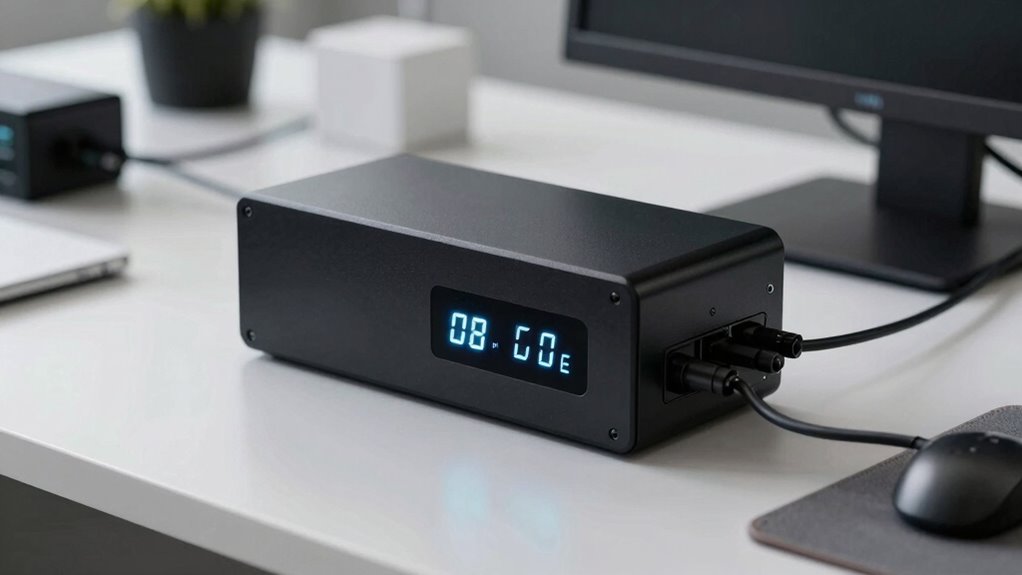
Many people make the mistake of selecting a UPS VA rating that’s too close to their equipment’s power needs, which can lead to overloads and silent failures. A surge of power or a small power surge can trip the system or cause damage, especially if your UPS isn’t rated high enough. Avoid underestimating your total load, as this increases the risk of overload. Additionally, failing to consider the importance of proper sizing can result in inadequate backup capacity during power outages.
Adjusting Your UPS VA for Future Equipment Upgrades

As your equipment needs grow, it’s important to modify your UPS VA to keep up with future demands. Think about your upcoming devices and how much power they’ll require, so you don’t risk overloads. Planning for capacity now ensures your backup system remains reliable as your setup expands.
Anticipate Future Power Needs
To make certain your UPS can handle future equipment upgrades, it’s crucial to plan ahead by adjusting its VA rating accordingly. As your needs grow, consider potential power surges from new devices and increased current draw. Overlooking this can lead to insufficient backup power during outages, risking data loss or hardware damage. Additionally, this proactive approach helps protect your battery lifespan by preventing overloading, which stresses the system. By selecting a UPS with a higher VA rating than your current setup requires, you’re creating a buffer for future expansion. This not only ensures seamless operation during power fluctuations but also reduces the risk of frequent battery replacements. Incorporating molecular-scale circuit considerations into your planning can provide deeper insights into power management at the component level. Moreover, understanding power distribution principles can enhance your overall system reliability. Planning ahead now facilitates better system scalability, saving you from costly upgrades later and keeping your equipment safe and reliable. Considering load balancing techniques can further optimize your UPS performance as your system grows.
Evaluate Additional Equipment
Have you considered how adding new equipment might impact your UPS capacity? When planning upgrades, assess the power consumption of future devices to verify your UPS can handle the increased load. It is crucial to verify equipment compatibility, especially if you’re integrating different types of hardware that may have varying power requirements. By evaluating the power consumption of additional equipment, you can adjust your VA rating accordingly, avoiding overloads or unnecessary expenses. This proactive approach helps maintain reliable backup power during outages while accommodating growth. Keep in mind that underestimating your future power needs can lead to insufficient backup time or equipment failure. Regularly reviewing your setup ensures your UPS remains aligned with your evolving equipment demands. Additionally, understanding power management strategies can help optimize your UPS performance and extend its lifespan. Incorporating load balancing techniques can further enhance your system’s efficiency and longevity. Moreover, factoring in future expansion plans is essential for long-term reliability and cost-effective scaling. Planning for power capacity now ensures your system can support future upgrades without unexpected interruptions.
Plan for Capacity Growth
Planning for capacity growth is essential to guarantee your UPS can handle future equipment upgrades without risking overloads. To do this effectively, consider your current VA rating and leave room for expansion. Keep in mind that adding equipment increases power demand, which can shorten your UPS’s battery lifespan if it’s consistently overloaded. Additionally, your installation location matters; a well-ventilated, protected space helps maintain peak performance and prolongs battery life. As your business evolves, upgrading equipment is inevitable, so it’s wise to select a UPS with a higher VA rating than your current needs. This foresight ensures smooth scalability, reduces the risk of power interruptions, and maximizes your investment’s longevity. Planning ahead now saves headaches and costs later.
Final Tips for Choosing the Best UPS Battery Backup
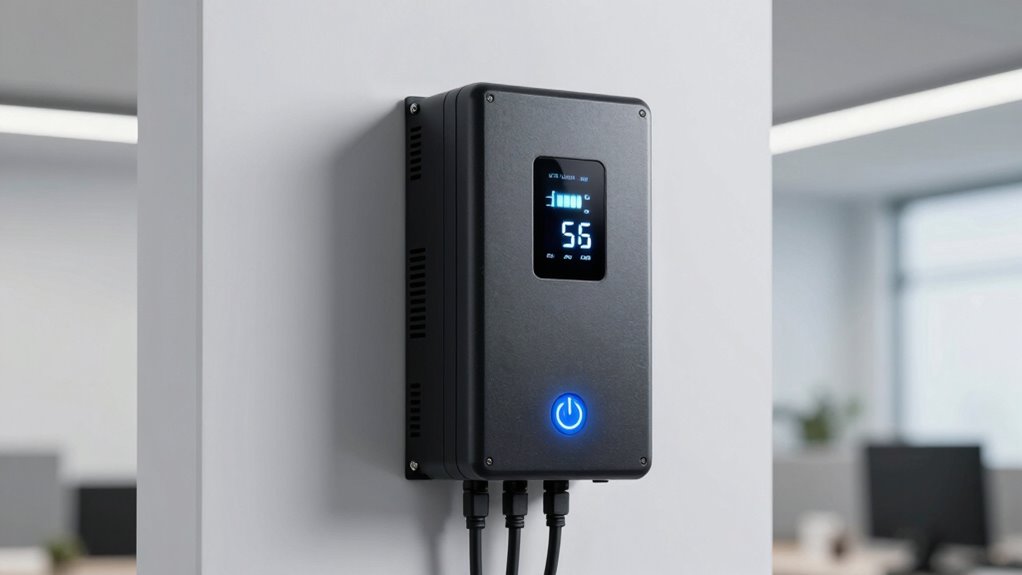
Choosing the right UPS battery backup can make all the difference in protecting your devices during power outages. To guarantee peak performance, prioritize regular battery maintenance, which extends the lifespan and keeps your backup ready when needed. Look for models that offer reliable surge protection to guard against voltage spikes that can damage your equipment. Consider the VA rating carefully—too low, and your devices won’t get enough power; too high, and you may overspend. Also, check for features like automatic shutdown and easy battery replacement. Remember, a well-maintained UPS with proper surge protection not only safeguards your devices but also maximizes the backup’s longevity and efficiency. Understanding power capacity and how it relates to your specific device needs can help you select the most appropriate model. Making informed choices now will save you headaches and costs later. Additionally, understanding accessibility features can help ensure the device setup is user-friendly for everyone.
Frequently Asked Questions
How Does the Power Factor Impact VA Ratings?
The power factor directly impacts VA ratings because it measures how effectively your UPS uses its apparent power. A lower power factor means your device consumes more apparent power for the same real power, so you’ll need a higher VA rating to handle the load. To guarantee your UPS can support your equipment, always consider the power factor when selecting a VA rating, especially if your devices have a low power factor.
Can a Higher VA UPS Damage My Devices?
A higher VA UPS won’t typically harm your devices; instead, it guarantees better power capacity. But if your UPS’s power consumption exceeds your device’s needs, it might lead to inefficiencies or compatibility issues. Think of it as fitting a larger suit where a smaller one suffices—your devices stay safe, but you might not be maximizing performance. Always choose a UPS with a VA rating matching your device’s requirements for ideal protection.
How Often Should I Replace My UPS Battery?
You should replace your UPS battery every 3 to 5 years, depending on its battery lifespan and usage. Regular maintenance helps guarantee peak performance, and pay attention to signs like reduced backup time or frequent outages. Proper replacement timing prevents unexpected shutdowns and protects your devices. Keep track of your battery’s age and condition, and don’t delay replacing it once it nears the end of its lifespan to maintain reliable backup power.
What Are Signs My UPS Is Underpowered?
You’ll notice your UPS is underpowered if it struggles to support your devices during outages, causing frequent shutdowns or warnings. Keep an eye on battery maintenance; if the battery isn’t holding a charge, it’s a sign. Additionally, increased noise levels during operation may indicate the UPS is overworking or underpowered. Address these signs promptly to guarantee your backup stays reliable and your equipment remains protected.
Is It Better to Choose a UPS With Surge Protection?
Yes, it’s better to choose a UPS with surge protection because it helps safeguard your devices from power spikes. Confirm the UPS is compatible with your devices to provide reliable backup and protection. Surge protection adds an extra layer of security, preventing damage during lightning strikes or sudden voltage increases. Always check that your UPS supports your equipment’s power requirements and offers adequate surge protection features for maximum safety.
Conclusion
Choosing the right UPS VA rating might seem complex, but it’s essential for reliable backup power. Don’t worry about overestimating—having a slightly higher VA guarantees your equipment stays protected during outages and future upgrades. Investing a bit more upfront saves you from costly downtime later. Remember, a well-chosen UPS keeps your devices safe and your peace of mind intact. Prioritize your needs today, and you’ll be prepared for whatever tomorrow brings.
Columbus Day / Indigenous Peoples' Day Picks
long weekend sales
As an affiliate, we earn on qualifying purchases.