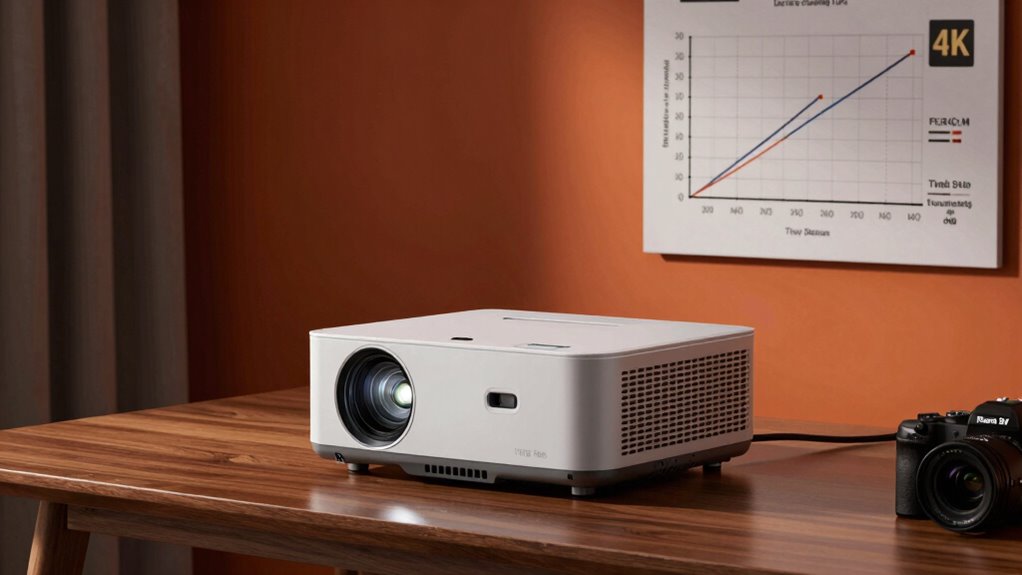
To choose the right projector, consider your room’s lighting to determine the needed brightness—more lumens for brighter spaces. Measure your space to pick a suitable throw distance and lens type for flexible placement. Be cautious of “4K” marketing claims; many projectors use pixel-shifting instead of native 4K. If you want to discover how these factors impact image quality and what else to consider, keep exploring these key insights.
Key Takeaways
- Match projector brightness (lumens) to your room’s ambient light for clear, vibrant images.
- Measure your space to select a suitable throw distance and lens type for optimal image size.
- Verify if “4K” projectors are native or pixel-shifted to ensure true resolution and image fidelity.
- Consider essential features like connectivity, keystone correction, and built-in speakers for better user experience.
- Balance budget with long-term costs such as lamp replacements and warranty to maximize value and performance.
How Bright Should Your Projector Be for Your Room?

Choosing the right brightness for your projector depends largely on your room’s lighting conditions. If your space has a lot of ambient lighting, you’ll need a projector with higher lumens to guarantee clear, vibrant images. For dim or dark rooms, a lower brightness setting works fine and can produce sharper images. When considering projector placement, keep in mind that placing it closer to the screen can help maximize brightness, especially in rooms with some ambient lighting. If you can control the lighting, such as closing curtains or turning off lights during use, you can opt for a less bright projector. Ultimately, matching your projector’s brightness to your ambient lighting and placement will give you the best viewing experience. Additionally, understanding the concept of Free Floating can help you design a versatile and adaptable entertainment space that enhances your viewing setup. Properly managing ambient light levels not only improves image quality but also ensures a more immersive viewing environment.
Choosing the Right Throw Distance and Lens for Your Space
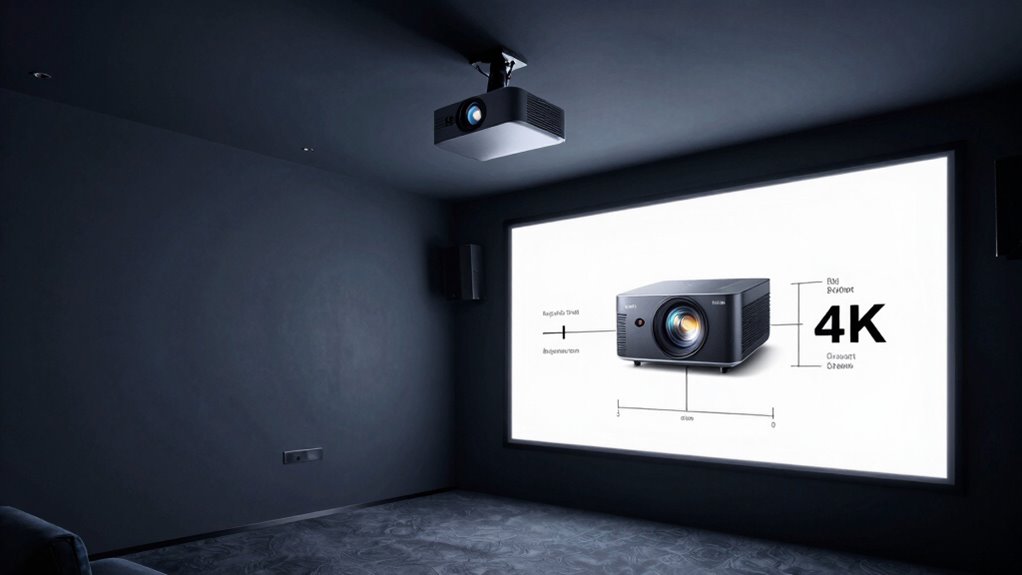
Selecting the right throw distance and lens setup guarantees your projector fits perfectly within your space and delivers a clear, properly sized image. To do this, consider your room size and the projector’s throw ratio, which determines how close it should be to the screen. Proper lens selection is vital for achieving superior image quality and framing. Here are key points to keep in mind:
Choosing the right throw distance and lens ensures a perfect fit and crisp image quality.
- Measure your available space before choosing a projector.
- Match the throw ratio with your room dimensions.
- Opt for a zoom lens if you need flexibility in placement.
- Ensure the lens supports the desired image size at your chosen distance.
- Understanding the content formats and digital concepts can help you select the most adaptable setup for long-term use.
- Familiarity with lens types and their compatibility can further optimize your installation and image performance.
What Does ‘4K’ Really Mean? Debunking the Marketing Hype
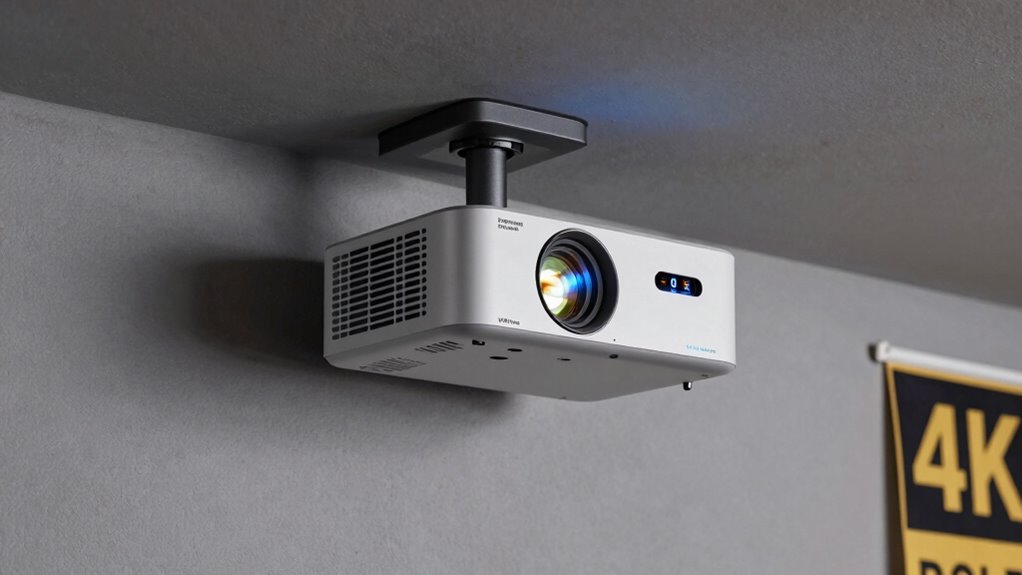
You’ve probably seen countless advertisements claiming that a projector or TV offers “4K” resolution, but what does that really mean? In terms of resolution standards, “4K” generally refers to a display with about 8.3 million pixels, which is four times the pixel count of Full HD (1920×1080). However, marketing terminology can be misleading. Some projectors labeled as “4K” use pixel-shifting technology, which creates the illusion of 4K resolution without actually meeting the true pixel count. This means the image may appear similar to true 4K, but technically, it isn’t. Understanding the difference helps you evaluate whether a projector’s marketing claims reflect actual resolution standards or are just clever marketing hype. Always check the specs to know what you’re truly getting.
How Brightness Impacts Image Quality in Different Lighting Conditions
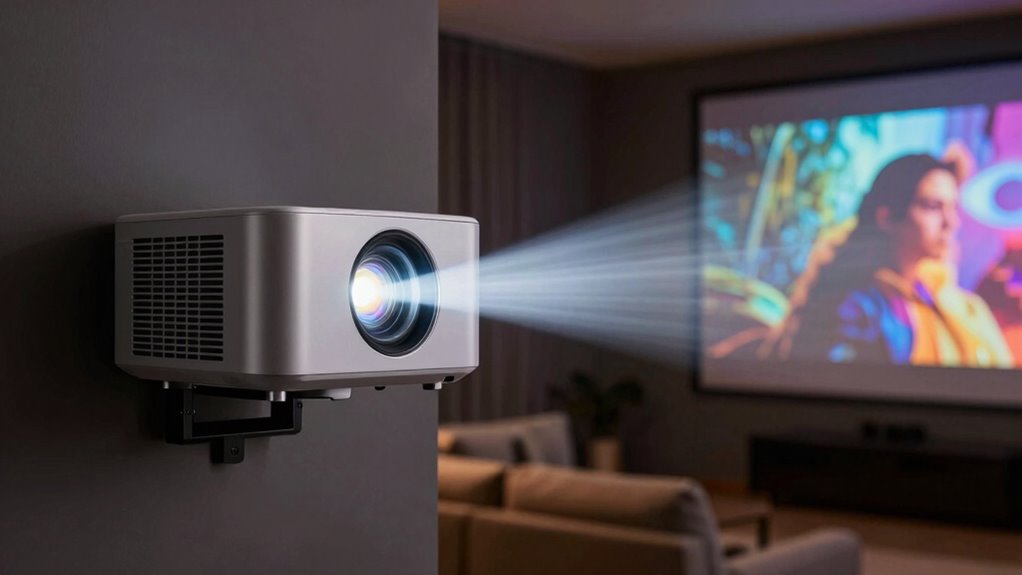
Understanding what true resolution means is only part of the equation; the brightness of a projector considerably affects how well your image comes to life in different lighting conditions. In bright rooms with high ambient light, a projector with higher lumens helps prevent washed-out images and maintains clarity. A lower contrast ratio can make dark scenes look flat, especially in well-lit environments. To optimize your viewing experience, consider these factors:
- Brightness (lumens) for ambient light conditions
- Contrast ratio for depth and detail
- Screen material to enhance image quality
- Room lighting control to improve visibility
Additionally, projector calibration helps fine-tune your device for optimal performance in various settings. Balancing brightness and contrast ensures your projector performs well whether you’re in a dim home theater or a bright conference room. This way, your images stay vibrant and sharp regardless of lighting conditions.
Picking the Perfect Screen Size and Aspect Ratio for Your Projector

Choosing the right screen size guarantees your image fills the space without losing clarity. Consider your room size and viewing distance to find the ideal dimensions. Additionally, selecting the correct aspect ratio can enhance your viewing experience by matching your content and setup. Incorporating aromatherapy benefits into your environment can also create a more relaxing and immersive viewing experience.
Ideal Screen Size Tips
Selecting the right screen size is essential to getting the most out of your projector. Proper screen size enhances your viewing experience and ensures ideal screen placement. To choose the ideal size:
- Measure your room dimensions to determine the maximum screen size without crowding the space.
- Consider your seating distance; a general rule is that viewers sit about 1.5 to 2.5 times the screen height away.
- Keep in mind that larger screens can require more precise color calibration for vivid images and better contrast.
- Avoid overly large screens that may cause eye strain or diminish image clarity.
- Understanding the digital landscape can help you choose the right projector features and optimize your setup. Being aware of screen resolution options also ensures that your chosen size maintains image sharpness. Additionally, considering projection angle can improve overall image quality and reduce distortions.
To further enhance your viewing experience, paying attention to color accuracy can help ensure vibrant and true-to-life images. Balancing size with room layout and projector capabilities helps maintain sharpness and color accuracy. Proper placement and calibration are key to achieving stunning visuals and immersion.
Aspect Ratio Choices
Finding the right aspect ratio is essential because it determines how your projected image fits on the screen and impacts your viewing experience. Projection aspect ratios vary, with common options like 4:3, 16:9, and 2.35:1. Widescreen formats, such as 16:9, are ideal for HD movies and TV shows, providing a cinematic feel. Standard aspect ratios like 4:3 suit presentations or older content. When choosing, consider your primary use: movies often benefit from wider formats, while presentations may require a more traditional ratio. Keep in mind that some projectors support multiple aspect ratios, offering flexibility. Picking the correct projection aspect ratio ensures your image fills the screen properly, avoiding black bars or distortion, and ultimately enhances your overall viewing experience. Additionally, understanding aspect ratio compatibility can help you select a projector that best suits your content needs. It’s also helpful to consider how screen size and placement relate to your room dimensions to optimize your setup. Being aware of standard aspect ratios can further ensure compatibility with your media sources and prevent unwanted cropping or letterboxing.
DLP, LCD, or LCoS: Which Projector Technology Is Best for You?
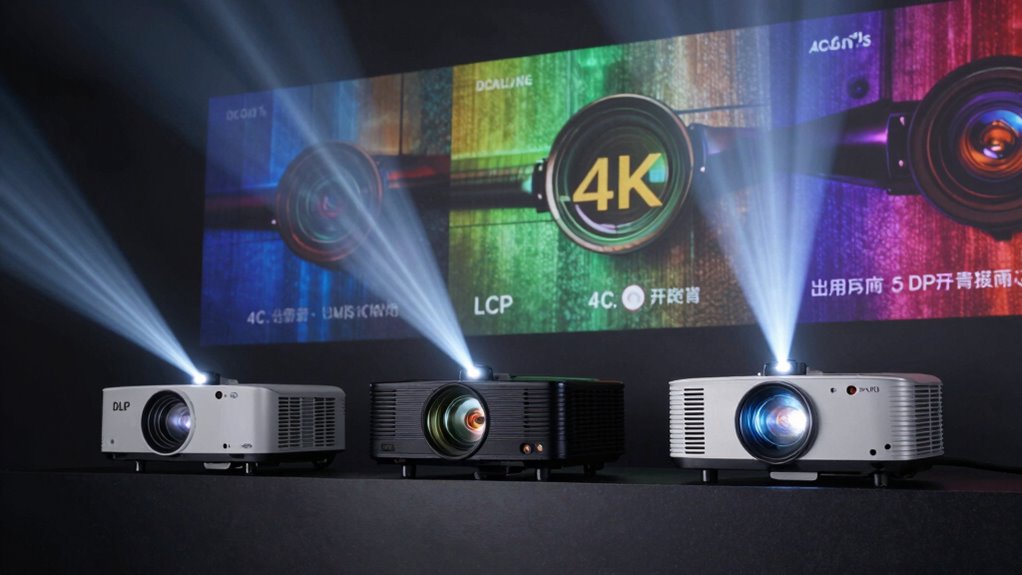
When deciding on a projector, understanding the differences between DLP, LCD, and LCoS technologies can help you make an informed choice. Each offers unique benefits suited to different needs:
- DLP projectors often provide high contrast and fast response times, making them ideal for bright rooms.
- LCD models excel in color accuracy, delivering vibrant images perfect for home theaters.
- LCoS combines the best of both worlds, offering smooth images with excellent color and detail, though they tend to be more pricey.
- Your choice might influence the type of projector mounts you need, especially if space or installation flexibility is a concern.
- Additionally, understanding projection technology can help you better evaluate the long-term performance and maintenance requirements of your projector.
Knowing these differences helps you select a technology that fits your environment and viewing preferences, ensuring ideal image quality and ease of setup.
Must-Have Features: Connectivity, Keystone, Noise, and More
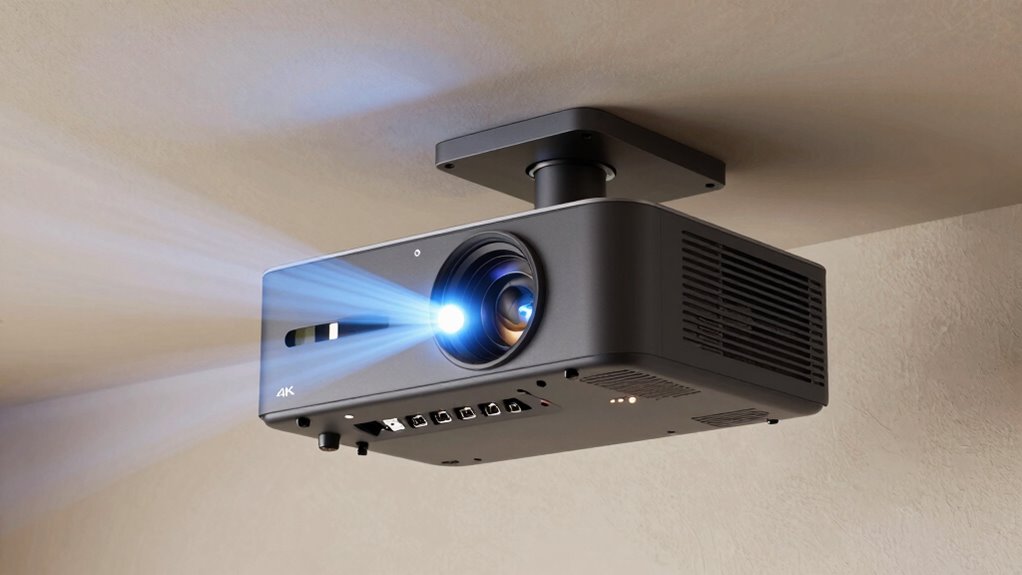
Ensuring your projector has the right features can substantially enhance your viewing experience and simplify setup. Look for remote compatibility, so you can control your projector easily from a distance, especially during presentations or movie nights. Connectivity options like HDMI, USB, and wireless streaming are essential for seamless device connections. Portability features, such as a compact design and built-in handles, make it easier to move and set up your projector in different locations. Keystone correction helps guarantee a perfectly rectangular image, even if you’re projecting at an angle. Noise levels matter too—choose a model with quiet operation to avoid distractions. Additional features like built-in speakers and adjustable focus can further improve your experience, making your projector more versatile and user-friendly. Being aware of brightness levels can also help you select a projector suitable for different ambient lighting conditions. Paying attention to contrast ratio is crucial for achieving vivid images with deep blacks and bright highlights.
Furthermore, understanding luminosity can assist you in choosing a projector that performs well in various environments, enhancing overall visual quality. Additionally, considering the color accuracy ensures vibrant and true-to-life images, especially during detailed presentations or movie viewing.
Setting a Realistic Budget Without Sacrificing Performance
To set a realistic budget, start by establishing your spending limits based on what you can afford. Then, focus on prioritizing essential features that meet your needs without overspending. Finally, compare long-term costs to make certain you’re getting value without sacrificing performance.
Establish Spending Limits
Setting a realistic budget is essential to finding a projector that meets your needs without overspending. Proper budget planning helps you set spending limits that align with your goals, ensuring you don’t compromise on quality or features. To establish effective spending limits, consider these key points:
- Determine your maximum budget based on how often you’ll use the projector.
- Prioritize essential features over optional extras to avoid unnecessary costs.
- Research price ranges for different projector types to set realistic expectations.
- Leave room for accessories or installation costs within your budget.
Prioritize Essential Features
Focusing on essential features helps you make the most of your budget without sacrificing performance. Start by considering projection placement—where you’ll position the projector influences the size and setup. A projector with flexible placement options can save you from costly adjustments later. Next, pay attention to screen materials; a high-quality screen enhances image clarity and brightness, maximizing your investment. Don’t get distracted by unnecessary features like 4K marketing if your room’s lighting and size don’t support it. Prioritize core specifications such as brightness, contrast, and resolution that suit your viewing environment. By concentrate on these essentials, you ensure the projector meets your needs without overspending on bells and whistles. This approach guarantees a balanced setup that delivers quality visuals within your budget.
Compare Long-Term Costs
While choosing a projector that fits your budget is important, it’s equally vital to weigh long-term costs to avoid surprises down the line. Consider these factors:
- Lamp maintenance costs, as replacement lamps can be be expensive over time.
- Warranty coverage, which can reduce repair expenses and extend device lifespan.
- Power consumption, since higher efficiency models save money on electricity.
- Replacement parts and accessories, ensuring they’re affordable and readily available.
- Implementing cost management strategies that can help you plan for ongoing expenses and stay within your budget.
A projector with solid warranty coverage minimizes repair costs, while understanding lamp maintenance needs helps you plan for replacements. Budgeting ahead for these ongoing expenses ensures you won’t be caught off guard and allows you to set a realistic budget without sacrificing performance. This approach guarantees long-term satisfaction with your investment.
Frequently Asked Questions
How Do Lens Shift and Zoom Features Affect Installation Flexibility?
Lens shift and zoom features greatly enhance your installation flexibility. With lens adjustment, you can reposition the image vertically or horizontally without moving the projector, making it easier to align with your screen. The zoom function lets you change the image size, giving you more control over placement. Together, these features allow you to install your projector in tighter spaces or awkward angles, saving time and reducing the need for precise mounting.
What Maintenance and Bulb Replacement Costs Should I Expect?
Are you prepared for ongoing maintenance costs? Bulb replacement costs vary, typically ranging from $50 to $200 depending on the projector model, and bulbs often last between 1,500 to 6,000 hours. Regular maintenance includes cleaning filters and checking connections, which can add to overall expenses. Budgeting for these costs guarantees your projector keeps delivering peak performance without surprise expenses. Are you ready to manage these ongoing maintenance needs?
How Does Projector Lifespan Impact Long-Term Value?
Your projector’s lifespan directly affects its long-term value by influencing lamp longevity and cost efficiency. When the lamp lasts longer, you save money on replacements and maintenance, making it a smarter investment. A projector with a durable bulb reduces ongoing costs and ensures reliable performance over time. Focus on models with high lamp longevity to maximize your value, enjoying clear images without frequent replacements or added expenses.
Can Projectors Be Used Outdoors Effectively?
Yes, you can use projectors outdoors effectively if you choose models designed for outdoor viewing. Look for projectors with weather resistance features to protect against moisture and dust, ensuring durability. Brightness is essential for outdoor settings, especially in ambient light. Set up in a shaded area, and consider a weather-resistant screen for ideal viewing. Proper placement and weatherproofing make outdoor projector use enjoyable and reliable.
What Are the Environmental Considerations for Projector Use and Disposal?
You should consider eco-friendly materials when using and disposing of your projector, imagining it as part of your sustainable lifestyle. Proper disposal is essential; follow local regulations to prevent hazardous materials from polluting the environment. Recycling options are available for components like batteries and bulbs, reducing waste. By being mindful of disposal regulations and choosing environmentally conscious products, you help protect our planet while enjoying your projector’s immersive experience.
Conclusion
So, now that you know the secrets behind brightness, throw distance, and 4K hype, go ahead and buy that fancy projector. Just remember, no matter how bright or sharp it claims to be, you’ll still need a dark room, a giant screen, and a sprinkle of magic to make it look Hollywood-worthy. Happy projecting—may your movies be epic and your budget slightly less tragic!