
When choosing a capture card, focus on what your setup and streaming goals require. If you mostly stream or record in 1080p, a high-quality 1080p card will suit you well and save money. A 4K capture card offers sharper visuals but comes with higher costs and demanding hardware needs that may go unused. To avoid overspending on unnecessary features, it’s essential to match the specs with your actual needs—more details follow if you keep exploring.
Key Takeaways
- 1080p capture cards are sufficient for most streaming needs and are more affordable and compatible with a wider range of hardware.
- 4K cards offer higher resolution and sharper visuals but require powerful hardware and come at a higher cost.
- Choose 4K only if your setup, audience, and future plans justify the increased investment and technical demands.
- For casual or current hardware setups, 1080p provides excellent quality without unnecessary extra expense.
- Evaluate your streaming goals and hardware capabilities to prevent overpaying for features you won’t utilize.
What Is a Capture Card and How Does It Work?
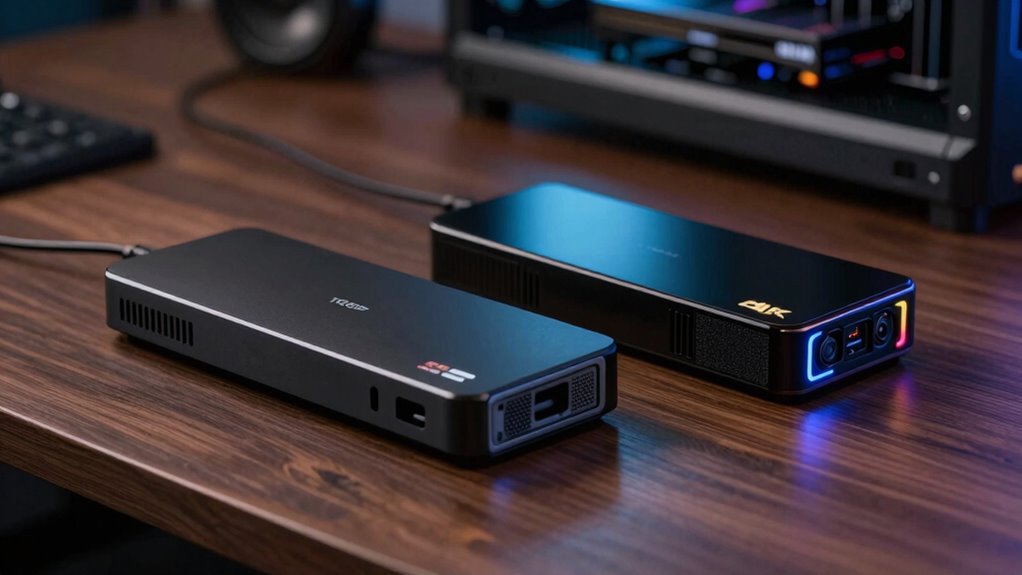
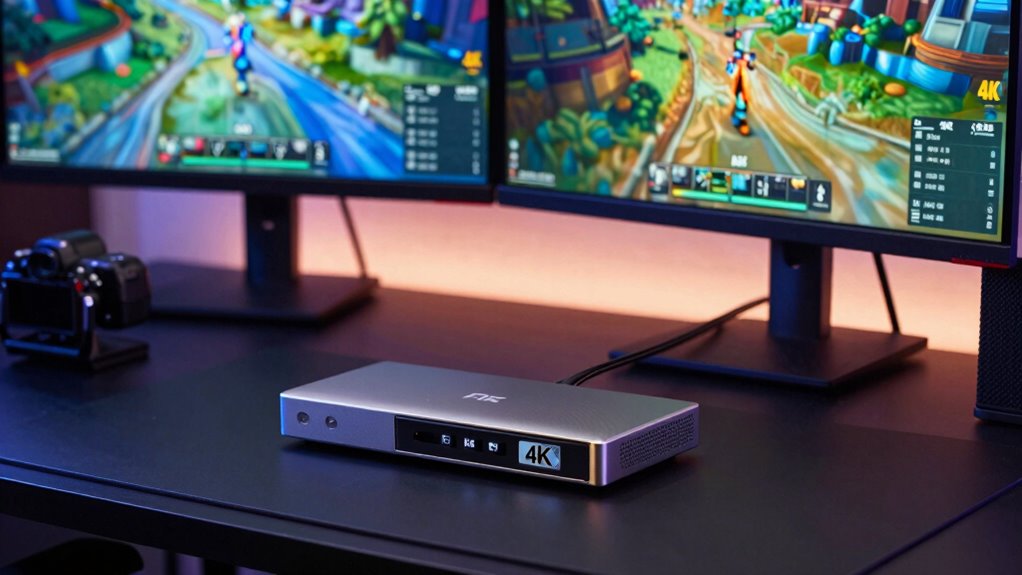
A capture card is a device that allows you to record or stream video signals from gaming consoles, cameras, or PCs. Its core function relies on capture card mechanics, which convert incoming video signals into a digital format that your computer can process. During signal processing, the device captures the raw video data, compresses it if necessary, and transmits it to your computer for recording or streaming. This process involves converting analog or digital signals into a compatible format, ensuring minimal latency and high-quality output. By handling the technical aspects of signal processing, a capture card lets you focus on creating content without worrying about the complexities of video conversion. Additionally, understanding color accuracy and contrast can help you select a capture device that best suits your specific content needs. Proper power requirements and compatibility considerations are essential for ensuring your setup functions smoothly, especially when integrating with other appliances or streaming hardware. When choosing a capture card, considering hardware compatibility can prevent technical issues and improve overall performance. Ultimately, understanding how these devices work helps you pick the right one for your streaming or recording needs.
Comparing 1080p and 4K Capture Cards: Features, Benefits, and Limitations

When choosing between 1080p and 4K capture cards, understanding their features, benefits, and limitations is essential for making an informed decision. A 1080p capture card offers excellent streaming quality for most viewers and is compatible with a wide range of hardware. It’s ideal if you want smooth, high-quality streams without overloading your system. In contrast, a 4K capture card delivers ultra-high-definition content, providing sharper visuals and future-proofing your setup. However, 4K requires more powerful hardware for smooth performance, and not all streaming platforms support such high resolutions yet. Limitations include higher costs and increased system demands. If your streaming needs are primarily casual or your hardware isn’t top-tier, a 1080p capture card is usually sufficient and more cost-effective. Additionally, understanding content formats and resolution capabilities can help you choose the right card for your specific needs. Considering hardware requirements and compatibility can ensure your setup functions smoothly and meets your expectations, especially when factoring in system performance and potential bottlenecks. Properly assessing your streaming goals can further prevent unnecessary expenses and optimize your setup for your intended use. Being aware of emerging trends in digital publishing can also guide you toward more innovative streaming solutions and content delivery methods.
Which Resolution Is Right for Your Setup and Goals?
Deciding on the right resolution for your setup depends heavily on your goals and hardware capabilities. If you prioritize sharp visuals and detailed color accuracy, 4K might seem appealing, but it requires powerful equipment and good resolution scaling. If your focus is streaming gameplay or recording without stressing your system, 1080p could be more practical. Consider these factors:
Choosing the right resolution balances your goals, hardware, and audience needs for optimal results.
- Your hardware’s ability to handle high resolution and resolution scaling smoothly
- The level of color accuracy you need for professional-quality content
- Whether your audience’s devices support higher resolutions without compromising performance
- The impact of adaptive lighting and display technology on visual clarity and color fidelity
Choosing the right resolution isn’t just about specs; it’s about balancing quality with your setup’s limits. Think about what you want to achieve and match the resolution accordingly.
How to Choose the Best Capture Card for Your Budget and Needs
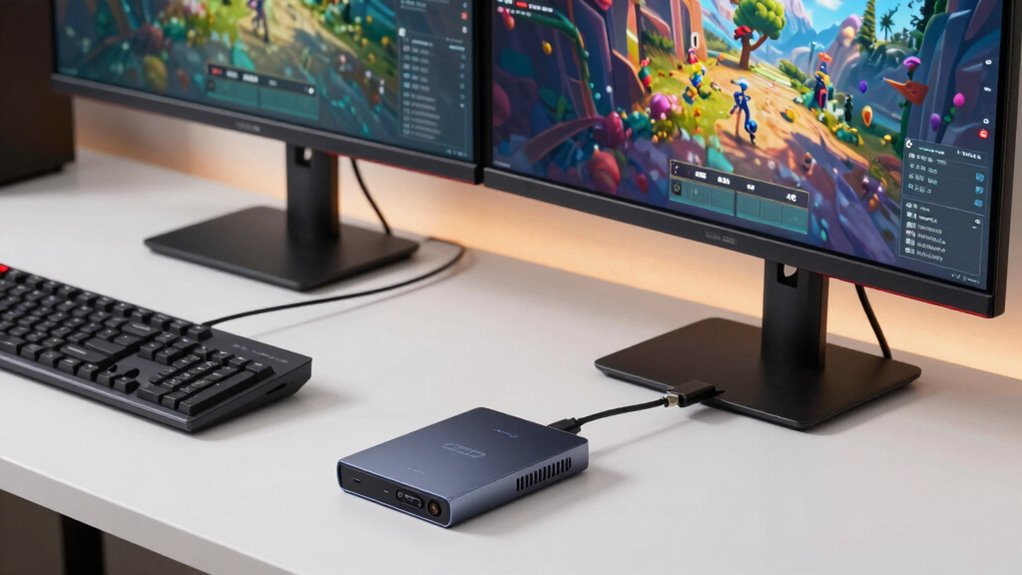
When choosing a capture card, you need to take into account its compatibility with your devices to ensure seamless setup. Balancing your budget with features that offer good value helps you avoid overspending on unnecessary extras. Also, look for future-proofing options like higher resolutions and advanced connections to keep your setup relevant longer.
Compatibility With Devices
Choosing a capture card that works seamlessly with your devices is essential to guarantee smooth gameplay or recording sessions. To do this, you need to take into account device compatibility and software support. Ensure your capture card supports your gaming console, PC, or streaming device. Check if it connects via USB, HDMI, or other ports you already use. Also, verify that the software provided or compatible with the capture card works well on your operating system. Incompatibility can lead to connection issues or limited features. Additionally, considering hardware compatibility can help prevent issues and ensure optimal performance. It’s also beneficial to review firmware updates to maintain compatibility and enhance device stability over time. Furthermore, selecting a capture card with adjustable settings can optimize performance for various devices and use cases. Being aware of software support can further help you choose a device that integrates smoothly with your existing streaming or recording setup. Regularly checking for compatibility updates can also ensure your setup remains reliable as technology evolves.
Price and Value Balance
Finding the right capture card often involves balancing your budget with the features you need. To do this effectively, you should perform a thorough price comparison and value assessment to avoid overspending on unnecessary specs. Consider what matters most for your setup—1080p or 4K recording, latency, or compatibility. Use this table to evaluate options:
| Budget Range | Key Features & Value |
|---|---|
| Low | Basic 1080p capture, affordability, limited future-proofing |
| Mid | 4K support, decent software, good overall value |
| High | Advanced 4K, low latency, premium build, long-term investment |
This approach guarantees you get the best balance between cost and performance, tailored to your needs. Remember that understanding content quality and your specific requirements can help you make more informed decisions when selecting a capture card. Additionally, evaluating future-proofing options ensures your setup remains relevant as technology advances. It’s also helpful to consider the compatibility of the capture card with your existing hardware and software to avoid integration issues. As AI integration expands, considering AI-driven features in capture devices can further enhance your experience and workflow.
Future Proofing Features
To guarantee your capture card remains useful as technology advances, focus on future-proofing features that can extend its relevance. Look for options with strong future compatibility and good upgrade potential, so you won’t need a new device every few years. Features like higher bit rates, support for emerging standards, and versatile connection options help ensure your capture card stays relevant. Also, consider whether the device can be firmware upgraded or supports modular components. These aspects give you confidence that your investment will last.
- Compatibility with upcoming resolutions and refresh rates
- Support for next-gen interfaces like Thunderbolt or USB-C
- Firmware upgrade options for improved features and fixes
Common Mistakes to Avoid When Buying a Capture Card
Many buyers make the mistake of prioritizing price over compatibility and features, which can lead to frustration and wasted money. One common resolution myth is that higher resolution capture cards always deliver better quality; this isn’t true if your setup can’t support it. To avoid disappointment, research the brand reputation—reliable brands are more likely to provide consistent performance and better support. Don’t assume that a cheaper card will meet your needs just because it advertises 4K or high frame rates; sometimes, these specs are exaggerated or unnecessary for your setup. Focus on compatibility with your hardware and real-world reviews rather than marketing claims. Making informed choices helps you avoid costly returns or upgrades down the line.
Is a 4K Capture Card Worth It? Pros and Cons Explained

Considering whether a 4K capture card is worth it depends on your streaming or recording needs, as the benefits often come with significant costs. If you’re aiming for top-tier streaming quality and improved gaming performance, a 4K capture card offers sharper visuals and future-proofing. However, it may be overkill if your setup or audience mainly stream in 1080p.
You’ll want to weigh the benefits against the higher price and system requirements. Upgrading your gaming accessories or ensuring your setup is protected can also impact your overall experience.
- For high-end gaming and professional streaming, a 4K card can enhance visual fidelity.
- If you don’t have a powerful PC, you might experience lag or dropped frames.
- Consider whether your viewers will notice the difference in 4K versus 1080p.
Frequently Asked Questions
Can I Use a 4K Capture Card With My Existing Streaming Setup?
Yes, you can use a 4K capture card with your existing streaming setup as long as your hardware supports the higher resolution. Check resolution compatibility to make sure your PC can handle 4K streaming and recording. Keep in mind, you’ll need a powerful GPU, CPU, and sufficient bandwidth. If your hardware isn’t up to the task, you might experience lag or quality issues, so upgrade accordingly before investing in a 4K capture card.
Do All Gaming Consoles Support 4K Capture Cards?
Not all gaming consoles support 4K capture cards. For example, the PlayStation 5 and Xbox Series X support higher input resolutions, making them compatible with 4K capture cards, but older consoles like the PS4 and Xbox One generally don’t. A recent stat shows over 60% of gamers prefer 4K resolution, so check your console’s compatibility to guarantee your capture card matches its input resolution, avoiding unnecessary spending.
How Does a Capture Card Affect My Computer’s Performance?
A capture card can impact your computer’s performance if it isn’t compatible with your hardware or system requirements. It uses CPU and GPU resources to process video, so a less powerful system might experience lag or dropped frames. To guarantee smooth streaming or recording, check that your hardware compatibility meets the capture card’s specifications, and consider upgrading components if needed. Proper setup keeps your system running efficiently without overloading it.
Are There Compatibility Issues Between Different Capture Card Brands?
Imagine your setup as a well-oiled machine, but when different capture card brands collide, it’s like gears grinding. Compatibility issues often stem from brand incompatibility and driver problems, causing lag or disconnects. To avoid frustration, stick to reputable brands known for driver support. Double-check that your operating system and software are compatible with the capture card. This guarantees smooth streaming without technical hiccups, keeping your focus on the game.
What Software Is Best for Editing Footage Captured in 4K?
For editing 4k footage, you should consider software like Adobe Premiere Pro or DaVinci Resolve. They excel in video editing and can handle high-resolution footage smoothly. Plus, they offer powerful tools for footage stabilization, ensuring your videos look professional. These programs support a wide range of formats and provide advanced editing features, making them ideal choices for processing and refining your 4k captures efficiently.
Conclusion
Choosing the right capture card is like picking the perfect tool for a job—you don’t want to overspend on features you’ll never use. If you’re just starting out or streaming casually, a 1080p card might be all you need. But if you’re aiming for cinematic quality and have the budget, a 4K card could be worth it. Make smart choices, and you’ll capture your content perfectly—without paying for bells and whistles you don’t need.