
Choosing the right RAID level for your home NAS depends on balancing performance, data security, and capacity. RAID 0 offers speed but no protection, while RAID 1 and 5 add redundancy to guard against drive failures. RAID 6 and 10 provide even more safety but require more drives. Understanding these options helps you pick a setup that fits your needs. Keep going to understand each RAID level better and find the best fit for your home storage.
Key Takeaways
- RAID combines multiple disks to improve performance, capacity, and protect data against drive failures.
- Different RAID levels (e.g., RAID 0, 1, 5, 6, 10) offer varying balances of speed, redundancy, and storage efficiency.
- RAID 0 increases speed but offers no data protection, risking total data loss if a drive fails.
- RAID 1 and 5 provide redundancy, safeguarding data during drive failures while maintaining reasonable performance.
- Proper setup, regular monitoring, and backups are essential for reliable and secure NAS storage at home.
What Is RAID, and Why Is It Important for Your Home NAS?
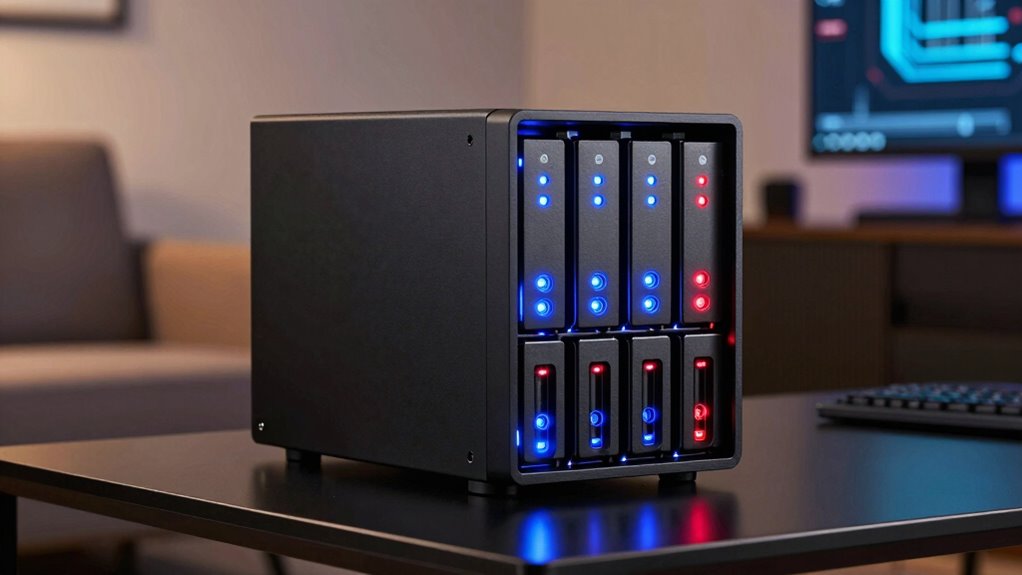
RAID, which stands for Redundant Array of Independent Disks, is a technology that combines multiple hard drives or SSDs to improve performance, increase storage capacity, and provide data redundancy. This data redundancy means your data is stored across drives in a way that protects against drive failures. If one drive crashes, your data remains safe, allowing for easier data recovery. RAID setups help prevent data loss and minimize downtime, making your home NAS more reliable. By spreading data across multiple disks, RAID ensures that even if a disk fails, you won’t lose everything. This resilience is essential for safeguarding your important files and ensuring continuous access, giving you peace of mind knowing your data is protected. Understanding disk management can help you tailor your storage solutions to better meet your needs. Additionally, selecting the appropriate RAID level depends on your specific performance and redundancy requirements, ensuring optimal data security and efficiency.
How to Pick the Best RAID Setup for Your Home Storage Needs
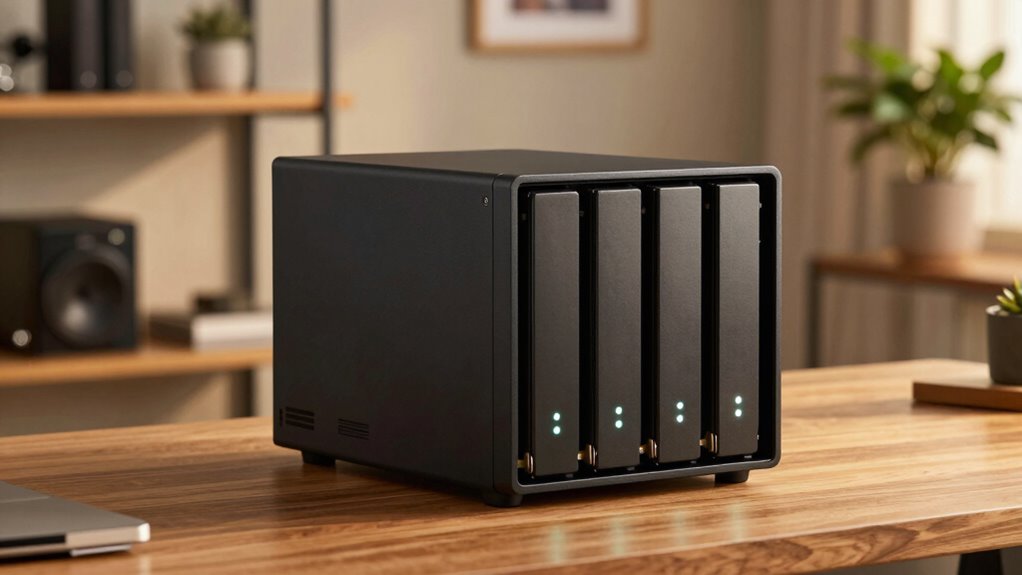
Choosing the right RAID setup for your home storage depends on your priorities, such as performance, data protection, or capacity. To make an informed decision, consider these factors:
- Performance Needs: If speed matters, RAID 0 offers fast read/write but no redundancy. For balanced performance and protection, RAID 5 is ideal.
- Data Security: Prioritize RAID levels that support data encryption and redundancy, like RAID 6, to safeguard against drive failures.
- Network Security: Ensure your network setup supports secure access, especially when using RAID configurations that involve sensitive data.
- Understanding work-life harmony can help prevent burnout by managing your digital storage needs efficiently.
Pros and Cons of Popular RAID Configurations for Beginners
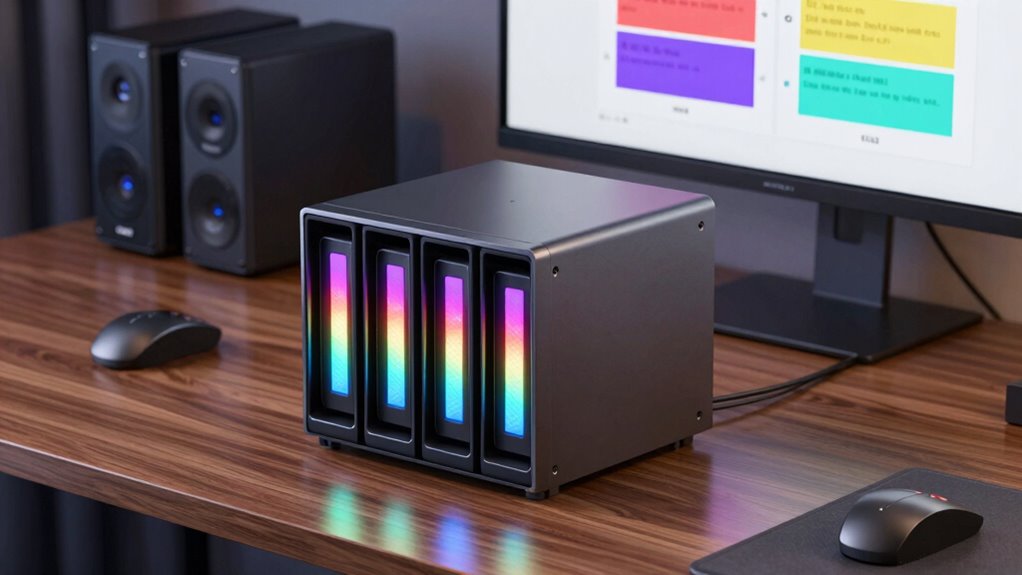
For beginners exploring NAS storage options, understanding the pros and cons of popular RAID configurations can help you make smarter choices. RAID levels like 1 and 5 offer data redundancy, protecting your files if a drive fails. However, this often comes with performance trade-offs, such as slower write speeds or increased complexity. RAID 0 boosts performance with striped data, but it offers no redundancy, so a single drive failure means data loss. RAID 10 combines redundancy and speed but requires more drives, increasing costs. Each setup balances data safety and performance differently, so consider your priorities. If you need simple, reliable storage, RAID 1 might suit you. For faster access with some protection, RAID 5 could be better. Being aware of redundancy benefits and how they relate to data protection can help you choose the appropriate RAID level for your needs. Additionally, understanding how RAID levels impact overall system reliability can further inform your decision-making process. Recognizing the impact of drive failure scenarios on your data safety can help you prepare for potential issues. Moreover, considering the cost implications of different configurations can help you stay within your budget. Weigh these pros and cons carefully before choosing.
How to Set Up RAID on Your Home NAS: A Simple Guide
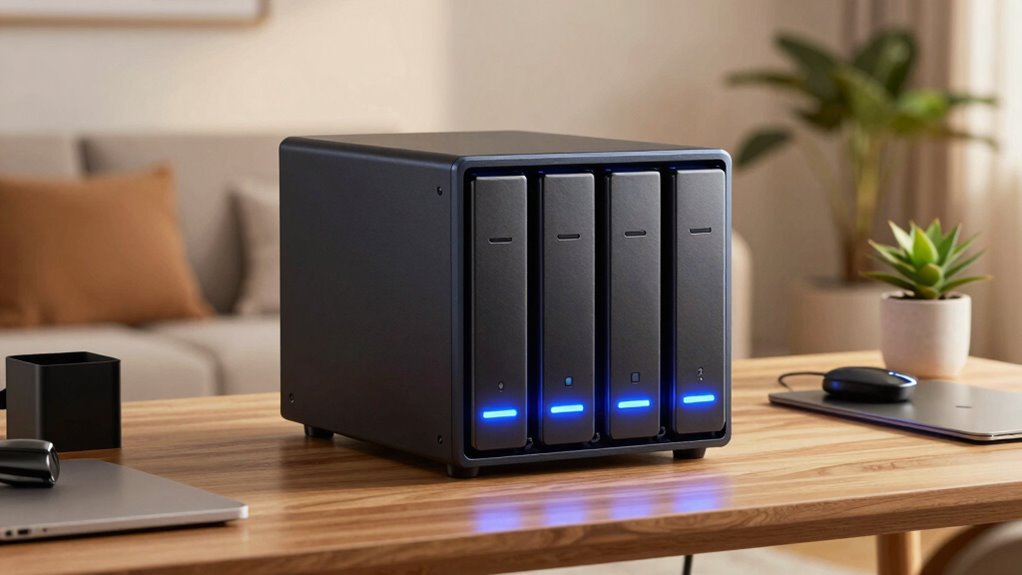
Setting up RAID on your home NAS might seem intimidating at first, but with the right steps, it becomes a straightforward process. First, guarantee your NAS firmware is up-to-date, which improves network security and supports RAID setup. Next, choose the RAID level that suits your needs and verify your drives are compatible. Additionally, ensure you are aware of essential safety tips for using portable oil radiators, especially if your setup involves physical hardware that may generate heat or require ventilation. Finally, configure RAID through the NAS management interface, enabling data encryption for added security.
Setting up RAID on your NAS is simple with proper updates, compatible drives, and secure configuration.
Here’s a simple guide:
- Update firmware and check drive compatibility.
- Select and configure your preferred RAID level.
- Enable data encryption and set up network security settings.
Following these steps helps protect your data while simplifying the setup process. Remember, proper network security minimizes risks, and data encryption keeps your files safe from prying eyes.
Common NAS and RAID Problems and How to Fix Them
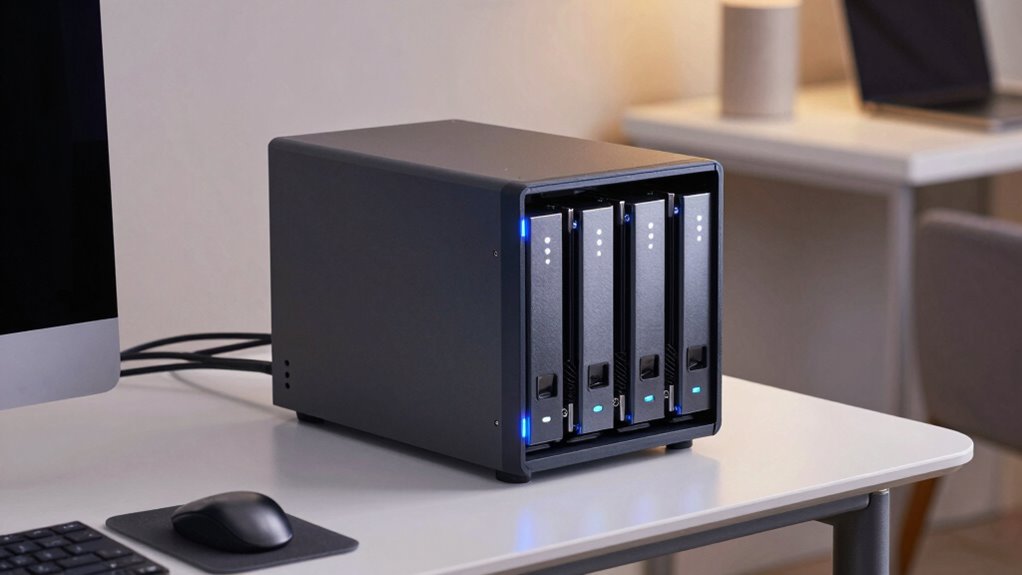
Even with careful setup, NAS and RAID systems can encounter common problems that disrupt data access or compromise security. One frequent issue is drive failure, which can threaten your data. When this happens, hardware troubleshooting becomes essential—checking connections, replacing faulty drives, or updating firmware. If your system becomes unresponsive or shows degraded performance, start by reviewing logs and running diagnostic tools. Data recovery might be necessary if files become inaccessible or corrupted. Regular backups are vital to prevent data loss. Also, guarantee your NAS firmware is up to date to fix bugs and improve stability. Keeping an eye on hardware health and performing routine maintenance can help you catch issues early, minimizing downtime and safeguarding your valuable data. Additionally, understanding heat buildup and wiring in your NAS setup can prevent overheating and electrical issues that might cause hardware failures. Proper ventilation, cable management, and ensuring correct power supply connections are crucial for maintaining optimal hardware conditions and avoiding overheating problems, which are common in densely packed systems. Regularly monitoring hardware temperature and ensuring proper airflow can significantly extend the lifespan of your NAS components. Moreover, adequate cable organization can help reduce clutter and improve airflow, further preventing heat-related issues.
Avoid These Mistakes When Setting Up RAID at Home
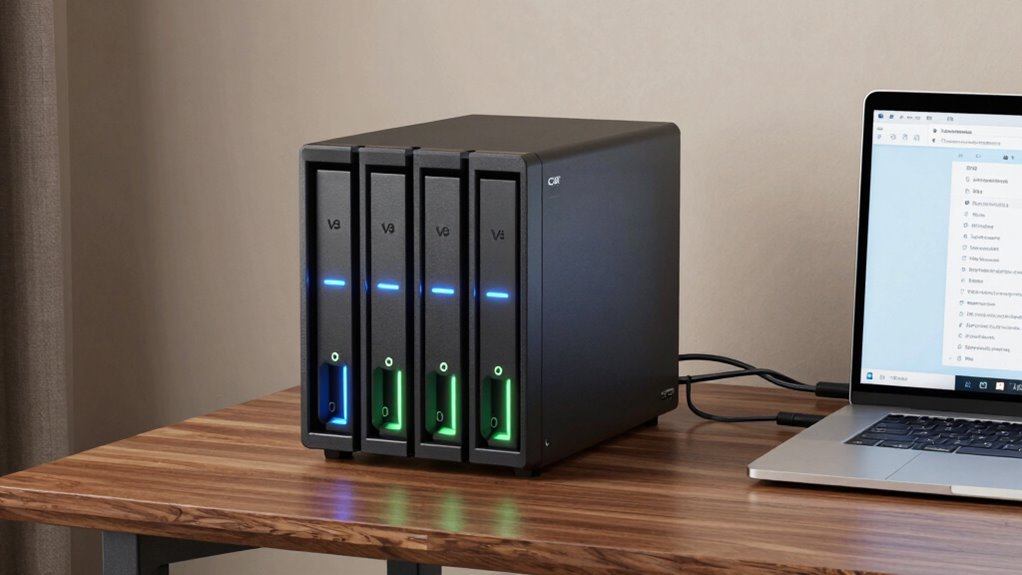
When configuring RAID at home, it’s easy to make mistakes that can compromise your data’s safety and performance. To avoid issues, keep these points in mind:
- Neglecting Network Security: Failing to secure your NAS with strong passwords and firewalls exposes your data to unauthorized access. Use network security best practices to protect sensitive information.
- Ignoring Data Encryption: Not enabling data encryption can leave your files vulnerable if your NAS is compromised. Always activate encryption options to safeguard your data.
- Choosing the Wrong RAID Level: Selecting an inappropriate RAID setup without understanding its limitations can affect redundancy and speed. Research the best RAID level for your needs before implementation. Additionally, understanding the different RAID levels can help you make an informed choice tailored to your data protection and performance requirements.
- Overlooking Essential DIY Tools and Safety Tips: Failing to use the proper tools and follow safety precautions during setup can lead to accidents or hardware damage. Always ensure you have the right tools, such as screwdrivers and anti-static wristbands, and understand hardware installation best practices to protect yourself and your equipment. Being aware of proper handling techniques can also reduce the risk of damaging sensitive components during installation.
Frequently Asked Questions
Can I Change My RAID Level After Setup?
Yes, you can change your RAID level after setup, but it involves a process called RAID migration. Your NAS must support RAID compatibility for this to work smoothly. During migration, your data stays protected, but it is crucial to back up first to prevent data loss. Check your NAS device’s documentation for specific steps and compatibility options, as some RAID levels are easier to upgrade or change than others.
How Does RAID Impact NAS Performance?
Imagine your NAS is a race car—RAID can turbocharge or slow it down. RAID compatibility affects how smoothly data flows, and network latency can cause delays like traffic jams. Depending on your RAID level, performance can skyrocket with faster read/write speeds or dip due to redundancy overhead. Choose wisely, as RAID impacts your NAS’s responsiveness and reliability, turning your home storage into a high-performance data highway—or a sluggish crawl.
Is RAID Data Recovery Possible if Drives Fail?
Yes, RAID data recovery is possible if drives fail, depending on your RAID configuration. For example, RAID 5 and RAID 6 allow you to recover data from a failed drive, while RAID 0 doesn’t offer any redundancy. You should stop using the array immediately to prevent data loss and consult data recovery specialists or use recovery software designed for your specific RAID setup.
What Are the Best Practices for RAID Backups?
You should always back up your RAID array, even if it has a hot spare, because RAID isn’t foolproof. Use regular data scrubbing to detect and fix errors early. Keep a separate backup of critical data on an external drive or cloud service. Test your backups periodically to guarantee they work. This way, you minimize data loss risks if drives fail or other issues occur.
Does RAID Protect Against All Types of Data Loss?
RAID doesn’t protect against all data loss types, like accidental deletion or malware. It offers data redundancy, which helps recover from hardware failures, but you still need regular backups for complete security. Make sure your NAS hardware is compatible with your chosen RAID level to avoid issues. Relying solely on RAID isn’t enough—combine it with a solid backup plan to fully safeguard your data from various risks.
Conclusion
Choosing the right RAID setup can seem overwhelming, but it’s about balancing risk and performance. While RAID offers protection and efficiency, it’s not foolproof—disasters can still happen. Remember, your storage choices reflect what matters most—whether quick access or peace of mind. Think of RAID as a safety net: it catches most falls but not every one. Make smart decisions now, and your data’s future stays secure, no matter what.