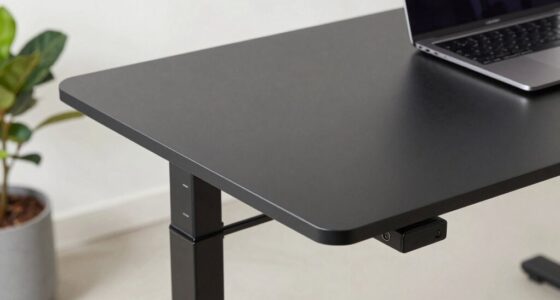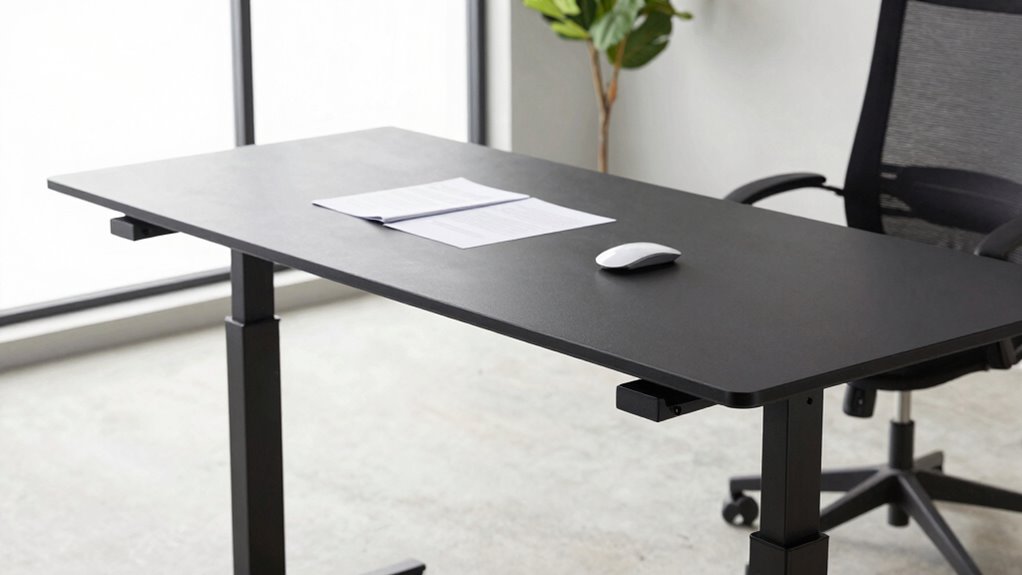

Wobbly standing desks usually happen due to uneven floors, loose assembly, or low-quality materials that can’t support weight properly. If your desk has weak joints or poorly designed parts, it’ll wobble more over time. Using cheap materials or ignoring maintenance also worsens stability. Choosing desks with solid construction, proper leveling features, and reinforced frames helps prevent wobbling. To protect your workspace, explore more tips on how to keep your desk steady and secure.
Key Takeaways
- Uneven floors and surface imperfections can cause instability, leading to wobbling of the standing desk.
- Loose screws, weak joints, or poor assembly compromise the desk’s structural integrity and increase wobble.
- Using lightweight or low-quality materials reduces support, while sturdy materials like steel enhance stability.
- Regular maintenance, tightening fasteners, and adding shims or leveling pads help improve desk steadiness.
- Choosing desks with reinforced frames, wide bases, and adjustable leveling feet minimizes wobbling risks.
What Causes a Wobbly Standing Desk? Common Issues Explained
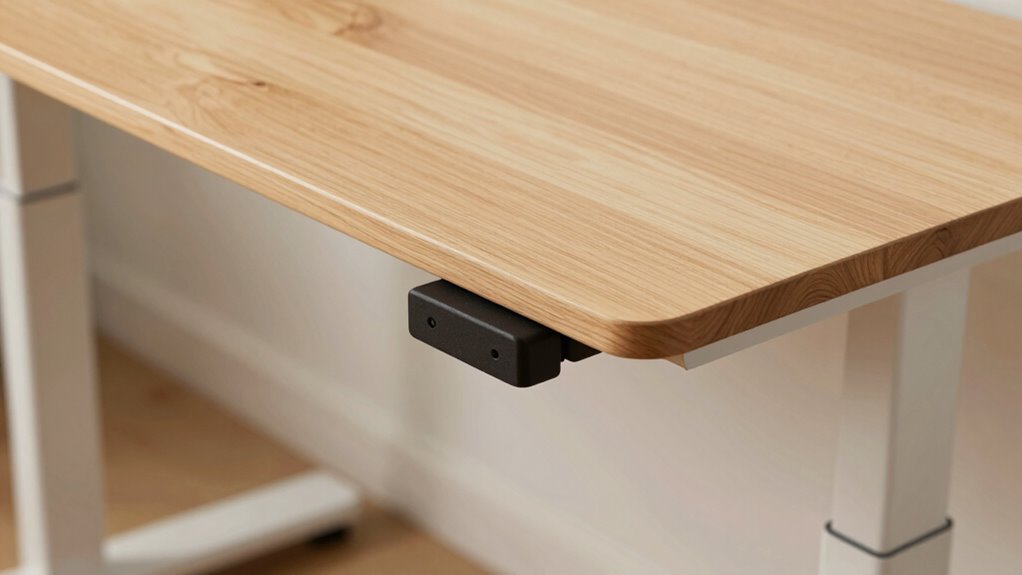
A wobbly standing desk often results from uneven surfaces or loose components. When your desk isn’t level, it compromises ergonomic comfort, making it harder to maintain proper posture and increasing discomfort. Additionally, poor assembly or loose screws can cause instability, regardless of how stylish the desk looks. An aesthetic design might prioritize looks over sturdiness, leading to less structural integrity. This imbalance not only affects comfort but also diminishes your workspace’s overall appeal. To avoid wobbliness, guarantee your desk is placed on a flat surface and check all bolts and joints regularly. Using the right DIY tools and safety tips can help you secure loose parts effectively. Ensuring the use of sturdy materials during assembly can also contribute to a more stable structure. Regularly inspecting for uneven surfaces can prevent imbalance issues before they develop. Moreover, selecting a desk with adjustable feet can help compensate for minor floor imperfections, enhancing stability. Proper assembly techniques are essential for creating a durable and wobble-free workspace, ensuring you have a secure platform to focus on your tasks without distraction or worry about tipping or shaking.
How Desk Materials and Construction Impact Stability
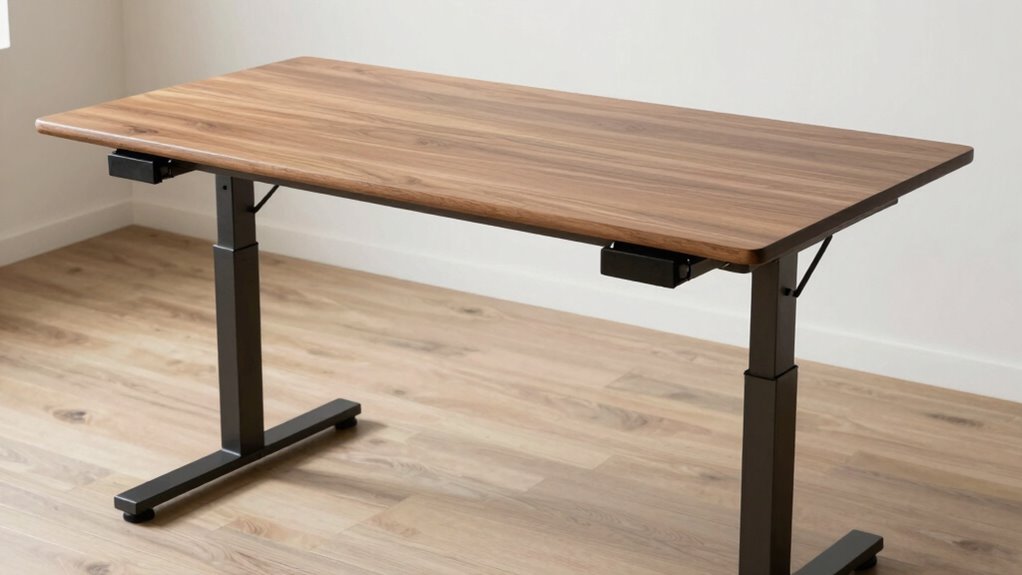
The materials and construction methods used in your standing desk directly influence its stability. Material impact is significant—heavy-duty materials like solid wood or steel provide better support and reduce wobbling. Lighter materials, such as thin metal or plastic, may compromise stability, especially on uneven floors. Construction quality also plays a vital role; well-made desks with sturdy joints, reinforced corners, and quality fasteners resist wobbling better than poorly assembled ones. A solid frame and stable base ensure your desk remains steady during use. When choosing a desk, prioritize those built with durable materials and high construction quality. These factors help prevent wobbling, ensuring your workspace remains steady and comfortable, whether you’re typing, writing, or adjusting your height throughout the day. Additionally, selecting desks with anti-wobble features can further enhance stability and user confidence. The use of precision engineering in assembly can also make a notable difference in overall stability. Incorporating quality fasteners and ensuring tight connections can further improve the desk’s steadiness over time. Paying attention to assembly techniques can also make a significant difference in long-term stability.
Do Adjustable Components Make Your Desk Wobble?
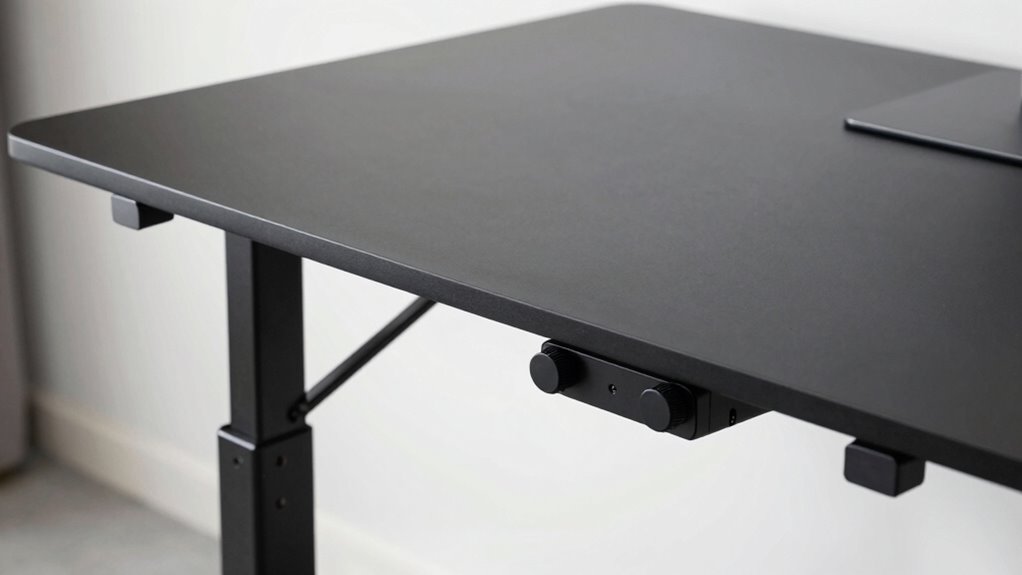
Adjustable components can sometimes cause wobbling if the adjustment mechanisms aren’t high quality. Loose bolts or screws also contribute to instability, especially if you don’t tighten them regularly. Over time, frequent use and wear can weaken these parts, making your desk less steady. Considering durable pool surfaces, selecting desks with durable, high-quality parts can help ensure longer-lasting stability.
Quality of Adjustment Mechanism
When the adjustment mechanism isn’t built with quality components, your desk is more likely to wobble or feel unstable. A sturdy adjustment mechanism depends heavily on good quality control during manufacturing. If the parts are poorly made or fail to meet strict standards, the mechanism may not hold its position firmly or smoothly. This can lead to unwanted movement when you’re working or adjusting the height. High-quality adjustment mechanisms use durable materials and precise engineering to ensure stability over time. They resist wear and tear, maintaining their tightness and responsiveness. Investing in a desk with a well-made adjustment mechanism means fewer adjustments, less wobbling, and a more reliable workspace. quality control is key to ensuring your desk remains stable and functional for the long haul. Additionally, considering products with rigid frame design can further enhance overall stability and reduce wobbling issues. Incorporating electric component durability into the design can also help prevent common failure points that cause instability over time. Regular maintenance and inspections of the adjustment parts can also extend the lifespan of your desk’s stability and performance.
Tightness of Bolts and Screws
Loose bolts and screws are common culprits behind a wobbly desk. Over time, bolt tension can loosen due to regular use, causing instability. If screws aren’t tight enough, the frame can shift or wobble when you apply pressure or move objects on the surface. Regularly check all fasteners, especially around adjustable components, and tighten them with the correct tools. Be careful not to overtighten, as this can damage the threads or warp parts, worsening the issue. Keeping screws tight and bolts properly tensioned ensures that all parts lock together firmly, providing stable support. Routine maintenance, including inspecting fastener integrity, is key to maintaining your desk’s stability over time.
Frequency of Use and Wear
Frequent use of your standing desk can lead to wear on its moving parts, which may cause wobbling over time. The more often you adjust or move the desk, the quicker its components—especially those made from less durable materials—wear down. High usage frequency accelerates this process, making it essential to choose a desk built with quality materials suited for your needs. Adjustable components, like height mechanisms, are particularly vulnerable if used constantly. Proper maintenance and periodic tightening can help extend the lifespan of these components, ensuring stability and safety during use. Additionally, selecting durable hardware can significantly reduce the likelihood of wobbling caused by wear. Regular inspection and timely replacement of worn parts can further improve desk stability and prevent long-term issues. Incorporating reinforced joints can also help mitigate the effects of frequent adjustments and enhance overall durability.
How to Tell If Your Standing Desk Is Unstable
A wobbling or wobbly standing desk is a clear sign that it’s unstable and needs attention. If you notice your desk shifting or tilting when you work, it’s likely experiencing stability issues. Check for desk wobble by gently applying pressure to different corners and sides; if the surface moves or rocks, that’s a sign of instability. Uneven legs, loose bolts, or uneven flooring can all contribute to a wobbly desk. Pay attention to any creaks or sounds when you adjust its height or move items on top. If your desk doesn’t feel steady or shifts under slight pressure, it’s time to investigate further. Recognizing structural issues early can prevent further damage and ensure you maintain a safe, functional workspace. Additionally, understanding environmental considerations like floor surface and furniture placement can help improve overall stability. Ensuring the appropriate material quality of the desk components can also significantly impact its steadiness over time. Proper use of adjustable leveling feet can further enhance stability on uneven surfaces.
Quick DIY Fixes to Steady Your Standing Desk
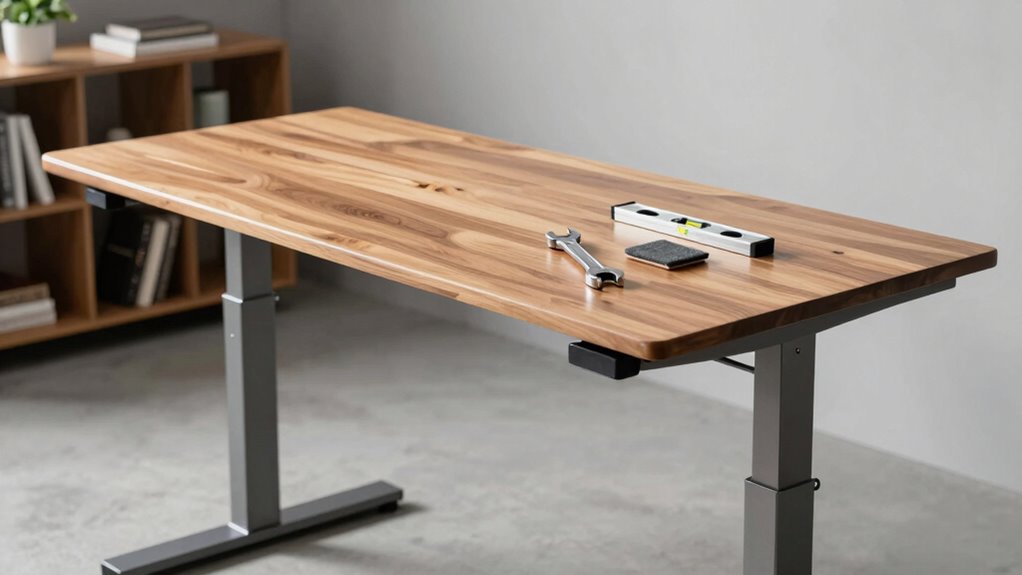
If your standing desk feels wobbly, you can often stabilize it with simple DIY solutions. Start by making certain your desk is at the correct height for ergonomic positioning—adjust the legs or frame if possible. Check for uneven surfaces or loose screws; tightening or leveling these can make a big difference. Using shims or small rubber pads under uneven legs helps stabilize the frame. Additionally, secure any loose joints with appropriate tools. Here’s a quick reference:
| Fix | How it helps |
|---|---|
| Adjusting desk height | Prevents wobbling caused by improper setup |
| Tightening screws | Ensures structural integrity |
| Adding shims or pads | Levels uneven legs |
| Checking for level surface | Eliminates instability |
| Ensuring ergonomic positioning | Promotes comfort and stability |
These simple steps can make your standing desk steadier and more comfortable to use.
When Should You Reinforce or Replace Your Desk?
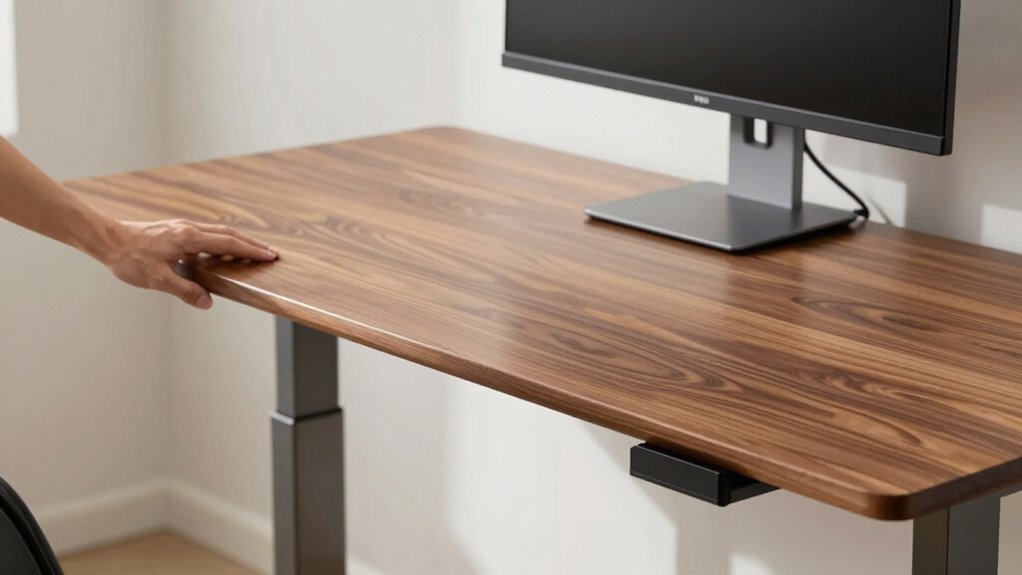
If your desk keeps wobbling despite fixes or shows signs of structural damage, it’s time to contemplate reinforcement or replacement. Persistent instability affects your comfort and safety, so don’t ignore these issues. Long-term durability also matters—if your desk isn’t built to last, investing in a new one might be your best option.
Persistent Wobbling Issues
Persistent wobbling can become more than just a nuisance; it can compromise your comfort and safety. If your desk wobbles despite adjustments, it may be time to reconsider its stability. You should consider reinforcing or replacing your desk if:
- The wobbling persists after tightening all screws and leveling the surface, affecting ergonomic comfort.
- The instability causes discomfort or distracts you from work, diminishing aesthetic appeal.
- You notice ongoing movement that no minor fix can resolve, risking further damage or injury.
Addressing these issues promptly ensures your desk remains a stable workspace, maintaining both ergonomic comfort and visual appeal. When wobbling becomes chronic, reinforcement or replacement becomes necessary to keep your workspace safe and inviting.
Structural Damage Signs
Recognizing signs of structural damage is essential for maintaining a safe and functional workspace. Look for visible cracks, warping, or splintering in the desk’s frame, which indicate material fatigue. If the desk wobbles excessively despite adjustments, it may be a sign that structural damage has compromised its stability. Loose joints or bolts that won’t tighten also suggest weakened connections. Over time, repeated stress can cause material fatigue, leading to weakened structural integrity. Ignoring these signs can result in sudden failure or injury. If you notice any of these issues, it’s time to reinforce the desk or consider replacing it altogether. Addressing structural damage early ensures your standing desk remains safe, stable, and reliable for daily use.
Long-Term Durability
Regularly inspecting your standing desk for signs of wear helps determine when reinforcement or replacement is necessary. Over time, material integrity can weaken, affecting stability. To assess this, consider these key factors:
- Check for cracks or warping in the frame or surface, indicating compromised material integrity.
- Evaluate weight distribution by placing objects evenly; if the desk wobbles or tilts, reinforcement may be needed.
- Monitor for loosening joints or fasteners that can lead to instability, signaling it’s time to tighten or replace components.
If you notice persistent wobbling despite adjustments, it’s likely time to reinforce or replace your desk. Prioritizing these checks ensures your standing desk remains stable, safe, and durable for long-term use.
What Features Make a Standing Desk More Stable?
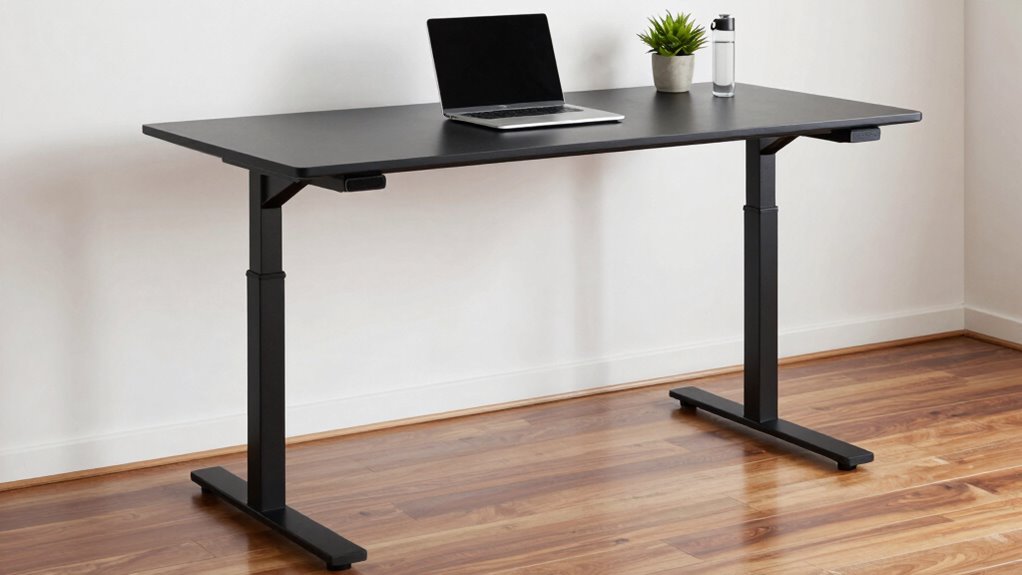
What features make a standing desk more stable? A solid desk base and balanced weight distribution are key. A wider, sturdier base prevents wobbling, especially when you shift positions. Good weight distribution ensures the desk remains steady, reducing tipping risks. Look for desks with adjustable feet to maintain balance on uneven floors. Materials like steel or heavy-duty aluminum add stability. Additionally, desks with reinforced frames resist wobbling during use.
| Feature | Benefit |
|---|---|
| Wide, sturdy base | Prevents tipping and wobbling |
| Reinforced frame | Adds strength and stability |
| Adjustable feet | Ensures even weight distribution on uneven floors |
| Heavy materials | Reduces movement and enhances durability |
| Balanced design | Maintains stability during height adjustments |
Tips to Prevent Wobbling When Buying a New Standing Desk

To prevent wobbling when purchasing a new standing desk, focus on checking its structural features firsthand. Look for sturdy frame materials like steel or high-quality aluminum, which provide better stability. Examine the desk’s mechanism for height adjustment—smooth, well-built systems reduce wobble. Additionally, consider how the desk integrates with ergonomic accessories; stable mounting points ensure accessories don’t cause imbalance, maintaining workspace aesthetics.
Here are three tips to ensure stability:
- Test the desk’s movement by adjusting height and applying gentle force to check for wobble.
- Inspect the frame’s construction, ensuring all joints are tight and secure.
- Choose desks with adjustable feet or leveling pads to compensate for uneven floors, enhancing stability and design harmony.
Frequently Asked Questions
How Does Weight Distribution Affect Standing Desk Stability?
Weight distribution impacts your standing desk’s stability because uneven load concentration creates a weight imbalance, making the desk wobble. When you place more weight on one side, the desk can tip or sway. To avoid this, evenly distribute your load across the surface, ensuring the weight is balanced. Proper weight placement keeps the desk steady, reducing wobbling and providing a safer, more comfortable workspace.
Can Desk Accessories Cause Wobbling Issues?
Yes, desk accessories can cause wobbling issues if they’re too heavy or unevenly placed. Ergonomic accessories like monitor arms or keyboard trays, especially if added abruptly, may shift the weight balance. Aesthetic enhancements, such as decorative items, can also contribute if they’re bulky or unstable. To maintain stability, make certain your accessories are well-secured and evenly distributed, helping your desk stay steady and wobble-free.
Are There Specific Brands Known for More Stable Standing Desks?
If stability’s your goal, look for brands with a strong reputation like Uplift, Fully, or Vari. These brands use high-quality materials that act as the backbone of a sturdy desk. Their craftsmanship is like a well-built bridge—designed to support your work without wobbling. When you choose a desk from trusted brands, you’re investing in durability and peace of mind, making your workspace a rock-solid foundation for productivity.
How Often Should I Check My Desk for Wobbling?
You should check your desk for wobbling monthly through periodic inspections. During these checks, guarantee proper desk calibration by tightening bolts and verifying the stability of all components. If you notice any movement or unevenness, address it promptly to prevent further issues. Regular inspections help maintain stability, prolong the lifespan of your desk, and keep your workspace safe and comfortable.
Does Flooring Type Influence Standing Desk Stability?
Yes, flooring type impacts standing desk stability. Hard surfaces like tile or hardwood can cause wobbling if your desk lacks proper surface grip. Carpets provide better grip, reducing movement. To improve stability on slippery floors, consider adding rubber pads or a non-slip mat under your desk. This increases surface grip, preventing wobbling and ensuring your desk stays steady during use.
Conclusion
A stable standing desk keeps you grounded and confident, letting you focus without distraction. Yet, a wobbling desk can cause frustration and even safety concerns, reminding you that quality matters. As you seek the perfect balance between affordability and durability, remember that investing in stability isn’t just about comfort—it’s about peace of mind. Choose wisely, so your workspace empowers you rather than destabilizes you.