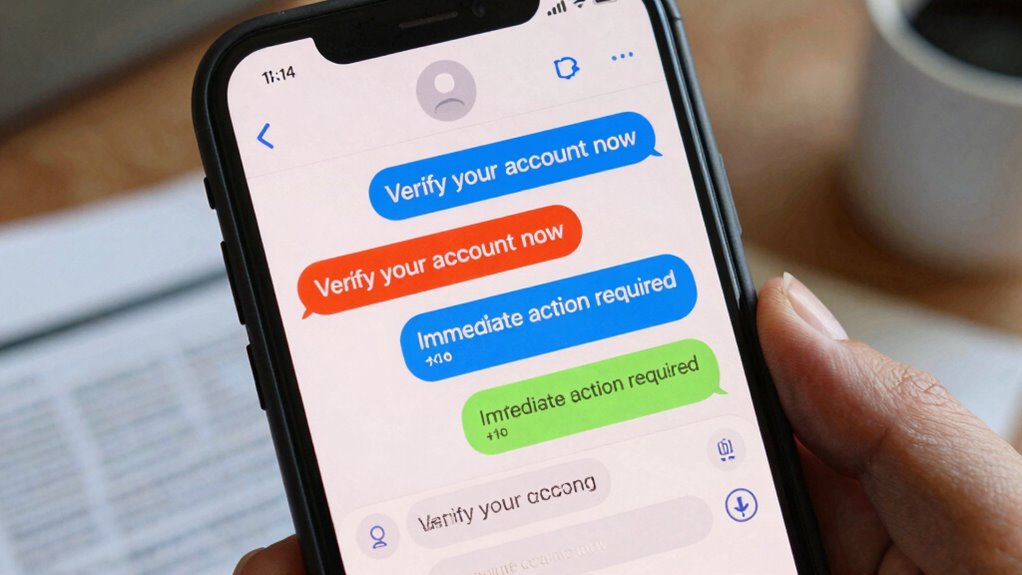

Scam messages often use red flags like urgent language, suspicious links, and unverified sender details to trick you. They try to create panic or pressure you into sharing personal info or clicking fake websites. Be wary of poor grammar, strange attachments, or requests for sensitive data from unknown sources. Recognizing these warning signs can help keep you safe, and if you stay alert, you’ll discover more tips on spotting scams quickly.
Key Takeaways
- Look for suspicious sender details and verify email addresses or phone numbers before trusting messages.
- Be cautious of urgent or threatening language designed to pressure quick responses.
- Avoid sharing personal or financial information unless you have confirmed the sender’s legitimacy.
- Check for poor grammar, strange attachments, or suspicious links indicating potential scams.
- Always contact organizations directly through official channels to verify requests instead of responding to suspicious messages.
What Are Scam Messages and How Do They Work?

Have you ever wondered how scam messages manage to deceive so many people? It all comes down to digital deception and scam psychology. Scammers craft messages that appear urgent, trustworthy, or tempting to lure you in. They manipulate your emotions and exploit common fears or desires, making it easy to overlook red flags. These messages often mimic legitimate sources, using familiar logos or language to build trust. By understanding how scam psychology works, you realize that scammers target human vulnerabilities rather than technical flaws. They rely on psychological tricks—like creating a sense of scarcity or fear—to prompt quick reactions. Recognizing these tactics helps you see through the deception, making it harder for scammers to succeed. Knowing what drives scam messages is your first step in protecting yourself. Additionally, being aware of social engineering tactics can provide you with more insights on recognizing deceptive tactics and protecting your online presence. To further defend yourself, understanding common scam tactics and their psychological basis can enhance your ability to spot and avoid scams before falling victim. Being aware of how scammers exploit human vulnerabilities allows you to stay more vigilant and cautious when encountering suspicious messages. Furthermore, understanding the role of psychological manipulation can help you identify when your emotions are being intentionally targeted to cloud your judgment.
How Can You Spot Common Scam Tactics and Red Flags?
You can spot scam tactics by paying attention to unusual sender details that don’t match known contacts. Be cautious of messages that use urgent or threatening language to pressure you into acting quickly. Also, watch out for requests for personal or financial information, which are common red flags in scams. Recognizing common scam tactics such as these can help you stay protected from fraud. Additionally, being aware of website performance metrics can aid in identifying suspicious activity, as scam messages often originate from compromised or fake sites designed to mimic legitimate ones. Monitoring website security indicators can further help in detecting fraudulent messages before they cause harm, especially when combined with an understanding of affiliate disclosure practices that ensure transparency and trustworthiness. Furthermore, staying informed about transaction monitoring/security features can empower you to recognize signs of unauthorized access or manipulation.
Unusual Sender Details
Unusual sender details are often the first clue that a message might be a scam. If the sender’s email address or phone number looks suspicious—such as random strings of characters, misspellings, or unfamiliar domains—it raises red flags about sender authenticity. Scammers often use fake or closely mimicked addresses to deceive you. To protect yourself, always verify the message’s origin before taking any action. Check if the sender’s details match official contact information from trusted sources. If something feels off, don’t hesitate to question the message’s legitimacy or seek confirmation through official channels. Remember, scammers rely on appearing legitimate, so verifying sender details is a vital step in message verification. Verifying sender details can significantly reduce the risk of falling victim to scams. Additionally, being aware of common scam tactics can further enhance your ability to identify fraudulent messages. Familiarity with website security practices also plays a crucial role in recognizing legitimate communication.
Urgent or Threatening Language
Scammers often use urgent or threatening language to pressure you into quick action without thinking. They want you to overlook warning signs and fall for their phishing tactics. Be wary of messages that create fear or panic, such as claiming your account will be shut down or legal trouble is imminent. This tactic boosts scam detection failure. Additionally, understanding Free Floating concepts can help you recognize when a message is intentionally vague or misleading. Recognizing these scam tactics and red flags helps you stay alert and avoid falling for scams. Always pause and verify before reacting, and be cautious of urgent language that pushes for immediate decisions without proper consideration. Being aware of context clues can further improve your ability to detect scam messages. Learning about common deception methods can also enhance your ability to identify suspicious communications before reacting.
Requests for Personal Info
Many scam messages ask for personal information by pretending to be legitimate organizations or urgent requests. These tactics often involve phishing emails or fake profiles designed to deceive you. To spot red flags, watch out for:
- Unsolicited requests for sensitive info, especially if they pressure you to act quickly.
- Emails or messages that mimic official branding but contain spelling errors or unusual email addresses.
- Suspicious links that lead to fake login pages or request personal details.
- Fake profiles that claim to be from trusted companies or authorities, asking for your data.
Always verify the sender’s identity before sharing any personal info. Remember, legitimate organizations rarely ask for sensitive information via email or messaging.
How Do Scammers Use Fake Sender Details and Phishing Links?
Fake sender details and phishing links are powerful tools scammers use to deceive you into trusting their messages. They often employ email spoofing, which makes it look like the message comes from a legitimate source. Without proper sender verification, you can’t easily tell if the email is genuine. Scammers may use familiar names or logos to appear trustworthy, tricking you into opening links or sharing sensitive info. Phishing links are crafted to mimic real websites, but they direct you to fake pages designed to steal your login details or install malware. Always scrutinize sender details carefully and verify the sender’s email address. Recognizing email spoofing techniques can help you identify suspicious messages early. Being aware of email spoofing methods enables you to better spot fraudulent communications. Additionally, understanding website security protocols can help you assess the legitimacy of links and websites. Remember, if something feels off, don’t click on suspicious links—double-check through official channels to protect yourself from scams. Understanding media literacy can help you recognize these deceptive tactics and stay safe online. Being aware of phishing techniques like fake sender details is crucial in preventing identity theft and financial loss.
How Can You Recognize Urgent or Pressure Tactics in Messages?
Scammers often use urgent language to push you into acting quickly without thinking. They may claim they’re authorities or use official-sounding phrases to gain your trust. Recognizing these tactics helps you stay calm and verify the message before responding. Being aware of common scam tactics can further strengthen your ability to identify and avoid fraudulent messages. Additionally, understanding user privacy and cookies can help you recognize when a message is trying to exploit your concern for skin health.
Urgency Language Prompts Action
Urgency language is a common tactic used to pressure you into quick decisions without careful thought. Scammers often use this to trigger emotional reactions, making you act before thinking. To spot these tactics, watch for:
- Time-sensitive messages—like “Act now!” or “Limited time offer,” which pressure you to respond immediately.
- Threats or penalties—such as “Your account will be suspended,” pushing fear to prompt quick action.
- Unsolicited requests for personal info—scam evolution shows scammers use urgency to steal data fast.
- Vague details or lack of official contact info—a sign that phishing techniques are at play to deceive you quickly.
Recognizing these red flags helps you avoid falling for scams that rely on urgency to manipulate your decision-making.
Unverified Authority Claims
Many scam messages claim they come from trusted authorities or organizations to pressure you into quick action. They often use fake authority or false credentials to seem legitimate. These messages might pretend to be from your bank, a government agency, or a well-known company, but they lack verifiable contact details or official branding. Be wary of anyone demanding urgent responses or asking for personal information, especially if they claim to be from a trusted source without proper verification. Scammers rely on this false authority to create a sense of credibility and urgency. Always double-check the sender’s credentials by contacting the organization directly through official channels. Remember, genuine authorities won’t pressure you into immediate decisions or requests for sensitive information.
What Are Signs of Unsolicited Requests for Personal Info?
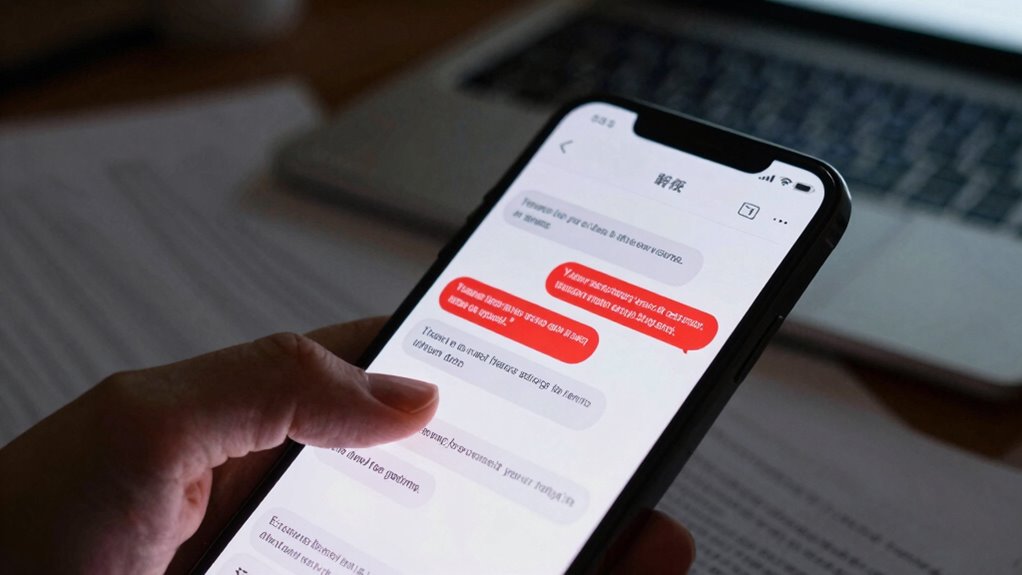
How can you tell if a request for personal information is suspicious? Scammers often use phishing techniques and mimic scam email patterns to trick you. Watch out for these signs:
- Unexpected requests from unknown senders asking for sensitive data.
- Urgent language demanding immediate action or threatening consequences.
- Emails that seem off, with generic greetings or inconsistent branding.
- Links or attachments that seem suspicious or don’t match official sources.
Scammers rely on convincing tactics to steal your info, so always verify the sender’s identity before sharing any details. If something feels off, don’t hesitate to ignore or delete the message. Being cautious helps you avoid falling for scams that prey on your trust.
How Can Poor Grammar and Suspicious Attachments Reveal Scams?

While spotting suspicious requests is vital, paying attention to the message’s language and attachments can also reveal scams. Poor grammar mistakes often slip into scam emails, signaling suspicious email signs. These errors show the sender may not be professional or genuine. Suspicious attachments, like unexpected PDFs or links, can contain malware or phishing sites. Look for inconsistencies in language, abrupt requests, or unusual formatting.
| Grammar Mistakes | Suspicious Email Signs | Attachment Red Flags |
|---|---|---|
| Typos and errors | Urgent or threatening tone | Unexpected file types |
| Awkward phrasing | Unfamiliar sender | Strange filenames |
| Misspellings | Requests for personal info | Large, unsolicited files |
| Incorrect grammar | Odd language patterns | Suspicious links |
What Steps Should You Take to Protect Yourself From Scam Messages?

To protect yourself from scam messages, you should stay vigilant and verify the sender’s identity before responding or clicking any links. This helps prevent falling for scams. Additionally, consider these steps:
- Install reputable security software to detect and block malicious messages.
- Stay informed about common scam tactics by practicing scam awareness.
- Avoid sharing personal or financial information through suspicious messages.
- Confirm the legitimacy of unexpected requests by contacting the organization directly using official contact info.
What Should You Do If You Receive a Suspicious Message?
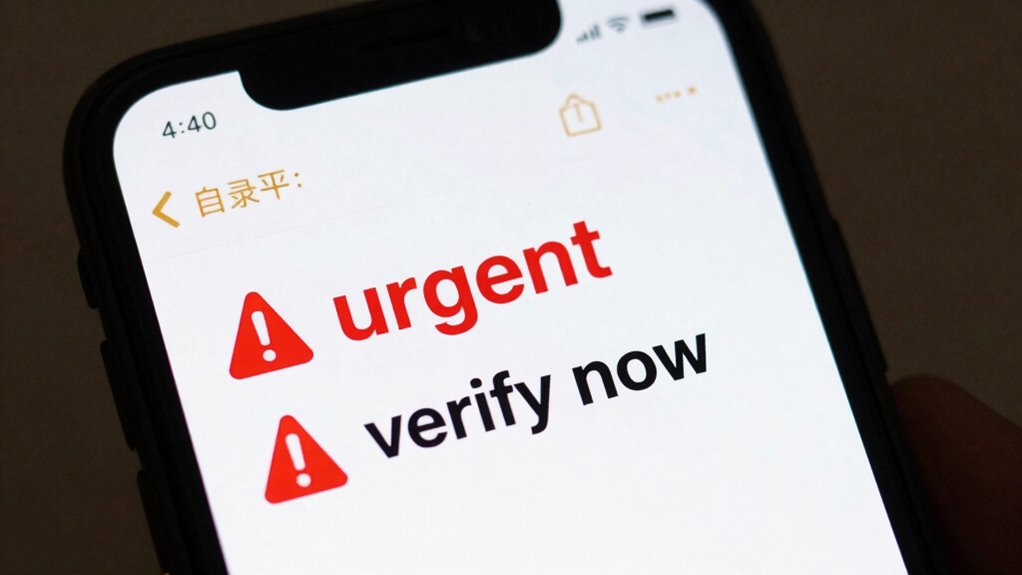
If you receive a suspicious message, it’s essential to stay calm and avoid responding or clicking any links. Recognize that email scams often use social engineering tactics to manipulate you into revealing personal information or transferring money. Don’t share sensitive details or download attachments from unknown sources. Instead, verify the sender’s identity through official channels—call the organization directly or log into their website. Report the message to your email provider or relevant authorities to help prevent others from falling victim. Remember, scammers rely on your reactions; staying cautious prevents them from succeeding. Trust your instincts, and when in doubt, delete the message. Protecting yourself from social engineering schemes is key to avoiding scams.
Frequently Asked Questions
How Can I Verify the Legitimacy of a Message Sender?
To verify a message sender’s legitimacy, check for signs of email spoofing by examining the email address closely. Use sender authentication tools like SPF, DKIM, or DMARC to confirm if the sender is genuine. Avoid clicking links or downloading attachments until you’re sure it’s legitimate. You can also contact the sender directly through another channel to verify the message’s authenticity, protecting yourself from potential scams.
What Are Common Signs of Scam Messages Targeting Businesses?
You should watch for signs like urgent language, unexpected requests for sensitive info, or links that seem suspicious. Scammers use phishing tactics and social engineering to manipulate you into revealing confidential data or clicking harmful links. Always verify sender identities independently, avoid sharing info immediately, and stay cautious of messages that pressure quick actions. Recognizing these tactics helps protect your business from potential fraud or data breaches.
How Often Do Scam Messages Use Malware or Viruses?
Imagine scam messages as malicious spiders weaving webs of malware distribution and virus propagation. You often encounter these digital traps, as scammers frequently use malware or viruses to infiltrate your systems. They craft messages that tempt you to click malicious links or attachments, spreading harmful software. While not every scam message contains malware, many do, making it essential to stay vigilant and avoid falling into their web.
Are There Specific Industries More Targeted by Scam Messages?
Yes, scam messages target the financial sector and healthcare industry most frequently. You’re more likely to receive phishing emails pretending to be banks or health providers, aiming to steal sensitive information. These industries hold valuable data, making them prime targets. Stay alert and verify any suspicious messages, especially when they request personal details or urgent actions, to protect yourself from scams designed to exploit these sectors.
What Legal Actions Can Victims Take Against Scammers?
You can pursue legal remedies like reporting scammers to authorities such as the FTC or local law enforcement. Victim support services are also available to help you navigate the emotional and financial impact. Filing a police report can lead to investigations and potential prosecution. Staying vigilant and documenting all interactions strengthen your case, ensuring you take proactive steps to protect yourself and seek justice against scammers.
Conclusion
So, next time a message screams “urgent” or asks for your secrets, remember it might just be a wolf in sheep’s clothing. Ironically, scammers often hide behind trusted names and perfect grammar—yet it’s the suspicious links and pressure tactics that give them away. Stay vigilant, trust your instincts, and avoid falling for their tricks. After all, the real scam is thinking you’re too smart to get caught—until you click that one suspicious link.