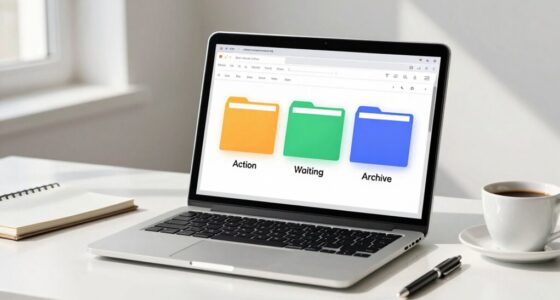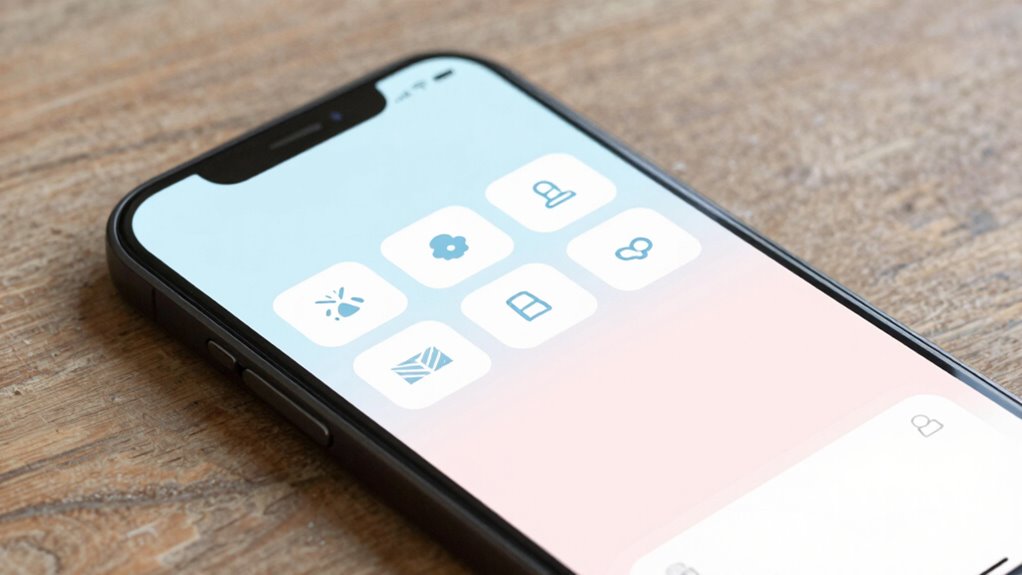

To reduce doomscrolling, opt for app layouts that promote mindful use. Look for designs that replace endless feeds with deliberate actions like tapping to load more content, and allow you to set boundaries such as notification limits or scheduled breaks. Visual cues like calming colors and gentle prompts encourage reflection, while customizable feeds give you control over what you see. Embracing these features helps create a healthier digital routine—discover how these approaches can transform your experience.
Key Takeaways
- Implement deliberate content loading, such as tap-to-load or scroll-by-steps, to promote intentional browsing.
- Design minimalist interfaces with reduced visual clutter to minimize overwhelm and encourage focused engagement.
- Incorporate user control features like customizable feeds, notification limits, and scheduled breaks to empower mindful use.
- Use calming visuals, gentle prompts, and reflection cues to foster awareness and reduce compulsive scrolling.
- Provide usage tracking tools that help users recognize patterns and develop healthier digital habits.
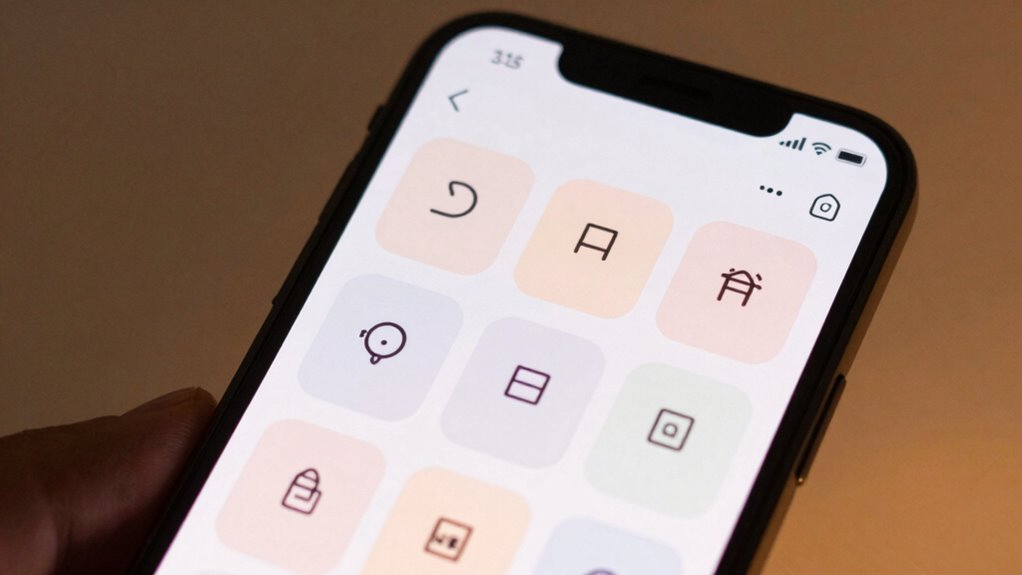
In today’s digital age, it’s easy to fall into the trap of endless scrolling, often leading to feelings of anxiety and exhaustion. Many apps are designed to keep you hooked, using relentless feeds and infinite scrolls that make it hard to step away. But some app layouts prioritize your well-being by incorporating mindful design principles that promote healthier habits. These layouts focus on giving you more control over your experience, so you can avoid the trap of doomscrolling and regain a sense of balance.
Mindful design is key here. Instead of overwhelming you with an endless stream of information, these layouts intentionally simplify the interface. They reduce visual clutter, making it easier for you to focus on what’s important. For instance, instead of auto-loading new content continuously, they might require you to actively tap a button to see more. This small change encourages you to be more deliberate with your time, turning mindless scrolling into a conscious choice. When you’re aware of your actions, you can better manage how much time you spend on these apps, reducing feelings of guilt or frustration that often come with losing track of hours.
Simplify your browsing with deliberate controls—tap to see more and focus on what truly matters.
User control is another essential element in these thoughtfully designed layouts. They empower you to set boundaries, such as limiting notifications or choosing when to refresh content. Some apps include features like scheduled breaks or reminders to step away after a certain period. Others offer customizable options that let you curate your feed, blocking out content that doesn’t serve your mental health. When you have control over what you see and how often you see it, you’re less likely to fall into that endless cycle of doomscrolling. Instead, you’re actively choosing how to engage, which fosters a healthier relationship with your device.
These layouts often incorporate calming visuals and gentle prompts that remind you to pause. For example, instead of a constant barrage of updates, you might see calming colors or encouraging messages that promote mindfulness. Some apps even provide tools to track your usage, giving you insight into your habits so you can make informed decisions. By designing with your mental health in mind, these layouts help you regain agency over your digital environment. They shift the experience from compulsive consumption to intentional engagement, making it easier to avoid the fatigue and anxiety associated with unmoderated scrolling. Additionally, content format can influence how engaging or overwhelming an app feels, which is why mindful design often focuses on optimizing these formats for well-being.
Ultimately, the most effective app layouts are those that respect your agency. With mindful design and user control at their core, they make it possible to enjoy your digital life without sacrificing your well-being. You get to decide when, how, and for how long you engage, fostering a healthier, more balanced relationship with technology.
Frequently Asked Questions
How Do I Customize the App Layout to Suit My Needs?
You can customize the app layout by exploring the personalization options available within the settings. Adjust the layout flexibility by rearranging or resizing elements to suit your preferences. Many apps let you choose themes, hide unnecessary features, or add shortcuts. Take a few moments to experiment with these options, creating a streamlined experience that helps you stay focused and reduces digital distraction tailored specifically to your needs.
Can This App Layout Be Used on Multiple Devices?
Like a well-choreographed dance, this app layout moves seamlessly across your devices. Yes, it supports cross-platform compatibility, so you can enjoy a consistent experience wherever you go. Device synchronization guarantees your settings and preferences stay in harmony, no matter if you’re on your phone, tablet, or computer. This fluid integration keeps your focus steady, helping you resist the siren call of endless scrolling across all your devices.
What Features Help Track My Digital Usage Habits?
You can track your digital usage habits with features like screen time monitoring and usage statistics. These tools help you see how much time you spend on your device and specific apps, making it easier to identify patterns. By reviewing these insights regularly, you can set limits and make mindful choices to reduce unnecessary scrolling. This way, you gain better control over your digital habits and improve your overall well-being.
Is the App Layout Compatible With All Operating Systems?
Yes, the app layout is compatible with all operating systems thanks to its cross platform compatibility. You can seamlessly use it on your smartphone, tablet, or computer without issues. Plus, device synchronization guarantees your usage data and settings stay consistent across all your devices. This means you can manage your digital habits effortlessly, no matter which device you’re using, making it a flexible and user-friendly tool.
How Often Is the App Layout Updated for New Features?
You’ll find that the app layout updates regularly to enhance UI responsiveness and introduce new features. The update frequency varies, but developers typically release updates every few weeks to ensure smooth performance and improved user experience. Stay alert for notifications, so you don’t miss important improvements. Frequent updates help keep the app relevant, fix bugs, and add features that reduce digital distraction, making your experience more seamless and engaging.
Conclusion
By redesigning app layouts to minimize endless scrolling, you can regain control over your time and mental space. Isn’t it time you took charge of your digital habits instead of letting them control you? With simple tweaks, you’ll find it easier to stay focused and enjoy your screen time more intentionally. Remember, small changes in how apps are built can lead to big improvements in your well-being. So, why not give it a try today?