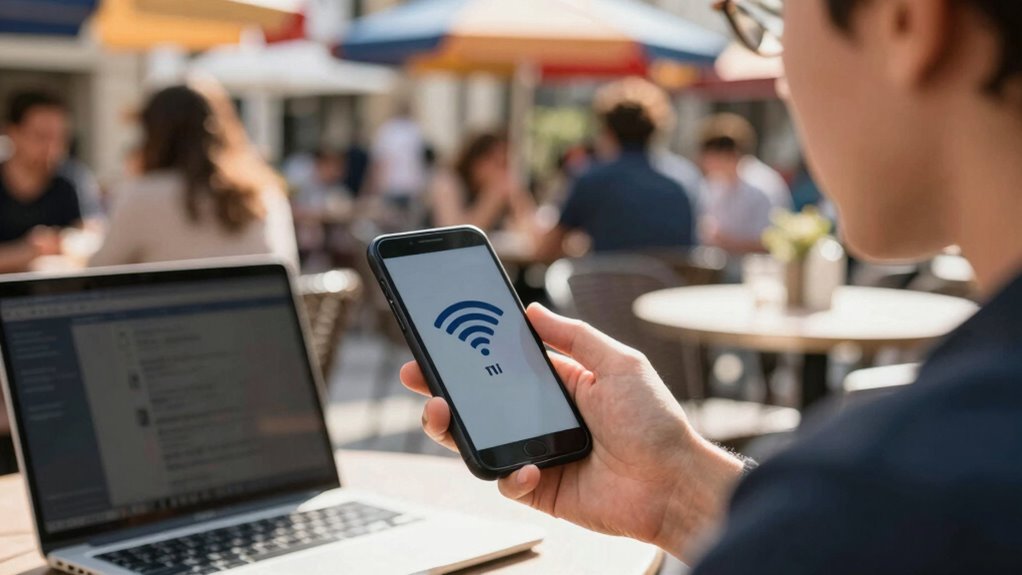

When connecting to public Wi‑Fi, always use a VPN to encrypt your data and prevent hackers from intercepting sensitive information. Avoid accessing banking or confidential accounts without additional security measures. Use strong, unique passwords and a reliable password manager to protect your accounts. Keep your device updates current and turn off sharing features and Bluetooth. Following these simple rules can keep you safe, and exploring more tips will help you stay protected in every situation.

Get health and wellness essentials delivered free — and shop member deals
- Fast, free delivery on millions of items
- Access to Prime Big Deal Days deals on October 6–7
- Prime Video, Amazon Music and more included
Key Takeaways
- Use a reputable VPN to encrypt your internet traffic and protect sensitive data on public Wi‑Fi.
- Avoid reusing passwords; utilize a password manager to create and store strong, unique passwords for each account.
- Keep your device’s software, apps, and security features updated to patch vulnerabilities.
- Connect only to secured, password-protected networks and disable sharing features when not in use.
- Limit data sharing and stay alert to network security status to prevent potential cyber threats.
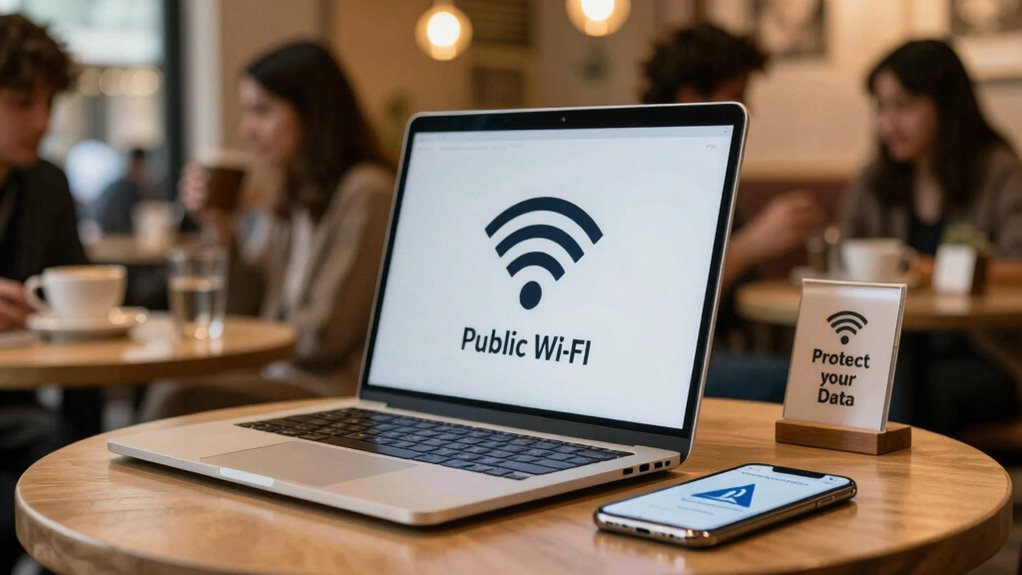
Using public Wi‑Fi can be convenient, but it also exposes your devices and personal information to security risks. When you connect to an open network at a coffee shop, airport, or hotel, you’re essentially making yourself vulnerable to hackers who are lurking nearby. They can intercept your data, access your accounts, or even infect your device with malware. That’s why adopting simple, effective safety practices is vital to protect yourself and your information.
One of the most effective steps you can take is using a VPN, or Virtual Private Network. A VPN encrypts all the data sent between your device and the internet, making it unreadable to anyone trying to snoop. When you activate a VPN, even if someone manages to intercept your traffic, they won’t be able to decipher it. This extra layer of security helps safeguard sensitive information like passwords, banking details, and personal messages. It’s especially important when you’re handling confidential work documents or online banking on public networks. Don’t forget to choose a reputable VPN provider; free services might compromise your privacy or lack the strong encryption you need.
Alongside VPN usage, managing your passwords wisely is equally essential. When you’re on public Wi‑Fi, avoid using the same password across multiple sites, as a breach on one platform can cascade into others. Use a password manager to generate and store complex, unique passwords for each account. This way, you don’t have to remember dozens of passwords; your manager does that for you securely. Strong, unique passwords make it much harder for hackers to guess or crack your accounts if they attempt to access your data via public networks. Remember, weak or reused passwords are an open invitation for cybercriminals to take over your accounts.
Additionally, always make sure your device’s security features are enabled. Keep your operating system, apps, and security software up to date, as updates often patch vulnerabilities that hackers exploit. Turn off sharing options, Bluetooth, and file-sharing services when not in use to minimize potential entry points for cyber threats. If possible, connect only to secured networks that require a password, rather than open networks that anyone can join. Regularly updating your device security settings can further reduce vulnerabilities and help protect your data from emerging threats.
As an affiliate, we earn on qualifying purchases.
Frequently Asked Questions
Can Public Wi‑Fi Be Used for Online Banking Securely?
You can use public Wi-Fi for online banking if you guarantee your connection is secure. Look for encryption protocols like WPA3, which protect your data. Avoid banking on open networks without additional safeguards. Use network segmentation by connecting through a trusted VPN, which isolates your device from potential threats. This way, your sensitive information stays encrypted and secure, making online banking safer even on public Wi-Fi.
How Do VPNS Protect My Data on Public Networks?
A VPN protects your data on public networks by using VPN encryption to secure your internet traffic. It creates a private tunnel, preventing hackers from intercepting sensitive information. Additionally, it performs data masking, hiding your real IP address and location. This makes it extremely difficult for anyone to track your activity or steal your data, giving you peace of mind when browsing, shopping, or banking on public Wi-Fi.
Are Public Wi‑Fi Hotspots Safe for File Sharing?
Public Wi-Fi hotspots aren’t safe for file sharing because of network encryption and file sharing risks. Imagine sending sensitive documents over an open network, only to have hackers intercept them. Without proper security, your files can be easily accessed or corrupted. Always avoid sharing files on public networks unless you use a secure connection or VPN, which adds an extra layer of protection and keeps your data safe from prying eyes.
What Are the Signs of a Compromised Wi‑Fi Network?
You’ll notice signs of a compromised Wi-Fi network through network anomalies like sudden drops in connection, unusual data activity, or slow speeds. Unauthorized access might be evident if unknown devices appear connected or if you see strange login prompts. Stay alert for these signs, as they indicate potential security breaches, and always disconnect if you suspect the network has been compromised to protect your data.
Should I Disable Wi‑Fi When Not in Use in Public Places?
Think of your device as a house with an open door. When you’re not using public Wi-Fi, disabling Wi-Fi is like locking that door to keep unwanted visitors out. It also helps conserve your battery, so you can stay connected longer when needed. So, yes, Wi-Fi disabling when not in use boosts your security and battery life, making your device safer and more efficient in public places.
password manager for Windows/Mac
As an affiliate, we earn on qualifying purchases.
As an affiliate, we earn on qualifying purchases.
Conclusion
Just like the Trojan Horse hidden within the walls of Troy, public Wi-Fi can secretly threaten your security if you’re not careful. By following simple rules—using VPNs, avoiding sensitive transactions, and forgetting networks after use—you stay one step ahead of cyber threats. Remember, the digital battlefield is constantly evolving, and staying vigilant is your best defense. Protect yourself, and don’t let your data be the next unwelcome victory in the enemy’s hands. Stay safe out there.
As an affiliate, we earn on qualifying purchases.
As an affiliate, we earn on qualifying purchases.
Fall Picks
fall essentials
As an affiliate, we earn on qualifying purchases.