Setting up two-factor authentication (2FA) adds an important extra layer of security to your online accounts, making it harder for hackers to access your personal info. By enabling options like authentication apps, biometric scans, or hardware tokens, you protect yourself even if your password gets stolen. It’s best to activate 2FA early for your most sensitive accounts. Staying proactive with 2FA can save you time, stress, and headaches down the line—you’ll learn more about how to set it up effectively.
Key Takeaways
- Enable 2FA immediately on sensitive accounts to add an extra security layer and prevent unauthorized access.
- Choose secure methods like authenticator apps, hardware tokens, or biometric options for reliable protection.
- Properly set up and manage backup codes or devices in offline safes to ensure quick recovery if needed.
- Regularly review and update your 2FA settings and backup information to maintain optimal security.
- Activating 2FA early reduces risks of hacking, data breaches, and identity theft later.
What Is Two-Factor Authentication and Why Is It Important?

Have you ever wondered how to better protect your online accounts? That’s where two-factor authentication (2FA) comes in. It enhances password security by requiring a second form of verification beyond just your password. This process strengthens user authentication, making it much harder for hackers to gain access. Instead of relying solely on a password, 2FA adds an extra layer, such as a code sent to your phone or a fingerprint scan. This way, even if someone steals your password, they can’t get in without the second factor. Implementing 2FA is one of the simplest yet most effective ways to safeguard your digital life. It’s designed to keep your accounts secure and give you peace of mind. Utilizing two-factor authentication is a smart tip for career change and travel planning, ensuring your personal information remains protected as you navigate new opportunities. Additionally, understanding security measures like hardware tokens can further enhance your account protection. For example, choosing secure authentication methods can significantly reduce the risk of unauthorized access. Employing security protocols like multi-factor authentication is essential in today’s digital landscape.
How Does 2FA Protect Your Online Accounts?
Two-factor authentication protects your online accounts by adding an extra hurdle for anyone trying to access them without permission. Even if someone steals your password, they still need a second factor, like biometric authentication, such as fingerprint or facial recognition, to get in. This makes unauthorized access markedly harder. Additionally, integrating your 2FA with a password manager enhances security by storing all your login details securely and prompting for the second factor only when needed. This seamless setup ensures you don’t rely solely on your password, which might be weak or reused elsewhere. Using multi-layered security further increases your protection against potential breaches. Implementing authentication protocols is a crucial step in safeguarding your digital identity. Incorporating security best practices helps maintain overall account integrity. Employing encryption methods also adds an extra layer of protection to your data during transmission. Overall, 2FA acts as a vital safety net, making it much more difficult for hackers to breach your accounts, even if they have some of your login information.
What Are the Different Types of 2FA Methods?
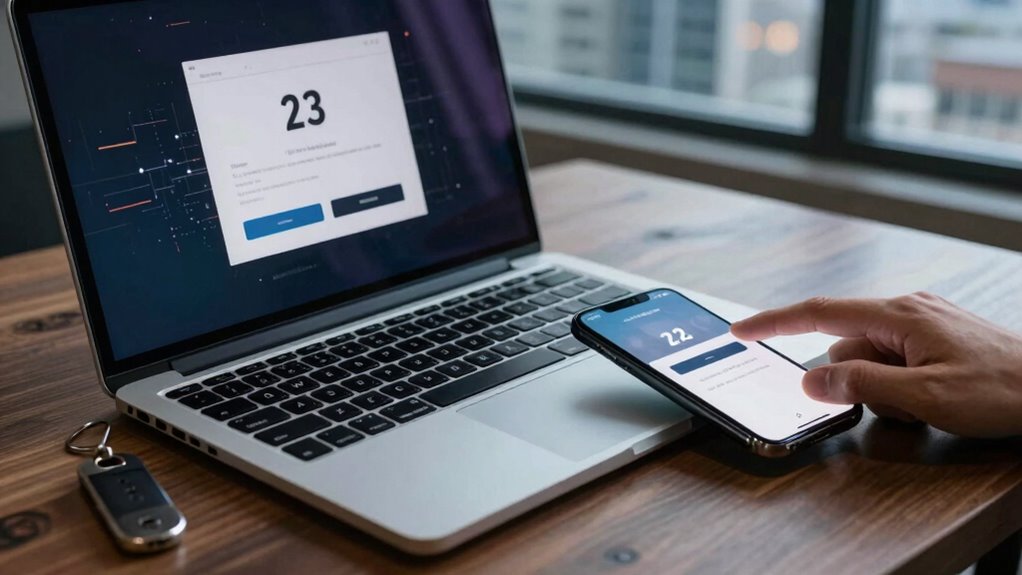
There are several common types of 2FA methods that you can use to strengthen your account security. One popular option is biometric authentication, which includes fingerprint scans, facial recognition, or iris scans. These biometric options are convenient because they rely on unique physical traits, making them hard to imitate. Another widely used method involves hardware tokens, small physical devices that generate one-time codes. Hardware tokens provide an extra layer of security because even if someone has your password, they need the physical device to access your account. Some platforms also use authenticator apps that generate time-sensitive codes. Understanding security protocols and how these different 2FA methods work can help you evaluate their effectiveness and suitability for your needs. Implementing encryption standards ensures the data transmitted during authentication remains protected from potential breaches. While these options differ in convenience and security, using any of them considerably reduces the risk of unauthorized access. Additionally, incorporating security best practices techniques can help you better understand and implement secure authentication practices.
How to Enable 2FA on Your Favorite Platforms

Enabling 2FA on your favorite platforms is straightforward; just follow their setup instructions to activate it. You’ll need to set up an authentication app or receive codes via text or email. Managing your authentication apps guarantees your account stays secure and easily accessible. Incorporating traditional techniques and materials in your setup can further enhance security and authenticity. Additionally, understanding cookie categories helps you manage your privacy preferences effectively. Being aware of home soundproofing techniques can also help you create a quieter and more comfortable environment in your living space. Exploring diverse regional cultural activities can enrich your understanding of local traditions and history. Moreover, user consent management allows you to tailor your browsing experience and control your privacy settings.
Setting Up 2FA
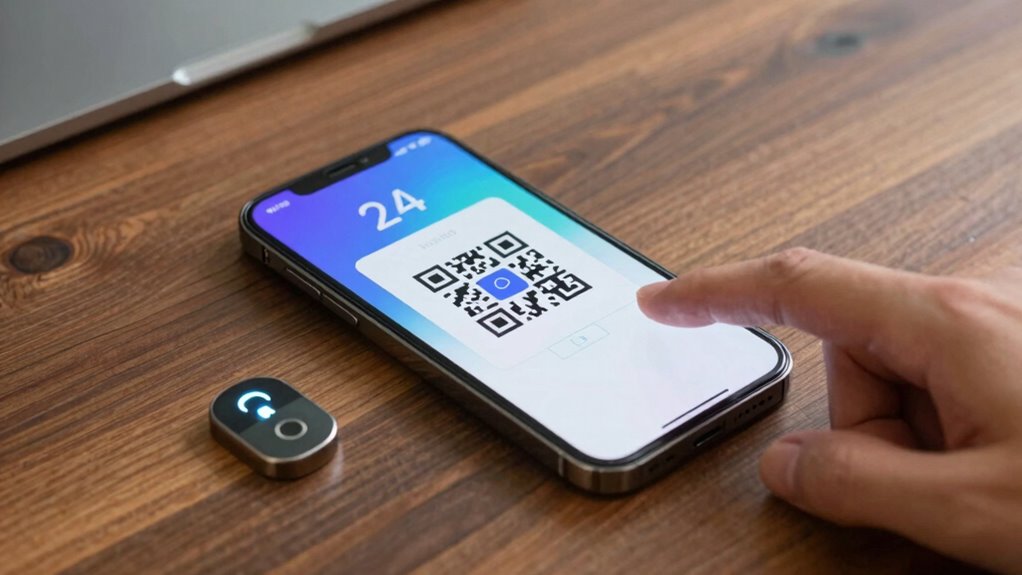
Have you ever wondered how to add an extra layer of security to your online accounts? Setting up 2FA is straightforward. First, log into your account’s security settings, then choose the option to enable two-factor authentication. Many platforms now offer biometric options, allowing you to use fingerprint or facial recognition for quick access. Alternatively, you can opt for hardware tokens, which generate unique codes without relying on your phone or internet connection. Follow the platform’s instructions to link your preferred method. Usually, you’ll need to scan a QR code with an authentication app or register your hardware token. Once set up, the next time you log in, you’ll be prompted to verify your identity with your chosen method, adding a crucial layer of protection. Recognizing the importance of strong authentication methods underscores the need for multiple layers of security to safeguard your digital presence. Understanding how these security measures are rooted in skepticism regarding online threats can help you appreciate their importance. For example, security best practices emphasize the value of multi-factor authentication in preventing unauthorized access. Being aware of device and platform limitations can help you choose the most effective security options for your needs. Additionally, staying informed about emerging security technologies can further enhance your account protection.
Managing Authentication Apps
After setting up your preferred 2FA method, managing authentication apps becomes straightforward. You can easily update, organize, or troubleshoot your apps to assure seamless security. Most platforms allow you to link biometric authentication, such as fingerprint or facial recognition, for quick access. Regularly review your saved accounts to prevent clutter and improve password management. To help you stay organized, here’s a quick reference:
| Platform | Authentication App | Tips |
|---|---|---|
| Google Authenticator | Enable biometric for faster login | |
| Authy | Backup codes stored securely | |
| Amazon | Duo Mobile | Use app for multi-device compatibility |
| Apple ID | 2FA via Settings | Manage trusted devices and biometric options |
| Microsoft | Microsoft Authenticator | Keep app updated for security patches |
Additionally, understanding the importance of strong, unique passwords can further enhance your overall security posture. Staying on top of your security measures and your authentication apps ensures your accounts stay protected effortlessly.
Troubleshooting Common 2FA Setup Problems
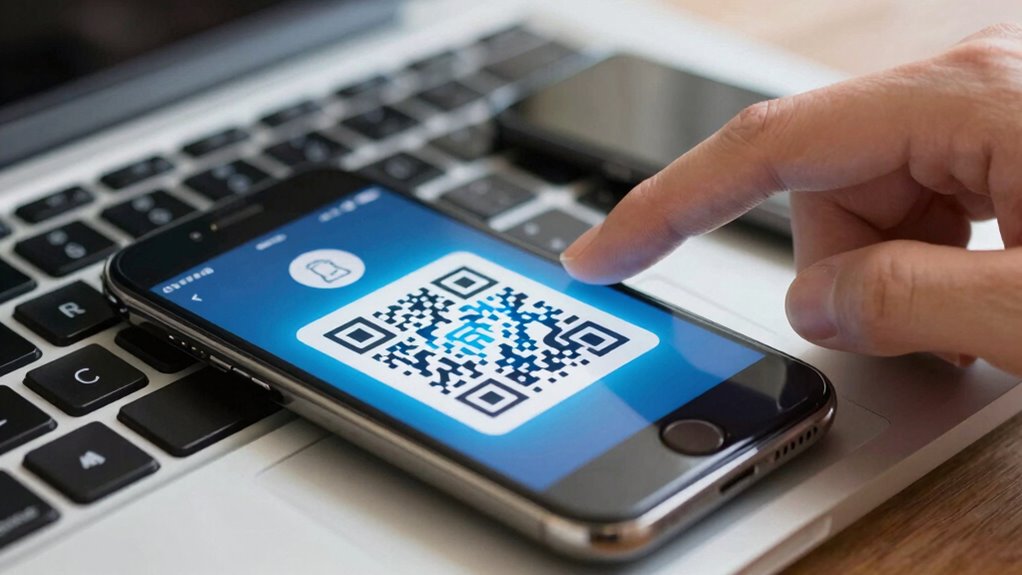
When setting up two-factor authentication, issues can sometimes arise that block your progress. Don’t worry—most problems are fixable. First, confirm your device’s time is synchronized; mismatched clocks can prevent code recognition. Second, if your authentication app isn’t generating codes, try reinstalling it or switching to biometric alternatives if available. Third, consider hardware token options like YubiKey if app-based methods fail. Fourth, if you lose access, check if the service offers backup options or recovery codes. Sometimes, hardware tokens or biometric authentication can serve as reliable alternatives, bypassing common app issues. Troubleshooting these steps can help you restore access quickly and keep your account secure.
Managing 2FA Devices and Backup Codes Safely

To keep your 2FA secure, you need to use safe storage practices for your backup codes and devices. Managing these codes carefully guarantees you won’t lose access if a device is lost or damaged. Planning device shifts helps you stay protected without interruptions.
Secure Storage Practices
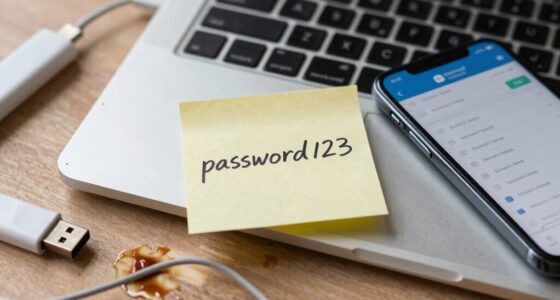
Managing your 2FA devices and backup codes securely is vital to maintaining your account protection. To do this effectively, focus on safe storage practices. First, use strong password management tools with data encryption to keep your backup codes and device details secure. Second, avoid storing backup codes in plain text files or unprotected digital notes. Third, consider physical safes or secure offline locations for printed backup codes or device recovery info. Fourth, regularly review and update your storage methods to guarantee ongoing security. Remember, protecting your 2FA setup is essential, and proper storage minimizes risks of unauthorized access. By following these steps, you guarantee your backup data remains private, safe, and readily available when needed, strengthening your overall account security.
Backup Code Management
Are you confident that your backup codes and 2FA devices are stored securely? Proper management is essential for smooth password recovery and emergency access. Keep backup codes in a secure, offline location, like a locked safe or encrypted digital vault. Avoid storing them in easily accessible places or online notes that could be compromised. Regularly review and update your backup codes, especially after device changes. When managing multiple devices, label backup methods clearly to prevent confusion during urgent situations. Remember, backup codes are your last resort if your primary device is lost or inaccessible. Protect these codes just as carefully as your passwords, ensuring you can regain access quickly without compromising security. Proper backup code management safeguards your accounts and peace of mind.
Device Transition Strategies
Switching your 2FA devices and backup codes requires careful planning to prevent losing access. First, identify all devices you use for biometric authentication or hardware tokens. Next, follow these steps:
- Update your accounts with new device details before removing old ones.
- Save backup codes securely in a safe location, avoiding digital clutter.
- Transfer hardware tokens carefully, ensuring they’re registered correctly on new devices.
- Test each account with the new setup to confirm access before deleting old authentication methods.
When Should You Enable 2FA for All Your Accounts?
Ever wonder when it’s the right time to enable two-factor authentication across all your accounts? The answer hinges on your cybersecurity awareness and how effectively you manage passwords. If you’re handling sensitive information like banking, email, or work accounts, turn on 2FA immediately. Even for social media or shopping sites, enabling 2FA adds an extra layer of security. This is also the moment to review your password management techniques; strong, unique passwords combined with 2FA make it harder for hackers to access your accounts. Don’t wait until you’re targeted or notice suspicious activity. Proactively enabling 2FA across your most critical accounts helps protect your digital life and keeps your personal info safe. The sooner, the better.
How 2FA Prevents Account Takeovers and Identity Theft

Have you wondered how 2FA effectively blocks hackers from taking over your accounts? It adds a second layer of security that makes unauthorized access much harder. Here’s how it helps:
- Unique Verification Methods: 2FA uses codes, biometric data, or security tokens that aren’t easily stolen.
- Mitigating Biometric Vulnerabilities: While biometrics are convenient, they aren’t foolproof—2FA reduces risks even if biometric data is compromised.
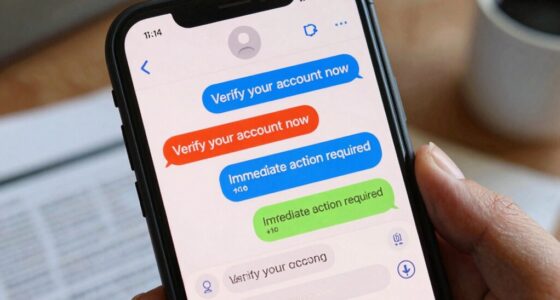
- Preventing Social Engineering Attacks: Even if hackers trick you into revealing passwords, they still need the second factor to access your account.
- Stopping Account Takeovers and Identity Theft: By requiring multiple verification steps, 2FA makes it nearly impossible for hackers to impersonate you or steal your identity.
Tips for Staying Secure Even When Using 2FA
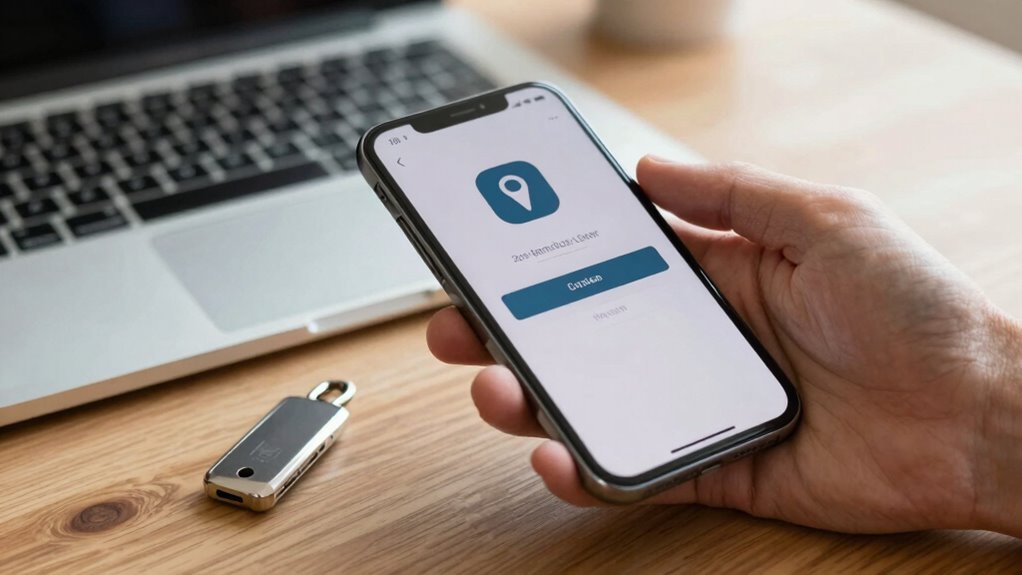
While 2FA markedly boosts your account security, it’s not foolproof on its own. To stay secure, prioritize good password hygiene and stay alert to phishing attempts. Use strong, unique passwords for each account and avoid reusing them. Be cautious of suspicious links or messages asking for your verification codes. Here’s a quick guide:
| Best Practices | Why It Matters |
|---|---|
| Keep backup codes secure | Prevent lockout if your device is lost or compromised |
| Enable app-based 2FA | More secure than SMS codes |
| Regularly update passwords | Reduces risk if your credentials are leaked |
Frequently Asked Questions
Can 2FA Be Bypassed by Hackers?
Yes, hackers can sometimes bypass 2FA due to security vulnerabilities like phishing or SIM swapping. They exploit weaknesses in alternative authentication methods, such as SMS codes or app-based tokens, to gain access. While 2FA considerably enhances security, it’s not foolproof. To stay protected, use more secure options like hardware tokens or authentication apps, and stay vigilant against social engineering attacks that target your authentication process.
Is 2FA Necessary for All Types of Accounts?
Think of 2FA like a sturdy lock on your door—it’s essential for all your accounts, especially those holding sensitive info. It boosts account security and is worth the small effort for user convenience. While some accounts might seem less critical, using 2FA everywhere minimizes risks. Just like locking your door, enabling 2FA keeps hackers out, giving you peace of mind and better protection across all your digital spaces.
What Are the Risks of Losing 2FA Devices?
Losing your 2FA device can pose risks to your account security. Without it, you might face difficulties with device recovery or account recovery, delaying access. You should prepare by setting up backup options, such as recovery codes or alternate contact methods. This way, if your device is lost or stolen, you can quickly regain access and prevent unauthorized entries, ensuring your accounts stay protected.
How Often Should I Update My 2FA Settings?
You should update your 2FA settings at least once a year to follow best practices, especially if you notice any security concerns or device changes. Regular updates help guarantee your accounts stay protected from potential breaches. If you lose a device or suspect compromise, update your 2FA immediately. Staying proactive with your update frequency keeps your security measures current, reducing risks and maintaining peace of mind.
Are There Any Privacy Concerns With 2FA Apps?
Think of 2FA apps as locked treasure chests; they hold your secrets tightly. While they boost security, be aware of privacy implications, as some apps request extensive permissions—like a curious guardian. Always scrutinize app permissions before installation, and choose trusted sources to guarantee your data isn’t exposed like an open book. Staying cautious helps you enjoy the security without risking privacy breaches.
Conclusion
By setting up two-factor authentication, you’re building a fortress around your digital life—each layer a sturdy wall that keeps intruders out. Think of it as locking your front door and securing every window, so no one slips in unnoticed. When you enable 2FA, you’re planting a beacon of security that shines even in the darkest cyber nights. Stay vigilant, stay protected, and let your defenses stand tall against threats lurking in the shadows.