When Wi-Fi goes down, your smart lock can still keep working thanks to local control options like keypad, Bluetooth, or physical key backups. It operates on batteries and often includes backup power sources, ensuring continued access. Manual overrides, such as emergency keys or thumb turns, let you lock or release your door without internet. To stay confident in your home’s security during outages, understanding these backup features is essential—continue exploring to learn more.

Get health and wellness essentials delivered free with Prime
- Fast, free delivery on millions of items
- Prime Video, Amazon Music and more included
- Member-only deals all year
Key Takeaways
- Smart locks can operate via local controls like keypads, biometric scanners, or physical keys during Wi-Fi outages.
- Battery backups ensure the lock remains functional even when power or internet is unavailable.
- Manual override options, such as mechanical keys or emergency release mechanisms, provide offline access.
- Some smart locks use Bluetooth, Z-Wave, or cellular connectivity to maintain remote control without Wi-Fi.
- Regular testing of backup methods and understanding manual procedures enhance security during connectivity failures.
smart lock with keypad and Bluetooth
As an affiliate, we earn on qualifying purchases.
As an affiliate, we earn on qualifying purchases.
How Do Smart Locks Work Without Wi-Fi?
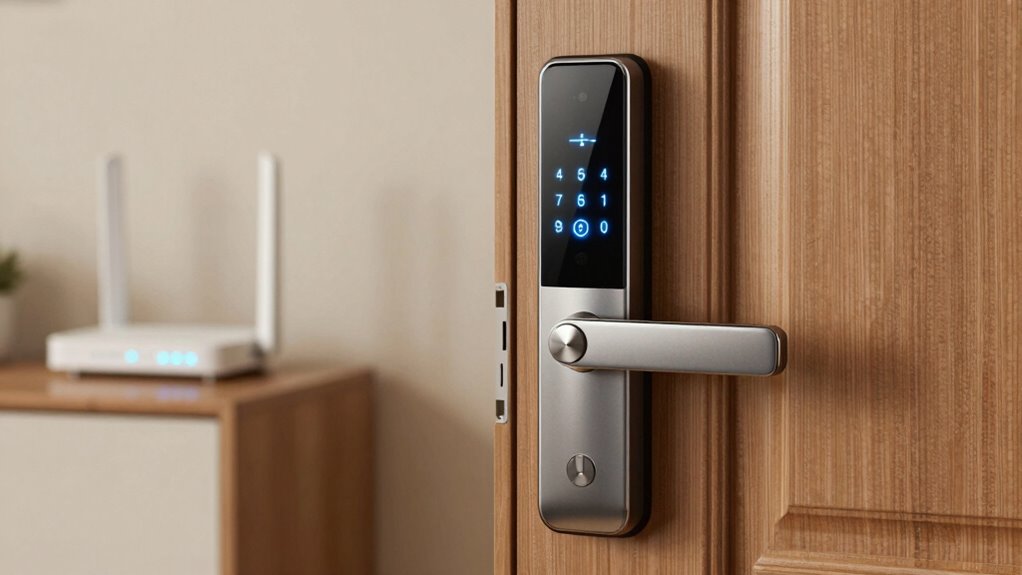
Even without Wi-Fi, smart locks can still operate effectively by relying on alternative communication methods. Many smart locks feature battery power, allowing them to function independently of internet connectivity. This guarantees you can still lock or open your door using local control options like a keypad, biometric scanner, or physical key. When Wi-Fi is down, the lock’s internal mechanisms respond to direct commands from these local controls, bypassing the need for an online connection. The battery power keeps the lock operational, providing peace of mind even during outages. Additionally, understanding backup control methods ensures you’re prepared for any connectivity issues. Having a physical key backup is especially useful in emergencies or when electronic controls fail. This multi-layered approach aligns with security best practices, ensuring your home remains protected regardless of connectivity status. Recognizing power independence highlights how smart locks can maintain functionality without relying solely on internet access. So, your smart lock remains functional, secure, and easy to use, regardless of internet status.
As an affiliate, we earn on qualifying purchases.
What Are Your Backup Options If Your Smart Lock Loses Wi-Fi?
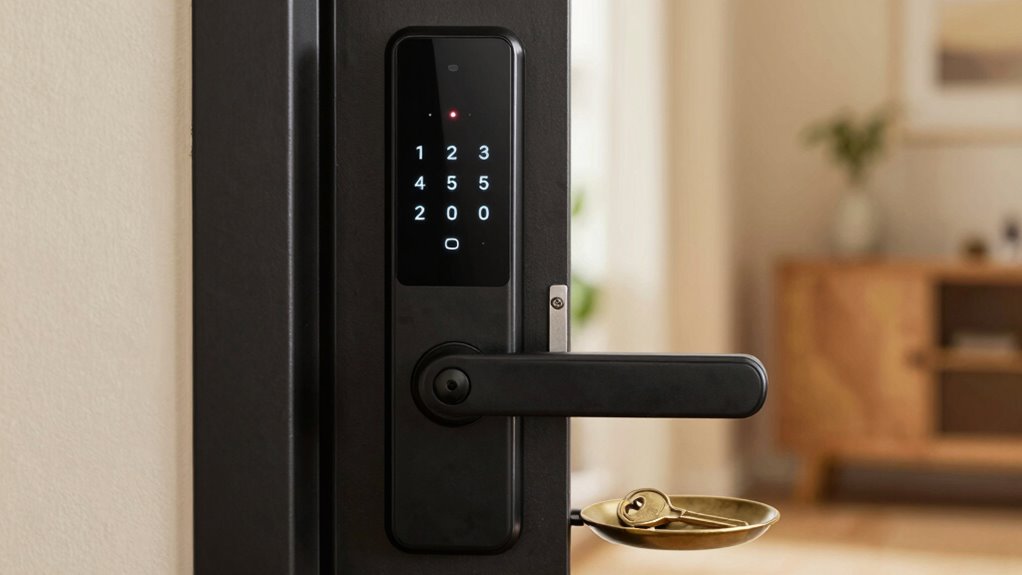
When your smart lock loses Wi-Fi, you still have reliable ways to access and control your door. Many smart locks come with a battery backup that guarantees they keep functioning during power outages or Wi-Fi disruptions. This backup allows you to lock or unlock your door manually or via touchscreen, depending on the model. Additionally, some smart locks use cellular connectivity as a fallback, enabling remote access even when Wi-Fi is down. If your lock supports cellular backup, you can often control it through an app or receive alerts about its status. Incorporating traditional keys or mechanical overrides ensures you can maintain access regardless of connectivity issues, providing peace of mind during technical failures. Moreover, selecting a smart lock with robust security features can help protect your home from potential vulnerabilities during network outages. Having these options in place ensures reliable access, especially since the role of cryptid sightings in popular culture can influence perceptions and folklore associated with mysterious creatures. These Backup options ensure you can maintain access regardless of connectivity issues.
As an affiliate, we earn on qualifying purchases.
Can You Lock and Unlock Your Smart Lock During Wi-Fi Outages?
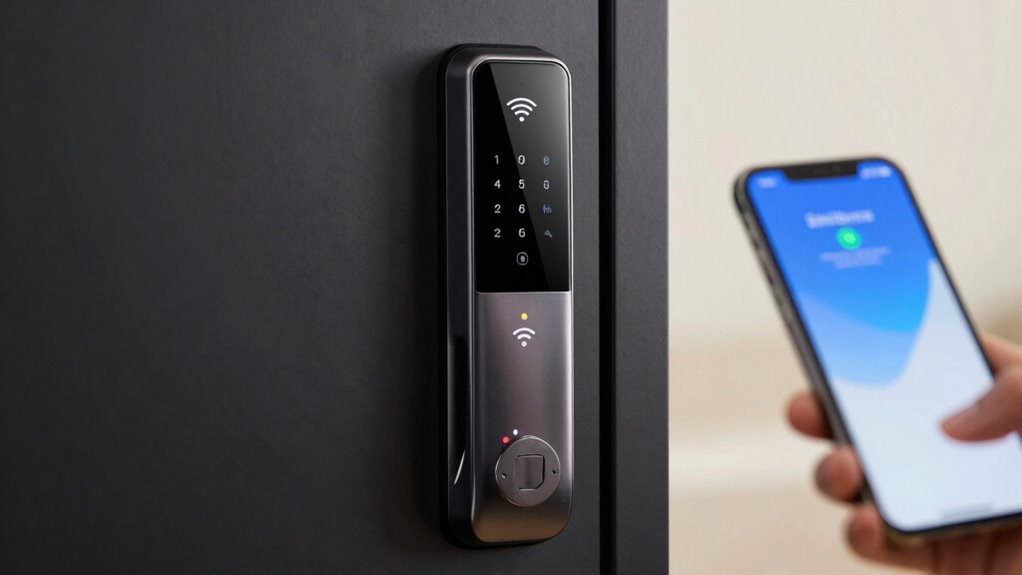
Even during Wi-Fi outages, you still need to secure and unsecure your smart lock. Many models offer manual locking options or backup features to keep your home secure. These options guarantee you can maintain control, no matter the internet connection. Incorporating backup power sources can further ensure your smart lock remains operational during outages. Additionally, understanding smart lock functionality during outages can help you prepare for unexpected disruptions. Being aware of manual override mechanisms can provide extra peace of mind when digital systems fail. Familiarizing yourself with interruption procedures can also help you respond swiftly and confidently in emergency situations. Recognizing the importance of reliable security components can enhance your preparedness during power or connectivity issues.
Manual Locking Options
Many smart locks include manual locking options, allowing you to lock or open your door without relying on Wi-Fi or a smartphone app. You can use a keypad entry to disengage the door if the electronic system is offline, guaranteeing access remains available. Additionally, most smart locks feature a mechanical key backup, giving you a traditional method to disengage your door when electronic methods aren’t working. These manual options are essential during Wi-Fi outages or power failures, so you won’t be locked out or unable to secure your home. Proper piercing care and hygiene practices help prevent infections and ensure your manual locking options remain effective when needed. Being aware of accessibility features can also assist family members or guests in managing lock functions during emergencies. Knowing the location and operation of these manual backups ensures you can maintain security even during technical failures or outages. Staying informed about backup power options can further enhance your preparedness in unexpected situations.
Smart Lock Backup Features
Can you lock and open your smart lock during Wi-Fi outages? Yes, many smart locks include backup features that keep you secure. These often rely on:
- Battery Power – A backup battery ensures your lock functions even if power or Wi-Fi fails.
- Keyed Entry – Some models still offer traditional key access as a fail-safe.
- Local Encryption Protocols – Secure, encrypted Bluetooth or Z-Wave signals allow you to access without internet.
- Manual Locking – Many smart locks have a physical thumb turn or keypad for quick access during outages.
Additionally, encryption protocols play a crucial role in maintaining your lock’s security during offline access. These backup options depend on good battery life and robust encryption protocols, guaranteeing your lock remains secure and accessible even when Wi-Fi is down. Ensuring Safe and Effective Solar System Design
As an affiliate, we earn on qualifying purchases.
Are There Smart Locks That Don’t Rely on Wi-Fi?

While Wi-Fi is common in smart locks, several models operate without relying on internet connectivity. These locks often use battery-powered systems paired with alternative methods like Bluetooth or Z-Wave, which don’t require Wi-Fi. Some models feature cellular connectivity, enabling remote access via a cellular network instead of internet. This means you can still secure or open your door even if your Wi-Fi goes down. Battery-powered smart locks are especially useful because they don’t depend on external power sources, making them resilient during outages. Offline operation is a key feature for ensuring consistent security and access control in all situations. Additionally, power sources such as batteries or backup systems can further enhance reliability during power failures. For added peace of mind, some locks incorporate backup power options to maintain functionality during extended outages. While these locks may have limited range compared to Wi-Fi-connected options, they provide reliable access control without needing an internet connection. This vintage audio approach highlights how older technologies can inspire modern innovations. If you want a smart lock that works independently of Wi-Fi, these options are worth considering.
How Can You Keep Your Home Safe When the Internet Is Down?
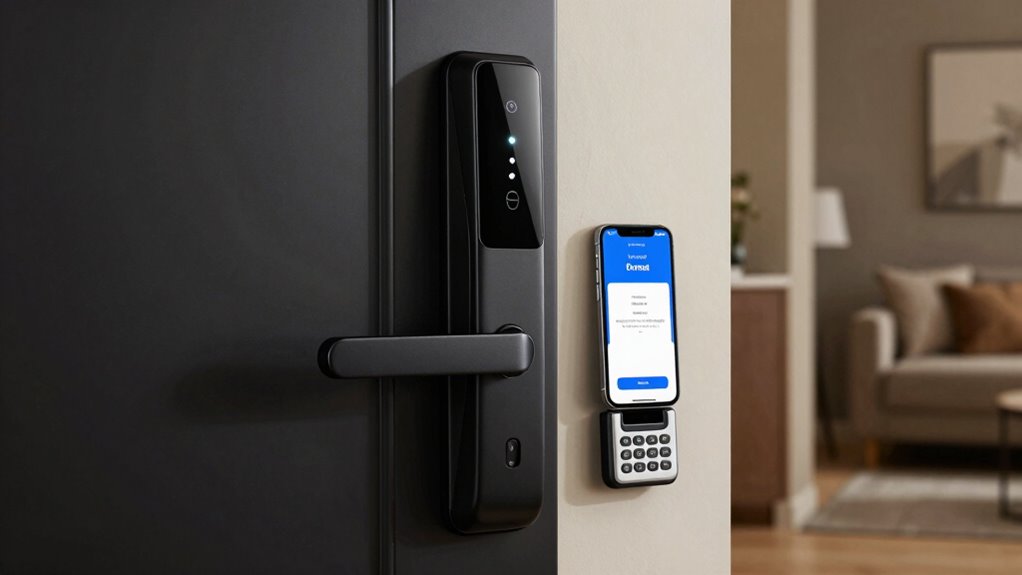
Even if your internet goes down, you still need reliable ways to access your home. Manual override options and alternative access methods guarantee you can get in without relying on Wi-Fi. Knowing these backup plans keeps your home secure no matter what. Incorporating smart lock solutions that support offline access can provide added peace of mind during outages.
Manual Override Options
When the internet goes down, manual override options become vital for maintaining access to your home. You need reliable methods like keyless entry or an emergency release to guarantee safety and convenience.
- Keep a physical key hidden nearby for quick access during emergencies.
- Use a manual lock override on the smart lock itself, if available.
- Familiarize yourself with the emergency release feature, often a hidden or separate mechanism.
- Install a backup power source to keep keyless entry functioning even during outages.
Having these options guarantees you won’t be locked out when Wi-Fi fails. It’s essential to review your lock’s manual to understand how to activate the emergency release and keep your home secure.
Alternative Access Methods
If the internet goes down, relying solely on your smart lock’s digital features can leave you stranded. That’s why it’s smart to have alternative access methods. Check your lock’s battery life regularly to guarantee it won’t die when you need it most. Many smart locks offer a backup power source or low-battery alerts. A physical key remains the most reliable backup, allowing you to open manually if digital options fail. Keep the key in a secure, accessible location, like a lockbox or with a trusted neighbor. Some smart locks also support keypad codes or biometric access, providing additional options during outages. These methods assure you can always enter your home, even when Wi-Fi or power is unavailable.
How to Choose a Wi-Fi-Resilient Smart Lock for Your Home

Choosing a Wi-Fi-resilient smart lock begins with understanding how it connects to your home network. Look for models that offer multiple communication options to guarantee continuous access.
- Check for built-in battery backup, so the lock remains functional during power outages.
- Opt for locks with cellular connectivity, providing remote access even when Wi-Fi is down.
- Consider locks with local control capabilities, such as Bluetooth or Z-Wave, for added reliability.
- Evaluate the lock’s firmware updates and security features to prevent vulnerabilities during connectivity issues.
Frequently Asked Questions
How Long Can a Smart Lock Operate Without Wi-Fi Connection?
Your smart lock can usually operate for months without Wi-Fi, depending on its battery life and usage. When the Wi-Fi goes down, you can still open it using the manual override feature, ensuring access remains secure. Keep an eye on the battery status; once it’s low, replace or recharge the batteries to maintain full functionality. This way, you won’t be barred out even if your Wi-Fi connection drops unexpectedly.
Are There Smart Lock Models With Cellular Backup Options?
Imagine your smart lock sitting there, silently begging for a cellular backup. Yes, some models do offer cellular backup, ensuring you’re not locked out during Wi-Fi failures. With offline access via cellular, you can still access your door even if the internet crashes. So, if you hate surprises like being locked out or needing a key, look for a smart lock with cellular backup. It’s peace of mind on demand.
Can I Remotely Control My Smart Lock During Wi-Fi Outages?
Yes, you can remotely control your smart lock during Wi-Fi outages if it has cellular backup or Bluetooth functionality. Always consider security concerns when enabling remote access, especially during outages. Make sure your lock’s app is updated, and you have alternative access methods like a keypad or physical key. This guarantees you maintain control while minimizing risks, even when Wi-Fi isn’t available.
What Are the Risks of Using Bluetooth-Only Smart Locks?
Using Bluetooth-only smart locks might seem like a simple fix, but it’s not without risks. You could face encryption vulnerabilities that hackers exploit, and your battery life concerns might leave you locked out when batteries die unexpectedly. Without Wi-Fi, remote access isn’t possible, making you vulnerable to being locked out in emergencies. You’re risking more than a minor inconvenience—your home security could be compromised, like leaving your fortress unguarded.
How Often Should I Update My Smart Lock’s Firmware for Security?
You should update your smart lock’s firmware as soon as security patches become available, ideally every few months. Regular firmware updates fix vulnerabilities, improve functionality, and enhance security. Check your lock’s app or manufacturer’s website frequently for updates. By staying current, you guarantee your smart lock remains protected against potential cyber threats and exploits, keeping your home secure and your smart lock functioning smoothly.
Conclusion
Even when Wi-Fi drops, your smart lock can still keep your home secure, like a sturdy fortress standing tall amidst a storm. By understanding backup options and choosing resilient models, you guarantee peace of mind no matter the internet’s mood swings. Remember, being prepared is your best defense—think of it as having an umbrella ready before the rain starts falling. Stay proactive, and your home will stay safe, no matter what.
Cold & flu season Picks
humidifiers
As an affiliate, we earn on qualifying purchases.